
- Title: Kittykat Flavour
- Listed: March, 2014
- Last modified: 03/12/2014 2:31 pm
- Version: 4.22 / 4.4
You must be logged for ROM download.
38270 total views, 1 today
117 Total favorites
 Member Info
DESCRIPTION
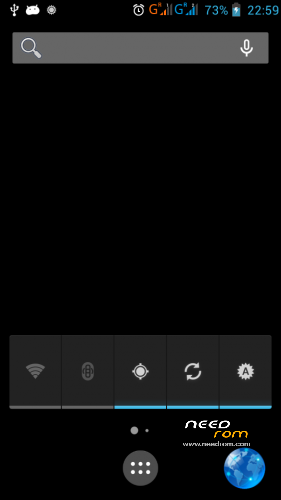
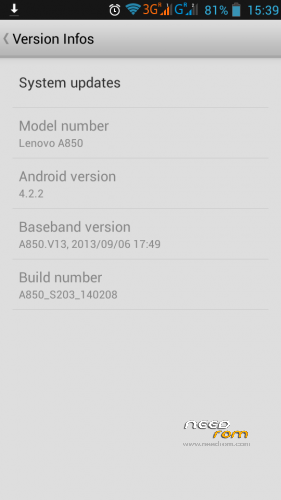
S203 based rom with Kittykat flavour (Android 4.4 launcher patched)
Locale2 is built-in
2 possibilities in order to flash this room
Lenovo_A850_S203_Kittykat_flavour.zip (348 MB) to be flashed with CWM recovery
or
A850_Kittykat_flavour_S203_with_CWM_FlashTools.zip to be flashed with Flashtools
NOTE: Some people are experiencing bootloops with the flashtool version. In any event the flashtool version will install the correct CWM recovery to your A850 and from there you can press VOL UP + DOWN at the same time followed by POWER to boot into CWM, then flash Lenovo_A850_S203_Kittykat_flavour.zip (which for your convenience you may want previously to copy to your SD card)
※Please make a backup of your device before installing or updating ROM
someone has tried it yet? give some comments plz. thanks.
Nop
Bootloop after flash using flashtool…
It isnt working …
Me too
Yeah bootloop, dont download, waste of bandwidth
Were you on a ROW image before?
If so you may need to follow instructions to move from ROW to Sxxx (google it but basically implies flashing twice)
not working….baaaaddddddddddd
Does what it does. To all those that can’t get the ROM to work, don’t blame the developer tards. I am running smoothly on my lenovoa850
May I know how did you do it? Yeah, you're running it smoothly but care help us and tell us how you did it?? Don't tell me follow the instruction. I already did.
strayhero92 youre flashing using flashtool or cwm?it says there at the top dont flash using flashtool rite..then i guess youre flashing using the flashtool and not using the cwm..
Fo me also doesn't work, just boot logo and freeze. Recovery works
hello guyz, 6 of you are telling "not working" … one said "ok" …. its a bad rate
I will wait some time to someone release a working kit kat which is confirmed for A850
Use CWM recovery to make it works. If using flashtool, you may have bootloop. But nevermind, it will install CWM recovery for you. From there, reboot to CWM by pressing Volume up + down at the same time before press the power button. Make sure you download the first link which was meant for CWM installation process. Put the file to sd card first before boot to CWM. Happy flashing…
that rom it´s multilengua….thank