
- Title: Lenovo A390 2G
- Listed: March, 2014
- Last modified: 03/06/2014 2:32 pm
- Version: 4.0.4
You must be logged for ROM download.
25274 total views, 3 today

 Member Info
DESCRIPTION
HTC One Rom For Lenovo A390 Generation II, Made In OFFICIAL Lenovo A390 Indonesia Base Rom Official Generation I
1.Go recovery mode
2.Full wipe except emmc and sdcard
3.Flash this rom
4.Wipe cache and dalvik
5.Reboot
New Feature
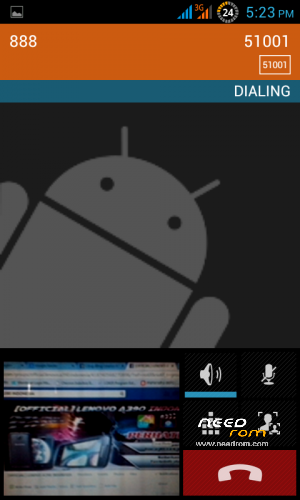
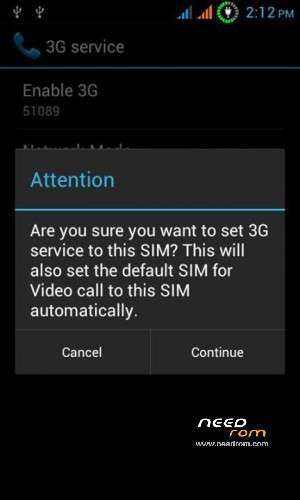
Support Video Call with Back Camera
Specifically for users of the HTC ROM if you want to make/convert rom odex to rom deodex without having to flash the new rom please download this:
http://coin-ads.com/rpYVD4
How to install it:
1. Go recovery mode
2. Wipe cache and dalvik
3. Select the menu Covert install flash deodex ROM FOR HTC LENOVO A390.zip
4. Wipe cache and dalvik
4. reboot
Then open root explorer
1. Go inside the folder / system / app delete all the files that extension. ODEX
2. Go inside the folder / system / app delete all the files that extension. ODEX
Bug : -
For user ROM HTC made in Indonesia, you must update for best performance
Firts Update:
Link download : http://coin-ads.com/ovfQOL so flash via twrp
Second Update :
Link download : http://coin-ads.com/ANrdkb
Before the secound update delete Camera.apk GalleryGoogle.apk and then push the result of the download to /system/app/ set permition rw-r-r
Third Update : http://coin-ads.com/MHTlxb
Before the third update delete Update Second Camera.apk and Galery.apk, so push this apk to /system/app/ set permition rw-r-r
※Please make a backup of your device before installing or updating ROM
bisa di masukkan nggak mas,, ni email facebook saya
dani.abudiman@facebook.com
Bukan ane admin nya gan, gak enak ntar sama admin, ne admin nya https://www.facebook.com/parri.....ntonius?fref=ts PM dia aja
ok gan kapan kapan ane coba..
Hi, after I've flashed both of the custom rom and the 1st update, my fone is not able to start-up. It stucks at the boot screen. Please help.
My stock rom is A390_ROW_S316
what do you want sir?