
- Title: Lenovo A536 – ROW – S175 – Multilanguage
- Listed: March, 2015
- Last modified: 03/11/2015 5:37 pm
- Version: 4.4.2
You must be logged for ROM download.
29124 total views, 5 today
119 Total favorites
 Member Info
DESCRIPTION
Hi everyone
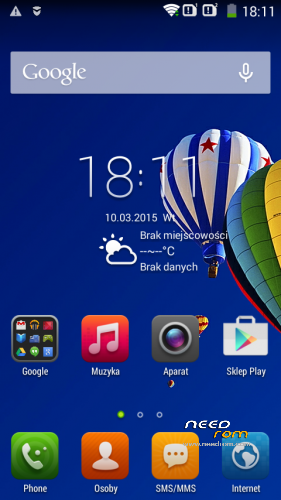
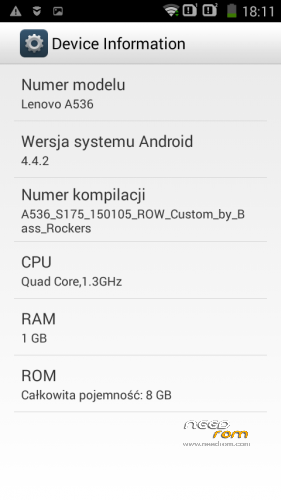
Today i made rom for Lenovo A536 ROW (Rest Of the World)
Based on new Update from 15.01.2015 dedicated to European version of this phone with 1Gb Ram (Chinese version call A358T, this is exactly the same phone but have only 512Mb Ram)
What Inside :
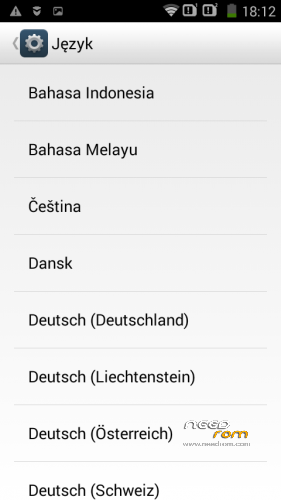
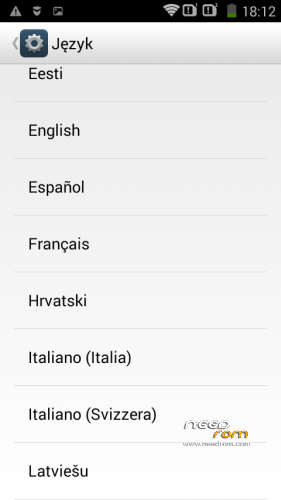
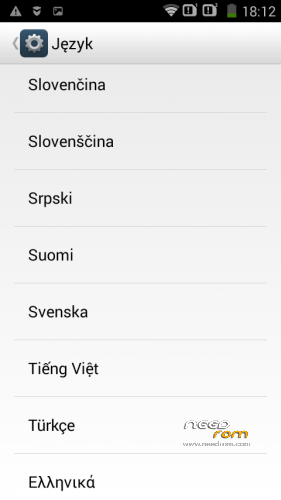
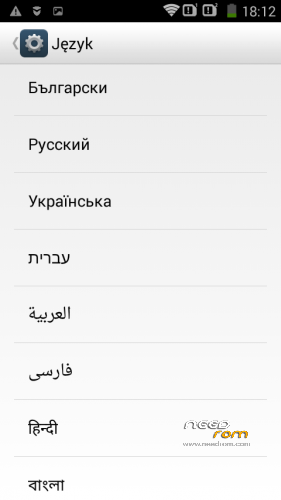
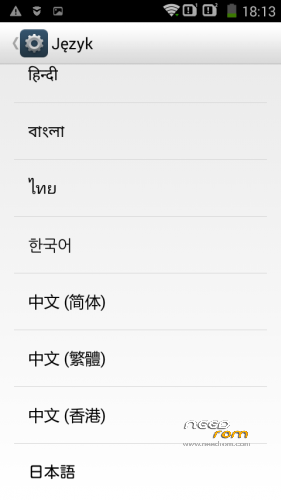
- Add 38 Languages
- Add Google Android L keyboard with SWYPE typing incl. all dictionares
- Add Xperia Honami Keyboard with SWYPE typing incl. all dictionares
- Delete many unnecessary trash apps
- Gapps included (newest but Google make many updates at this momet, so some apps need to update after flash)
- 99% system are translated except DIALER. This app is still in english, after translate have many errors but i workin on it.
- No Root, if you want root after flash rom in recovery just flash UPDATE-SuperSU-v2.46.zip (or newest if you have).
How to install :
- copy Lenovo_A536_S175_Multilanguage.zip in your microSD card or Internals Storage
- go to recovery
- make Wipe Data / Factory Reset (this make some time 3-5 min)
- Install Lenovo_A536_S175_Multilanguage.zip
- Install UPDATE-SuperSU-v2.46.zip if you want ROOT
- reboot phone and wait, first boot take some time
- Enjoy ;-D
How to install Recovery :
- Remove battery
- unpack A536_TWRP_2.7.10.zip
- unpack SP_Flash_Tool_v5.1408.00.rar
- Run Sp flash tools
- go to OPTIONS>DOWNLOAD and check DA DL All witch Checksum
- click Scatter-Loading button and choose MT6582_Android_scatter.txt from recovery folder
- choose DOWNLOAD ONLY from flash type list and click DOWNLOAD button
- put battery into phone and plug cable to PC
- If you dont have installed drivers just install ADB Driver Installer
- wait to finish flashing
- remove battery and insert again
- if you want go to recovery just turn off phone and push VOL- & VOL+ & POWER untill you see TWRP recovery
PS. Thanks to all DONATORS!!!.
Even the smallest donation is a great motivation for Me.
※Please make a backup of your device before installing or updating ROM
Thank you.
When i try to root it via SP Flash tool is show me a PMP error, so i root it with KingRoot..
its failed.
nice firmware this is very usefull tnx sir
thanks cool
thanks
how to install Lenovo_A536_S175_Multilanguage.zip
FONTCAM?