
- Title: Lenovo A680
- Listed: February, 2014
- Last modified: 06/04/2014 8:32 pm
- Version: S316 baralajbi
You must be logged for ROM download.
81333 total views, 3 today
15 Total favorites
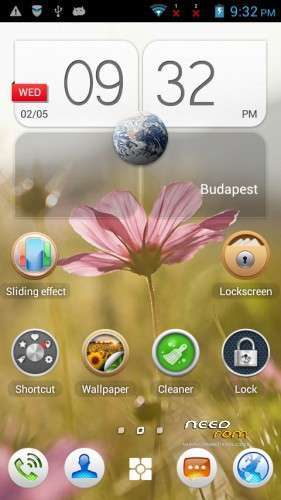
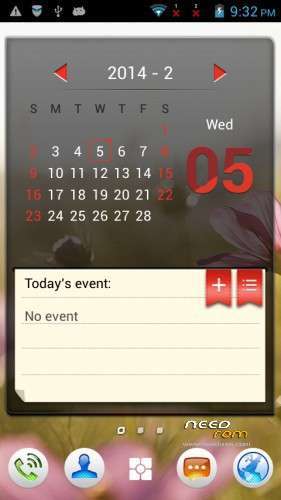
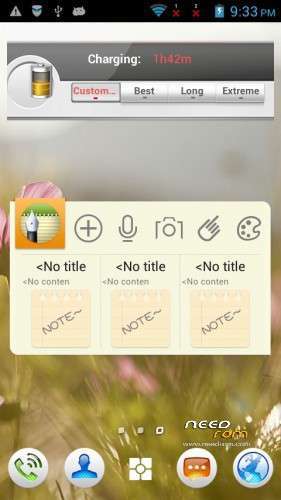
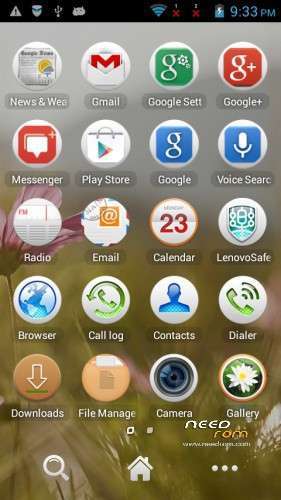
 Member Info
DESCRIPTION
ROM for Lenovo A680 – Android 4.2.2
Update Lenovo A680 : A680_S316_140108
————————————————————————————————————————————————–
Official Lenovo A680 4.2.2 Lenovo A680_S316_131209
PLUS :
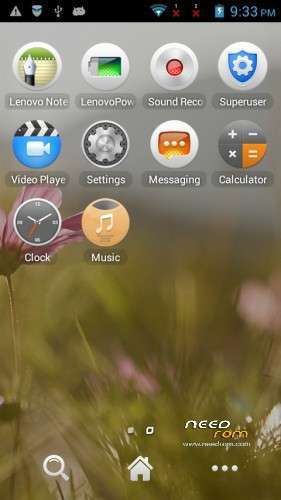
Gapps included
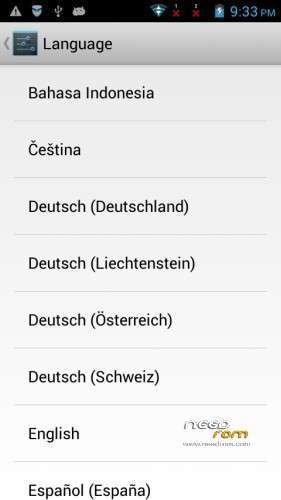
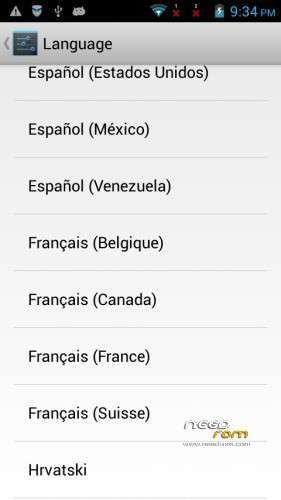
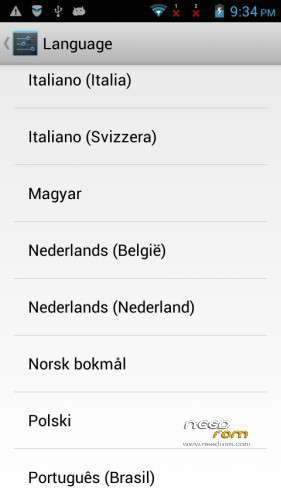
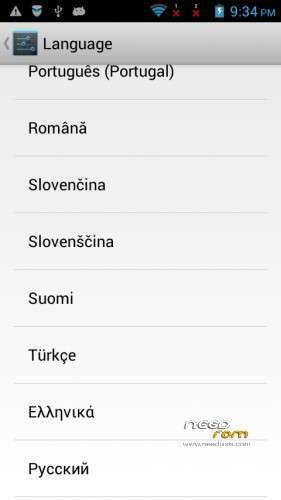
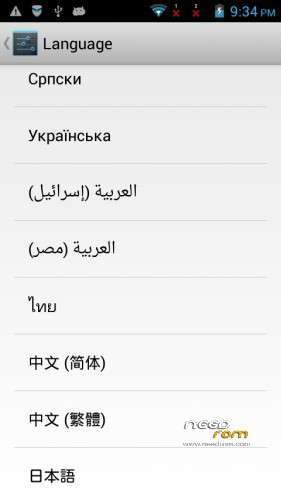
Language support: Multilang
This rom is rooted
Removed all chinese app
Added :
- Lenovo Launcher 3.3.2
- Lenovo Weather animation for Lenovo Launcher 3.3.2 (full screen animated weather)
- Lenovo Power Saver
- Lenovo Note
- etc..
A680_S316_140108.7Z :
- This is the original Lenovo S316 firmware. I got some request for this.
- has not GAPPS
- has not root
- only EN/CN languages
Install ROM :

- Unpack FlashTools, and Click on Flash_tool.exe
- Select a the MT6582_Android_scatter.txt in ROM
- Wait file to be added into Flash Tool
- choose Option->USB Model,click USB Model
–> Choose Option->DA DownLoad All->Speed->High Speed, click High Speed
- Turn off your phone, remove the battery, and put back about 5 sec later
- "Press F9 (hit Download button)" OR " if upgrade ROM Firmware->Upgrade "
- and connect your phone into the computer via USB data cable.
- The process will start and a red progress bar will appear after color purple, yellow.
- And green circles display
- Finish !
- You can now safely disconnect your phone and turn it on.
※Please make a backup of your device before installing or updating ROM
I've tried to install rom as per instruction but it seems that the flash tool still in searching mode and nothing happens. do i need to switch on the phone while install the new rom?
u need adb usb driver interface install on ur pc for that to work
I downloaded the ROM but I don't think that I will flash it for I still need to backup my current Stock ROM.. I am still searching the way to make a backup first.
Could please also make the CWM Recovery, please? I am sorry for asking too much. But please, I really need to do a backup. Thanks.
Hi guy, you can watch this video and do some work like that https://www.youtube.com/watch?.....v=6NiBapoKRUc
However, I recommend you to use the lastest version of any soft while creating your backup of your phone.
Drivers for Lenovo A680 can be found at http://lenovo-forums.ru/forum/.....39-lenovo-a680/
This forum is written in Russian, so you can use Gooogle Chrome to stranslate it into English. It's quite easy. Remember setting fully drivers before you do and knowing what you are doing )
)
Goodluck!
Hi CAn YOU SHOW HOW TO USE THIS IN VIDEO……I CAnt understand
Sir,i mistakenly deleted some android program ,now my lenovo a680 stuck at lenovo logo and my pc cannot detect my phone when i plugin with the USB cable.please help
First you need to install full drivers for the phone, and then flash ROM into phone.
You can find driver here, including versions of Asia and Europe
http://lenovo-forums.ru/forum/.....39-lenovo-a680/
Hello Baralajbi..
I downloaded this ROM but can't flash it by the Flash Tool.. Maybe I need the right driver for my phone because it keep searching for the connected phone.. For your information, I am able to connect my phone via ADB and using SRS Root for Android Application even that I couldn't 'root' it.
I need someone to give me help. Thanks in advance.
Regards,
marwanxx
The driver name is USB VCOM driver. Try to search with google, or here is a link:
http://www.datafilehost.com/d/.....8f5d7fb6
Is META-MODE Safe?
[URL]forum.xda-developers.com/showthread.php?t=2167244[/URL]
Meta-Mode is very useful if device fails to get detected by PC under normal Conditions…..To make device fall to Meta-Mode,just do these :
1) Start SP Tool on PC.. After 100% Flash,Release Button..
2) Now run SP Tool with “Firmware Upgrade/Download”
3) Switch OFF Phone..
4) Remove Battery..
5) Connect mobile to PC while holding Volume + button [WITHOUT BATTERY]..
6) Flashing will be started
7) Hold the button till flashing completes…
9) Insert Battery..
10) Start Device..
I had bought this Lenovo A680 AP set.
The major different compared to original set is Ap set doesn't have the front camera.
Can I use this rom for my Ap set so that I can remove chinese apps?
Sorry if you guys don't understand.
Actually, i bought the Lenovo A680 Chinese set which is 512MB RAM and no front camera.
Is that suitable with this firmware?
thanks for the best custom ROM.. Hi baralajbi , u have firmware for lenovo a680? TQ
Hi!
you think original factory firmware for A680?
Thank you so much. Press volume down key to enter the flash mode Just incase if you guys are having trouble getting into flash mode.
Thanks again
it doesn't work…I follow step by step and nothing…not download not upgrade…can you write more detail of some photos or video…please guys help me.
Hi! Have to install the Vcom Driver for your phone.