
- Title: lenovo a800 holo v2
- Listed: July, 2013
- Last modified: 07/02/2013 4:50 pm
- Version: ROM Android 4.0.4
You must be logged for ROM download.
30976 total views, 3 today
135 Total favorites
CUSTOM
 Member Info
DESCRIPTION
about rom:
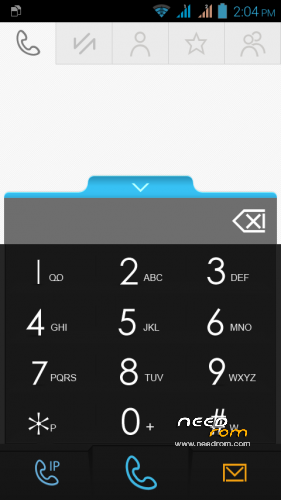
-based on lenovo holo v1
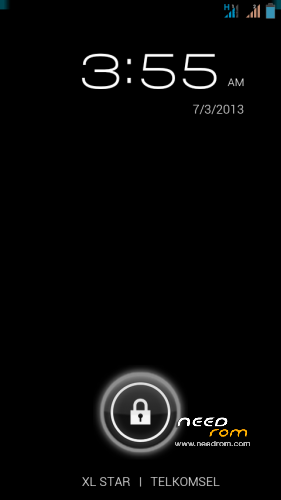
-change launcher with ics stock launcher
-change kernel with zte kernel
-change sms apk with stock ics sms.apk
-root
how to install
recomend use trwp
-wipe chache
-wipe dalvik chache
-factory reset
-system
-android secure
back to home
-install file zip
-wait until finish
-wipe chache & dalvik chace
-reboot (ENJOY)
※Please make a backup of your device before installing or updating ROM
THIS IS THE BEST ROM. ALWAYS TRY THE NEW ROM BUT ALWAYS BACK TO THIS ROM. THANKS D4DH.
Thx D4dh, ive just deleted the host but it works…
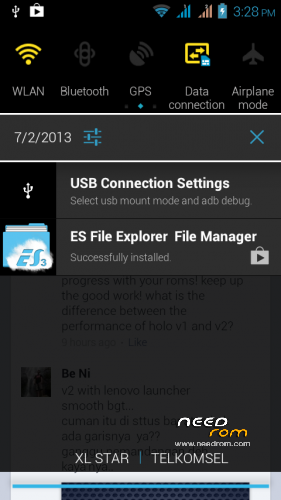
hmm..please fix blue mark on corner on deaktop notification..other are working great…i wonder why zte kernel better then lenovo kernel…geezzeee
Thanks d4dh! This is working perfectly for me ; D My first custom ROM.
I rooted it with SRSone click from my computer after digging the correct windows usb drivers out of my phone. I tried the "Use any method" a couple of times, then had success with the "Use best method".
I used the TWRP recovery.img linked by vola;
https://www.needrom.com/mobile.....ulty-device-v2/
and booted into it using Mobileuncle Tools. I didn't seem to need the scatter file. I had an unusual hiccup though; when I tried to go into the recovery.img, instead of asking for superuser permissions Mobileuncle tools told me it couldn't find the recovery.img file. In the end I uninstalled Mobileuncle Tools and installed it again from a different source and it worked! I think it was called Mobileuncle toolkit or toolbox or something- no longer on my phone.
Massive thanks to everybody in the opensource community for making this possible
I decide to redownload the rom, i download a corrupted rom :3
how to costumized the launcher?
Hi Thanks for the wonderful ROM. These are all the issues I am facing right now;
1. Phone Book Browsing by alphabets is not working (I read in the responses that Some body has fixed it. Need to try )
2. If I connect this to PC, "USB is not recognised" Error is popping out from PC. But it charges the phone through PC-USB Cable.
Please help fix. But Awesome ROM. Great !
Thanks,
Prabhu,
can i have italian language please?
sms không cài được
It is a nice ROM but can be add it android 4.1 or 4.2 instead of 4.0?