
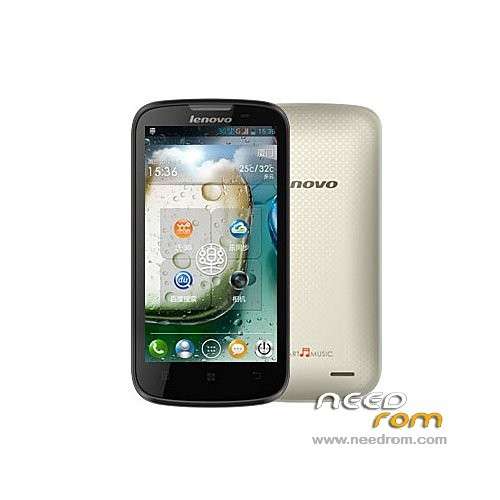
- Title: Lenovo A800 MultiLangual S129 Solo V3
- Listed: July, 2013
- Last modified: 07/18/2013 12:46 am
- Version: 4.0.4
You must be logged for ROM download.
52815 total views, 5 today
4 Total favorites
 Member Info
DESCRIPTION
Lenovo A800 V4.0.4 S129 Nova Multilang by FlickAir V1 ROM
-gapps installed (google play and gmail only)
-cleaned of unnecessary applications
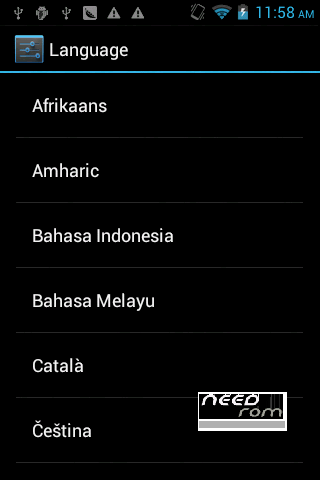
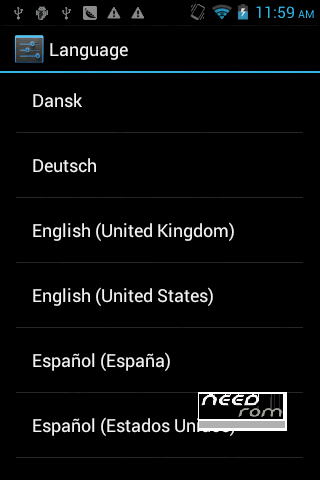
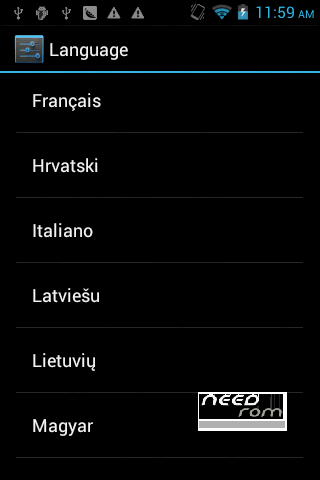
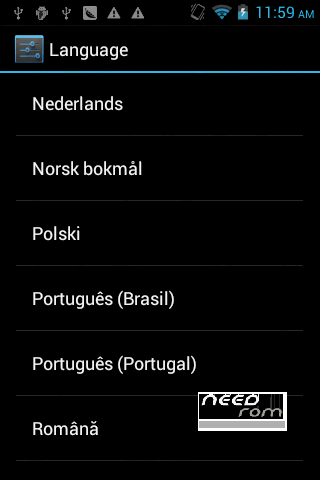
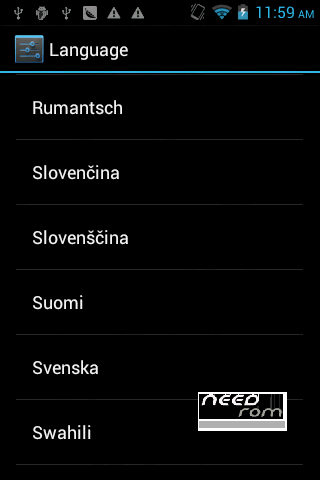
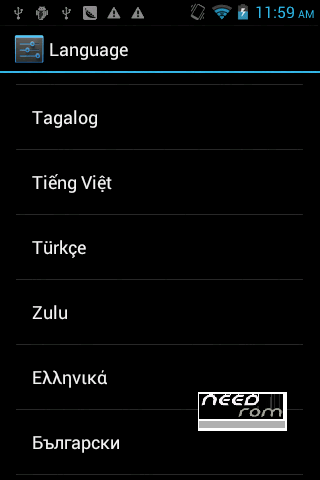
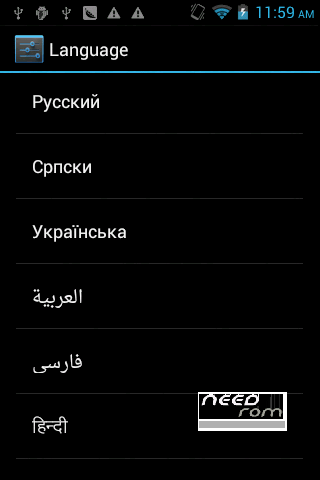
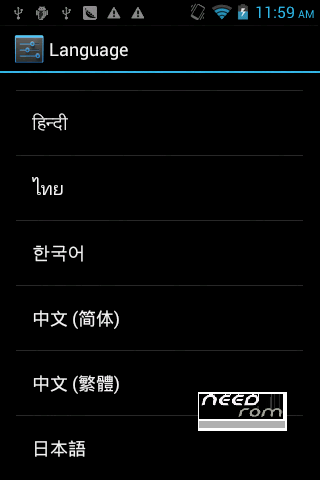
-MULTILANGUAL 55 languages: Italian, German, Russian, Portuguese, Spanish, French, Dutch, Czech, Polish, Romanian, Danish, Greek, Brazil Portuguese, Croatian, Latvian, Lithuanian, Hungarian, Afrikaner, Ethiopic, Indonesian, Malay, Catalan, Norwegian, Roma, Slovak, Slovenian, Finnish, Swedish, Swahili, Filipino, Vietnamese, Turkish, Zulu, Bulgarian, Serbian, Ukrainian, Persian, Hindi, Thai, Korean, Japanese, Arabic, Hebrew, ect. (Default: English)
-change launcher with Nova Launcher
-ROOTED
How to install:
use trwp or cwm recovery
-wipe chache
-wipe dalvik chache
-factory reset
-wipe system
-wipe android secure
-back to home
-install file zip
-wait until finish
-wipe cache & dalvik cache
-reboot (ENJOY)
If you made a nandroid backup with twrp recovery before flashed this rom then you can restore your personal data, and settings from recovery.
I'm using Super Backup : SMS & Contacts app for backup & restor my all data (user apps, contacts, sms, call log).
Version 2.
-Deodexed
-Fixed some bugs
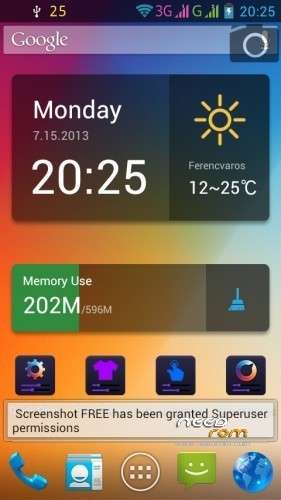
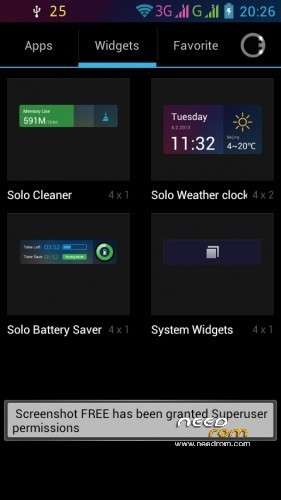
-Launcher replaced by Solo
Version 3.
I hope all the bugs have been repaired.
※Please make a backup of your device before installing or updating ROM
Can i skip d 2nd update? Just flash d V3??
The V2 had some bugs, in V3 have been fixed. You can install V3 without others.
Then y is it after flashing,and when rebooting it prompt that der is no OS installed??
And ofcourse wen u reboot it will be boot loop.
I bought a Lenovo a800 on aliexpress. I've had it with the original Android. What to do next. What do you want to install Lenovo A800 MultiLangual S129 Solo V3. I've never changed my software. So I ask her what to do. How to start trwp or cwm recovery? Do you use Flastool?
Lenovo A800_S126_120925 from aliexpress, and what next ?
trzyglow use google chrome to translate, u you can find the answer in here http://www.kaskus.co.id/thread.....android-ics-40/ or https://www.facebook.com/group.....52390884880853/
i installed latest version and GPS is not working. I took Zte V970 and a800 and strated to look for satelites and a800 found none.
Turn on EPO, and A-GPS, and download latest EPO files to find the satellites faster. You can check it with Mobileuncle Tools.
Hello. Location service not working for me…
Here is a quick tip for anyone having a problem with the GPS. As this ROM is rooted, you can install FasterGPS from Play Store. Allow root access, and choose which continent and which region is close to your location. Then it will save this info into gps.conf. Reboot your device, and see if there is a change… (hopefully). If it works, enjoy!
i don't have a problem with the GPS. The Google location services are not working ( the ones that only need any internet connection for estimating location )
Location service is not working. Can you please fix this or tell us how to fix it? As per rom in overall is one of the bets for the moment, even if it starts lacking after you installing your favorite app's. I am also missing some apps as corporate e-mal and calendared.
hello!
I have used mobileuncle tools to fix gps, I've changed timeout of screen. I downloaded GPS status aplication and i have been waiting quite long time and it finally got GPS lock. Nect time it will be quicker.
Now I am satisfied. GREAT WORK!! THANK YOU!!!
I have problem and couldnt manage the gps fix. Can you tell me kindly what should i set to fix the gps with mobile uncle tools.
Thanks.