
- Title: Lenovo A806 Multi lang 1501_7.80.1_DEV
- Listed: March, 2015
- Last modified: 03/03/2015 2:44 pm
- Version: Vibeui 2 1501 7.80.1 DEV
You must be logged for ROM download.
65330 total views, 2 today
74 Total favorites
 Member Info
DESCRIPTION
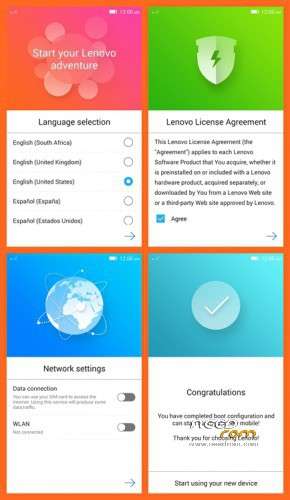
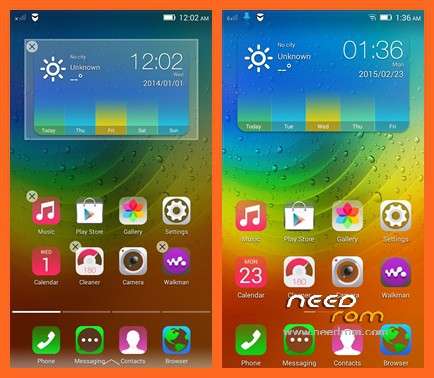
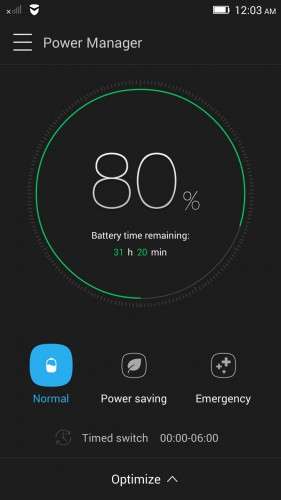
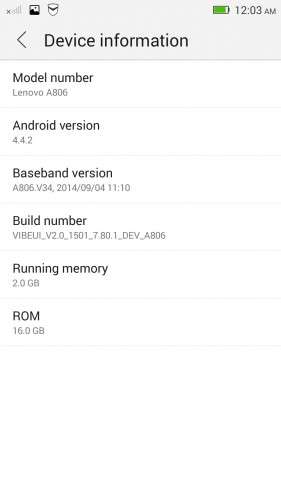
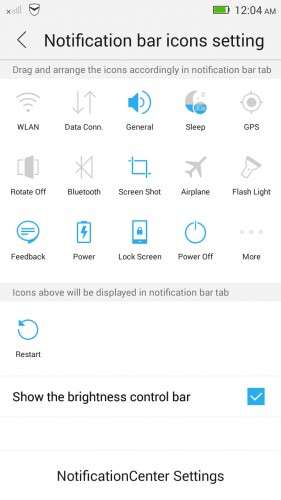
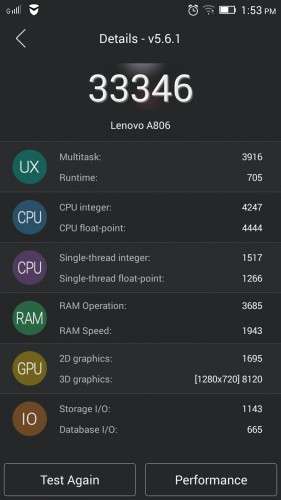
Lenovo A806 vibe ui 1501_7.80.1_DEV
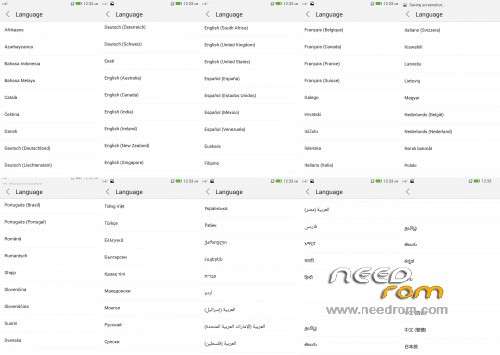
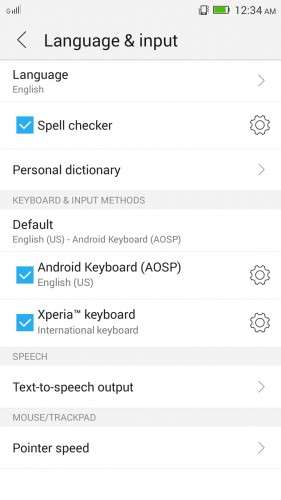
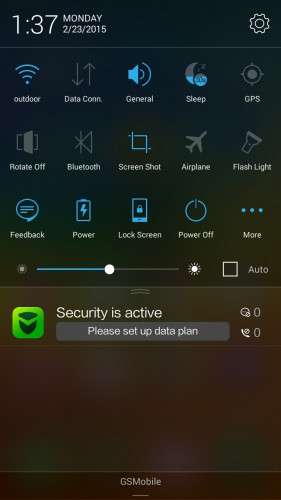
- Multi Language
- Root
- Google Play
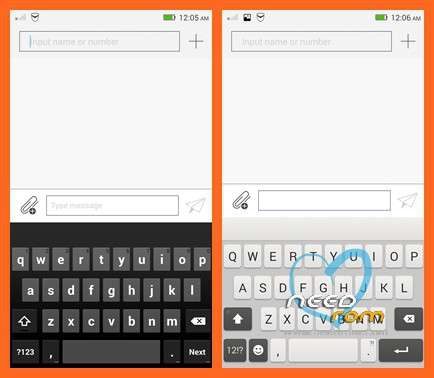
- Xperia Keyboard
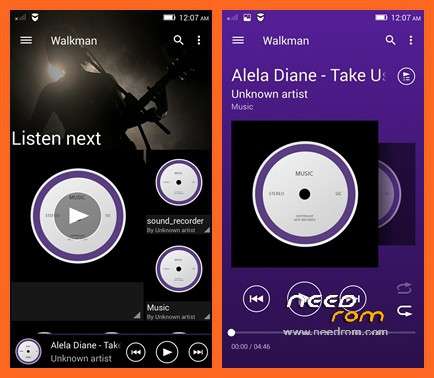
- Sony Walkman
- Removed unnecessary apps
- Improves audio and video recording quality
Install ROM :
CWM RECOVERY
Step 1: Download the file and extract ROM
and copied to an external SD card root directory
Step 2: the shutdown state. While holding down:
– Power button + volume button up +volume button down, to enter the recovery mode.
– Wipe Data / Factory Reset -> delete all user data
– Wipe Cache Partition -> Wipe cache
Step 3: Return to recovery main interface Install zip from sdcard -> choose zip from sdcard -> Select your ROM
Step 4: Brush complete, restart the phone Patience required – first boot takes a while
You can copy and share
※Please make a backup of your device before installing or updating ROM
Excellent work, thanks
it stuck on lenovo logo while i tried to wipe all user data… is there any solution present?
Hi. I was the recovery menu after installing this ROM phones ?????
Does the persian languege is???
USSD menu complete the field????
the problem dose not sound warning????
sorry for my english .
please answer me.thanks!!
Friend your roms apply for the A808T ??
Esta ROM es para este modelo en especifico, si quieres par atu modelo ve a la seccion de tu modelo man
Thank you very much !!! It's the best multilanguage rom based on stock Lenovo firmware.
Good ROM, so far so good 'till now
Very good ROM, reusable made two phone!
Still working?
Is this global ROM?
Hello sir, can i use twrp to flash this rom..Then how to install xposed on lenovo a806. Please reply sir..