
- Title: Lenovo A820 AOSP
- Listed: January, 2014
- Last modified: 02/17/2014 3:18 pm
- Version: Android 4.1-4.2
You must be logged for ROM download.
68923 total views, 4 today
2 Total favorites
 Member Info
DESCRIPTION
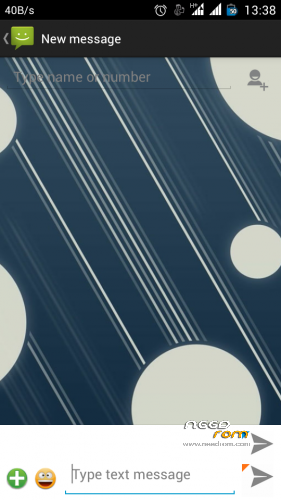
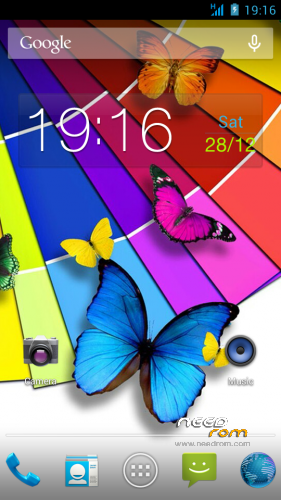
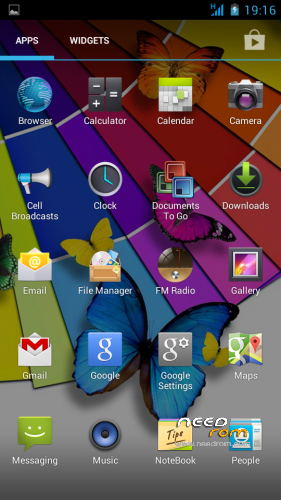
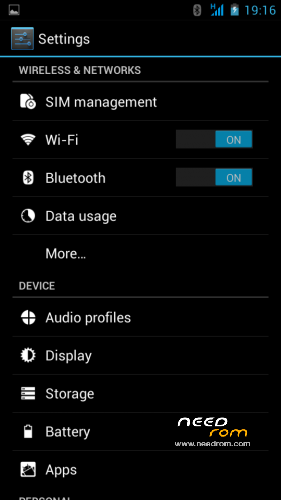
Based on Official ROM Star S7589
- Multilang.
- Rooted
- Init.d support.
- Zipalign.
Update 4.2.1 version:
- init.d support
- FM radio works without headphones
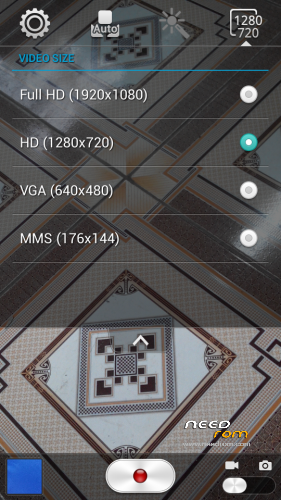
- Perfect camera
- Multilang (52 language)
….and more….
Update (TWRP/CWM)
Install ROM:
TWRP/CWM
Step 1: Download the custom ROM copied to an external SD card root directory
Step 2: the shutdown state. While holding down:
– Power button + volume button up + volume button down, to enter the recovery mode.
– Wipe -> Advanced Wipe -> Check: Davik Cache, Cache, Data -> Swipe to Wipe
Step 3: Return to main -> Install -> Select your ROM -> Swipe to Confirm Flash
Step 4: Brush complete, restart the phone Patience required – first boot takes a while.
※Please make a backup of your device before installing or updating ROM
Install this package.
Wonderfull, very fast, stable…
With this rom the gps performance has improved.
Havent found any problem.
Thanks superthan.
Thanks for great ROM! But how can I reduce/disable vibration when dialing to other man?
This rom is totally awesome but overscroll and bounce effect is annoying but i can live with this, but when im browsing pages via browser it makes me almost get seasick when pages bounce up and down, left and right… Please add patch disabling this effect please, disabling animations in developer options is not working in this case. Cheers.
Anyone know how to disable camera sounds? Not shutter sound, but fixing sharpness "beep"?
Good evening! Firmware liked, but the problem was discovered. I can not connect using wifi. Do not pass the password check ..
Ship500 Perhaps the problem is with your AP may have a lock on the mc address? With the rom August changed? I have not had any problems.
Any problems with wi-fi, gps…it;s almost perfect rom. Only one issue – camera sound during fixing sharpness.
Hm…I've resolved problem with "focus sound" in camera. Good version of camera is in other Superthan ROM – "Lenovo A820 Touchwiz + Multilang". Downloaded it, and simply copied "Gallery2.apk" from TW rom to this rom.
Now, for me – this rom is perfect (of course, I've hardly tweaked it for myself – proper gps settings with GPS assistance, replaced keyboard, launcher, locker, sms, video app, www browser and contacts/dialer app, replaced system font, added Xposed framework with gravity to fix "caller id" and other android bugs plus tweak statusbar, And added lenovo backup and PowerSave apps).
One annoying thing – stupid "elastic" effect during list scroll. I can live with it.
i done most of you tweaks but what dialer did you put?
tks!
MrJansjo Does it contacts / dialer app that tells you the time you use calling missed connections? What applications do you use?
Is the version lenovo power that you have is a battery calibration feature? From where download it?
Modifications for this from i've do:
I'm using TouchPal Keyboard (in my humble opinion – best keyboard app in the android world. Try it – it's worth of it).
And also TouchPal contacts app ( http://forum.xda-developers.co.....d.php?t=1370615 ).
Nothing special – just everything one need
Further system tweaking :
Xposed Framework ( http://forum.xda-developers.co.....d.php?t=1574401 ) and, after install and reboot, GravityBox module. It allows fix "caller bug" issue, tweak status bar, remove unused second card icon, set sounds separately and many more. Outstanding!
For sdcard cache (512KB works best for me, better than defalut 128KB and overrated 2/4MB), clock speed (I've set minimum clock 754MHz and max 1200, phone seems to be even faster, impact for battery is minimal) – I've user Trickstar Mod (google play).
Launcher – go launcher ex (with 3d core enabled in settings – superfluid and great rendering) because is fast, superstable, full featured and has folder ability in apps drawer.
Locker – go locker. it's fun and very usable even with default theme.
Calendar – go calendar (as full screen widget) and clock – xperia clock (google play), as widget.
Lenovo backup and lenovo pover save are taken from infrared's rom (via titanium backup ability to generate update.zip from it's own backup – this update can be flashed with recovery/twrp).
startup animation and system font You can replace with RoomToolboxPro (google play). But be aware – not all fonts are suitable for all languages.
For newbies – if You copy apps directly into /system/app folder – don't forget to set file attributes to 0644
As always – make backups before! changing system