DESCRIPTION
Description
Android: 4.2.1 (port)
Kernel: A820_S150 (Kernel&Radio)
Root: yes
vMS 4.2.1 – IV [05/06/14]
| Hidden-text |
SelectShow |
Fixed problem with generating a dump files when the phone was connected to the charger (as in a previous version).
Improved WiFi and connect to the access points.
Network indicator is hidden when the SIM card is disabled in the settings or slot is not occupied. This does not apply when it is actually out of range GSM/3G.
Contacts and SMS application is now in dark colors.
Updated applications that were previously.
TBA…
|
Old versions:
vMS 4.2.1 – III [03/27/14]
| Hidden-text |
SelectShow |
Error while charging and generate "spam" in /data/core
Mountpoint and description for memory (sdcard and internal memory)
Occasional problem when performing file operations.
Reduce bitrate for video. The quality will be the same (i guess), but the output file will be much smaller.
Autostart option in settings
Google Play, Google Keyboard
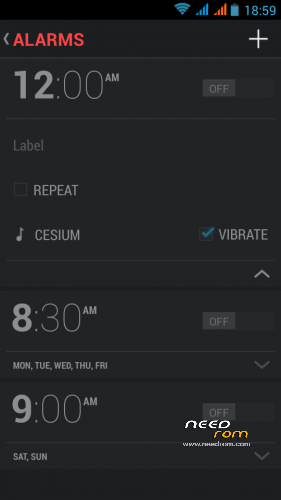
Clock app,Cyanogen Calculator
A ton of changes which even I do not understand 
I checked WiFi Direct – works correctly but need an external application to transfer data.
If you have a problem with the contacts you need to check the options of displaying, or import them again.
Contacts are recognized after a minimum of 9 digits. I can change it but for now I prefer to leave as is.
All tested using TWRP. CWM – unknown, but it should work
|
vMS 4.2.1 – II [02/14/14]
| Hidden-text |
SelectShow |
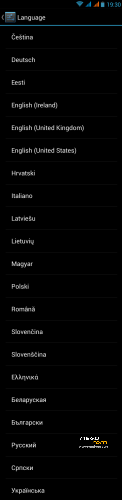
1. Added support for several languages. There is no possibility that all is well, but I tried to add as many as I can. I'm not omniscient.
2. Added SIM Toolkit and NoteBook. Removed redundant widgets and some unnecessary files.
3. Adding support for multiple users
4. Fixed a problem with the recording after adding effects.
5. Added support for headset button.
6. Changed the YouTube application. Reason: poor quality of playback in previous version.
7. The little fix in installation script. Added full of BusyBox options witch update.
8. Fixed caller_ID and SMS, little optimization in apk files, ODEX and other things.
Known issues:
1. Occasional freezing on "Lenovo" screen on (re)start. Not everyone even notice  Simply remove the battery and reboot. Probably the reason is Xposed/Gravitybox but thing to check. Simply remove the battery and reboot. Probably the reason is Xposed/Gravitybox but thing to check.
2. Miracast still not working
|
vMS 4.2.1 – I [01/28/14]
| Hidden-text |
SelectShow |
- root by default allows to all, so you can install any application to control root permissions
- init.d support
- fm radio works without headphones
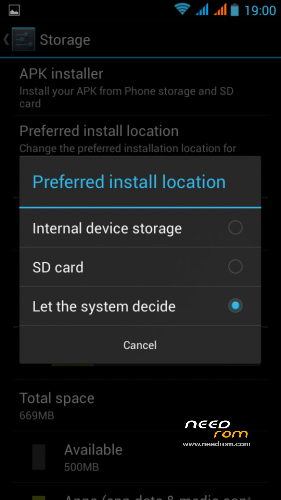
- possibility to install applications on the SD card (also from GooglePlay)
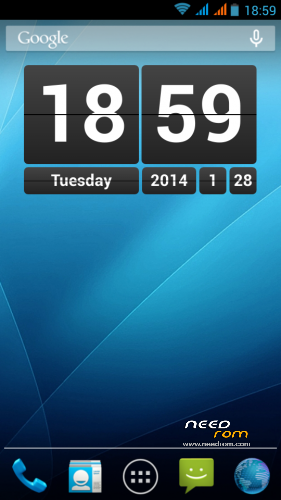
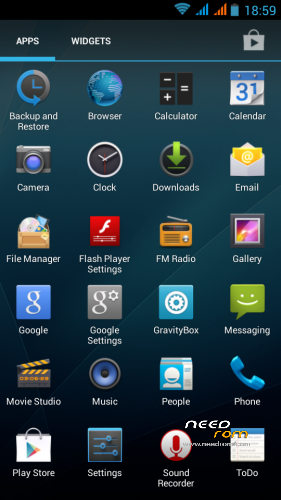
- removed the MediaTek camera (color change), integrated the Google camera with 720p videos recording
- ClearBass equalizer & BraviaEngine2 from Xperia
- replaced Calculator witch CyanogenMod Calculator
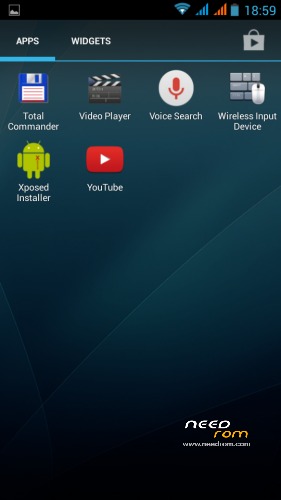
- added: FlashPlayer, TotalCommander
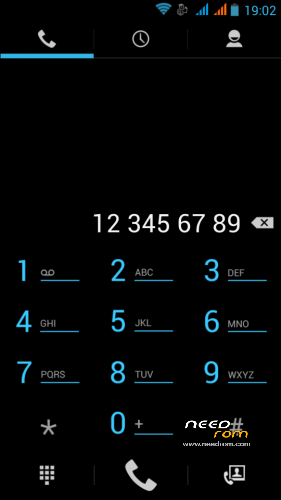
- fix sound, sensors, clock, dialpad, and many other things to make it work for Lenovo as properly
|
Installation via Recovery (for example TWRP 2.5.0.0)
Step 1: Download the custom ROM copied to an external SD card root directory
Step 2: the shutdown state. While holding down:
– Power button + volume button up + volume button down, to enter the recovery mode.
– !!! MAKE A BACKUP OF YOUR FILES !!!
– Wipe -> Advanced Wipe -> Check: Davik Cache, Cache, Data -> Swipe to Wipe
Step 3: Return to main -> Install -> Select your ROM -> Swipe to Confirm Flash
Step 4: Install complete, restart the phone Patience required – first boot takes a while.
※Please make a backup of your device before installing or updating ROM


 Member Info
good!
This is the best ported rom for A820 ever.
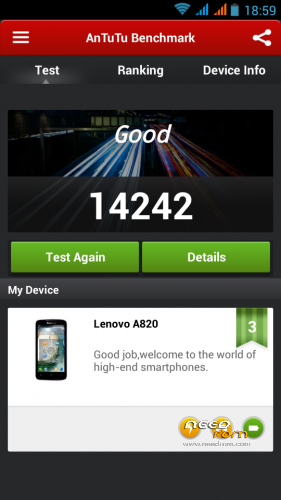
Radio w/o headphones, good camera, video recording in mp4. Great Antutu, good battery time.
Keep on your great work Santa!!
battery time is really impressive, almost pushing it to 60 hours with average usage!
I like this rom very much as well. Runs very smooth. I have a very bad Antutu, though. No idea why.
I do now know why: I use "CPUMaster" and had the governor on "hotplug". I tested now with "performance" and get an Antutu of 13795. That is a little better than what I had with infrared´s 4.1.2.
Hi. I am a complete Android newbie and while playing around with a memory cleaning app yesterday I deleted something I shouldn`t have and bricked my a820. Rightly or wrongly..I have gomne into TWRP and wiped everything so that when the usb is mounted, I can see two empty folders: untitled and untitled2. I have dragged HoloDark over to Untitled and tried to install from TWRP Install command. Is there a particular file I should navigate to? Many thanks in advance!
PS. I have tried placing the .zip in various places in both the int. and ext drives and running install.
Error. No operating system installed.
One of the best rom`s for A820. But sometimes when im receiving a call signal drops and calling is shutdown.Anyone knows what is happening?
Can we change system color from dark to white? (like in lenovo based roms?)
Thanks for all your helpful advice (sarcasm on) I have the rom up and working now and works fine. Very nice. The problem was that my Mac unzipped the download and Gui Tar compressed it back…and somehow this wasn`t acceptable. Worked fine from a PC.
Could have told us about the mac before …….
Your firmware is very nice! But I have another problem. If active "Program On / Off" when you turn on the phone stays on the screen "LENOVO". I have to remove the battery to switch it on.
Can you please tell me how to swap internal sd with external sd, as they were by default? This version uses the external SD instead of internal sd for app storage. Thanks
http://imageshack.com/a/img844...../6067/yhwu.png
Thanks, unoqualunque, but that's not exactly what I want.For example, I used Cappa72's script to swap the cards (A820-internal-external-exchanger-v2.zip), and now they appear as I want, but if I install an app and then move it to SD Card, on reboot, system can't find it anymore, it says "App not installed"
You want partitions mounted like in Cappa rom. Well, it's rather bad idea. You want /sdcard to point to internal SD (2 GB storage) and this makes impossible to install any game, because all games want to put a lot of data to /sdcard.
You can edit vold.fstab file if you really need to and swap mount points but I don' really understand why are you asking for this,
/sdcard = /storage/sdcard0 (first usable partition) and it should point to external sdcard.
Thank you, giaur500, that's exactly what I want! I have my reasons, and I don't use to play games. Anyway, I tried editing vold.fstab file, but without any effect
  . Any other ideas?
Camera focus is not so quick and adding contacts could be more straight forward. Otherwise seems like a good rom / platform / os or whatever you want to call it. Is it one of the best out there though?
Rasmall, on android you can use many different applications for the same purpose. Most are free. So google a bit and install an other camera and/or an other contact manager, if you are so declined.
And yes, looks like the best Custom-ROM for the Lenovo A820 at the time being. But it can be enhanced a lot. You should install a firewall and Greenify to have more control over the device. And I recommend MacroDroid for automation. What else ? Apex Launcher; ColorWallpaper; Slider Widget; Titanium Backup; Dropbox; MyPhoneExplorer; BarcodeScanner; UniveralPasswordManager and on and on.
Regards
Wolfgang
PS: Do not forget to make a nandroid-backup when your system is like you want it !