
- Title: Lenovo A820 TouchWiz + Multilang
- Listed: October, 2013
- Last modified: 11/21/2013 2:45 pm
- Version: ROM Android 4.1.2
You must be logged for ROM download.
85048 total views, N/A today
2 Total favorites
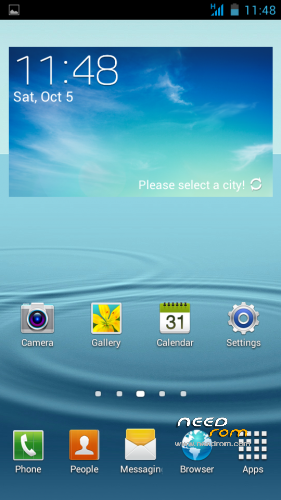
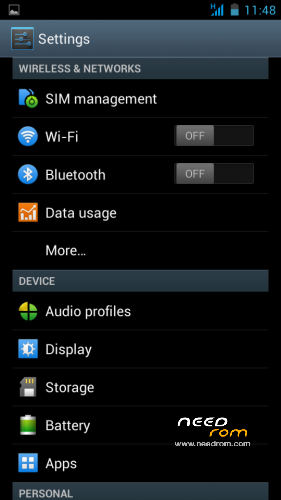

 Member Info
DESCRIPTION
ROM Version: 4.1.2
Based on Rom Star e2001_v89_jbl1a698
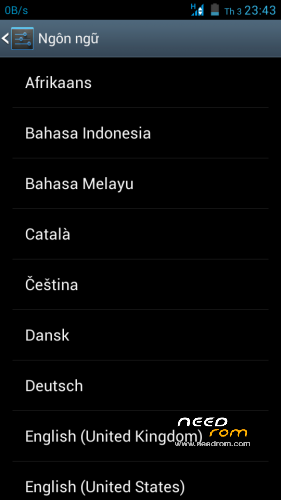
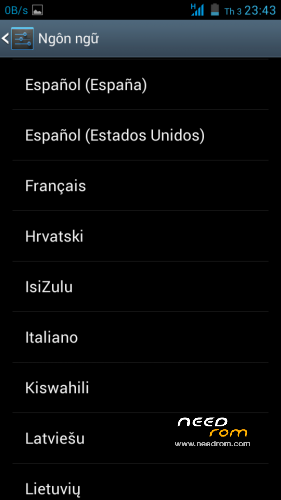
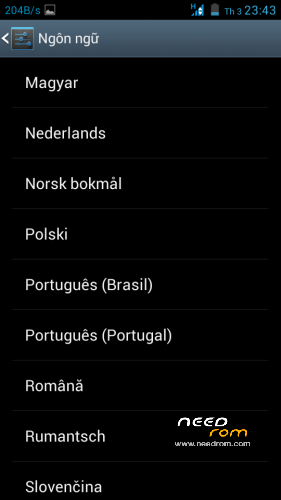
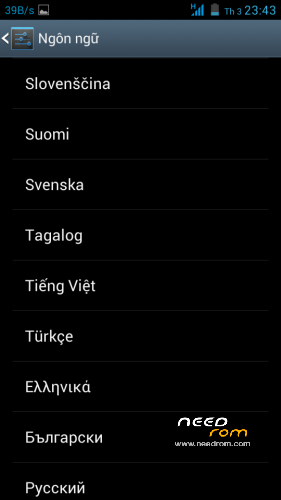
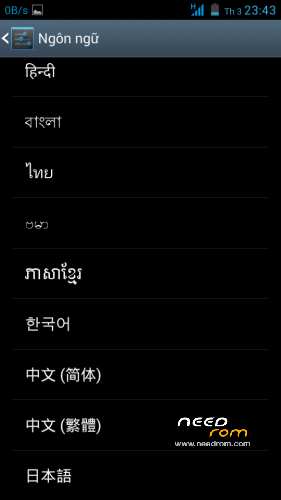
- Multilang
- ROOTED
- SIM1/SIM2 3G
- Support init.d with memoptimizer script.
- Zipalign
Update:
11/21/2013
10/18/2013:
Install ROM:
TWRP
Step 1: Download the custom ROM copied to an external SD card root directory
Step 2: the shutdown state. While holding down:
– Power button + volume button up + volume button down, to enter the recovery mode.
– Wipe -> Swipe to Factory Reset
Step 3: Return to main -> Install -> Select your ROM -> Swipe to Confirm Flash
Step 4: Brush complete, restart the phone Patience required – first boot takes a while.
※Please make a backup of your device before installing or updating ROM
This is my tiny overscroll disabler module for Xposed Framwork, source code available at
https://github.com/mukel/XKill.....Overscroll
Hi superthan
Good job,but still problem with wifi connection.Connection is interrupted.Same time, does not do anything?
Thank you.
Good firmware! But there is a flaw in the Russian translation. Instead of writing in the power menu Restart to write Перезагрузка
More Restart phone? Restarting your phone will clear temporary files out memory. Would you like to restart your phone now?
change to
Перезагрузить телефон? Перезагрузка очистит временные файлы из памяти. Хотите перезагрузить телефон прямо сейчас?
Wifi problem . Don't cconnect ;/
Language problem ( restart language ) .
Wifi working perfect for me. Restart language only Engish language.
installation aborded for me . anyone help ?thx
Does it support Chinese language?There seems to be some problems still.But a perfect rom is worth waiting.
what about making a rom of cmq10.So far A820 doesn’t have one rom of that.
I can't have gps working with: Lenovo A820 TW – Update 18/10/2013
Tryed:
gps fix –> no way
a-gps –> no way
gps test –> no satellites in view
Any advice? Is only mine not working? Someone had success?
Thanks
You need to turn on the data connection. Find gps first takes a while.
Thanks superthan, overall for your great work, and then for the tip.
I tryed with data connection activated and for 30 minutes searching.
It was a very cloudy day, maybe it could be affected by.
I'll try again.
Thanks
Last, Superthan your rom in my opinion are close to be perfect if you could add incremental updates. Please consider it!