
- Title: Lenovo a880
- Listed: April, 2014
- Last modified: 04/04/2014 8:03 pm
- Version: 4.2.2 s020
You must be logged for ROM download.
23650 total views, 2 today
3 Total favorites


 Member Info
DESCRIPTION
Rom a880 s020
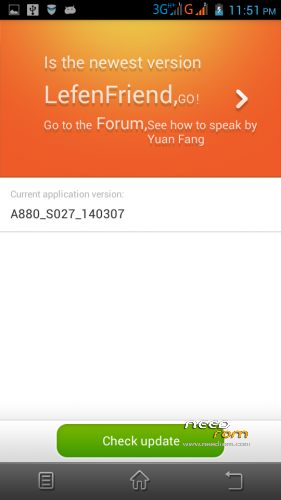
ota update function
with gapps
root { need to root again with vroot after ota update}
How to install:-
1. download rom extract… copy to sdcard/clockworkmod/backup
2. reboot to cwm recovery format system.. wipe catch then choose restore
3. flash supportme.zip dan reboot
for ota update :-
1. download stock recovery extract… copy extrack file to sdcard
2.open mobile uncle tool update recovery choose stock recovery.img that u download before then press yes when it promt reboot to recovery choose no
3. then u can use ota update in setting
{ must use cwm for install rom and must be in stock recovery for ota update}
※Please make a backup of your device before installing or updating ROM
can i flash with flashtool