
- Title: Lenovo K910 4.4.2 VibeUI 2.0 Multilang GAPPS
- Listed: July, 2014
- Last modified: 05/07/2015 2:29 pm
- Version: K910 VibeUI 2.0 1503
You must be logged for ROM download.
155536 total views, 41 today
205 Total favorites

 Member Info
DESCRIPTION
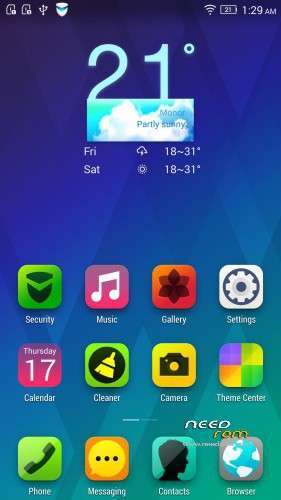
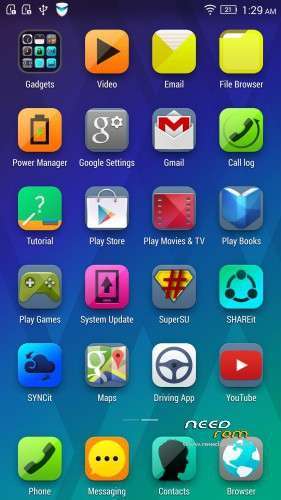
ROM for Lenovo K910 VibeUI 2.0 – Android 4.4.2
————————————————————————————————————————————————–
Official Lenovo K910 VIBEUI_V2.0_1427_3_DEV_K910_0CAD.zip
PLUS :
Gapps included
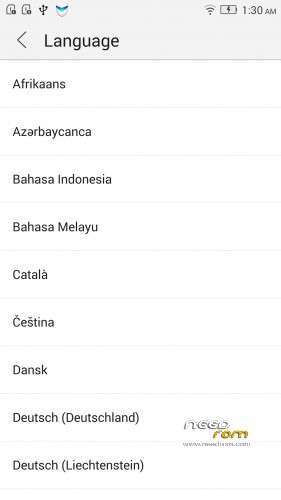
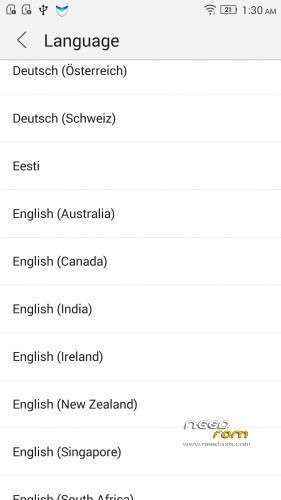
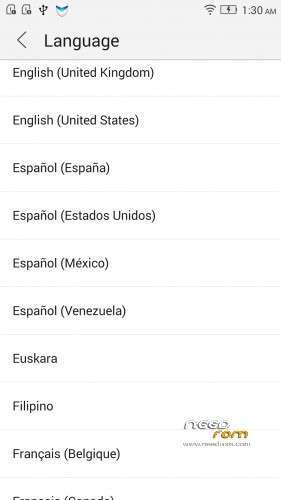
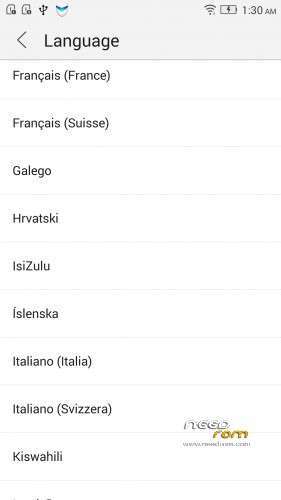
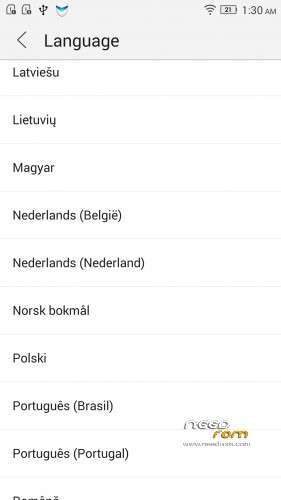
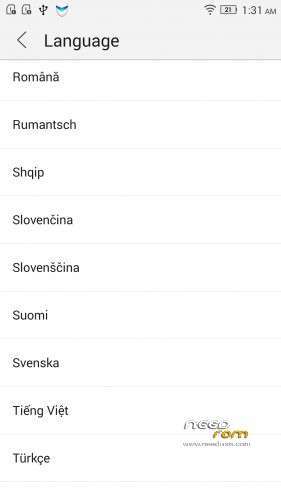
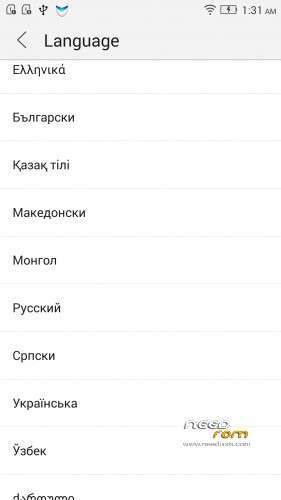
Language support: Multilang (about 70 languages)
This rom is rooted (if you want)
Removed all unusable app
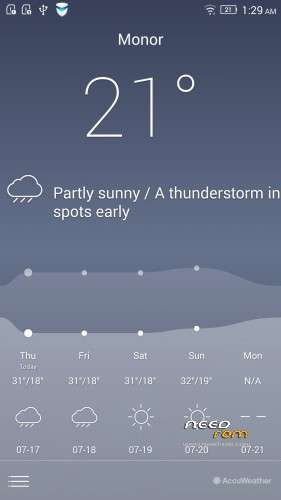
The Lenovo Weather widget works with all city in the word
Possible the remove many Lenovo and Google system apps. Just take your finger on any app, where appear a red X, you can safety remove that app!
If you get error(s), pls write me here a PM, I will try to help you, but I cant help third party apps from Google Play!
V2 : base VIBEUI_V2.0_1429_3_DEV_K910_WC34
V3 : base VIBEUI_V2.0_1429_3_DEV_K910_WC34
- fixed the Contact Manager problem with some languages
not need install this if you have not this problem
V4 : base VIBEUI_V2.0_1431_6_DEV_K910
- Changed the camera app to latest version
- fixed many little bug
V5 : base VIBEUI_V2.0_1433_4_ST_K910
- fixed some languages
V6 : base VIBEUI_V2.0_1435_7.2.1_ST_K910_WC3A
- fixed the Lenovo Welcome page issue
V7 : base VIBEUI_V2.0_1437_7.44.1_ST_K910_NK_W_EE65
- added Lenovo Tourch (requested)
V8 : base is VIBEUI_V2.0_1439_7.19.1_DEV_K910
- fixed the russian and the hungarian languages
- fixed the application uninstall problem
V9 : base is VIBEUI_V2.0_1443_7.67.1_ST_K910_NK_W_5F69
- fixed Music app issue
- fixed notification bar's screen shot problem
V10 : base is VIBEUI_V2.0_1447_7.129.1_ST_K910_NK_W_064D
- fixed some languades
V11.1: base : VIBEUI_V2.0_1501_7.247.1_DEV_K910_NK_W_07B8
V11.2: base : VIBEUI_V2.0_1501_7.247.1_DEV_K910_NK_W_07B8
- pure android, but contained some lenovo apps, what need for k910
This version, is the first and the last. This is only a test.
V12:base is VIBEUI_V2.0_1503_7.254.1_ST_K910_NK_W_855A
- I tried to fix all bugs what I got from users
V12.2: base is VIBEUI_V2.0_1503_7.254.1_ST_K910_NK_W_855A
- fixed music app problem
V12.3: base is VIBEUI_V2.0_1503_7.254.1_ST_K910_NK_W_855A
- fixed wifi problem
V13: base is VIBEUI_V2.0_1516_7.421.1_ST_K910_WC4A
- fixed some languages
Install TWRP Recovery to 4.4.2 K910
IMPORTANT! Many user wants to use this recovery with 4.2. THIS IS ONLY FOR 4.4.2
- download the K910 Unlock bootloader + TWRP install.7z
- extract
- have to root your 4.4.2 k910
- switch on the k910 and enable the USB debuging
- connect the k910 to PC via USB cable and add premission on the phone
- run 44_flash_unlocked_fastboot_K910SS_dd.bat from unlock_fastboot_K910SS_4.4 folder
- run 44_run_twrp_recovery_K910SS.bat from twrp_2.7.1.2_recovery_K910SS_4.4 folder
if these steps is ready, then you have unlocked bootloader with TWRP recovery!
You can use TWRP for rom install! Do not have to go back 4.2!
This is not mine, I found a russian site, just share!
Install 4.4.2 ROM with sideload, if the phone on 4.2.2 :
- Download all files (recovery for 4.2. Latest rom, not all. Driver, etc…)
- download the minimal ADB fastboot from : http://forum.xda-developers.com/showthread.php?t=2317790
- Run the Lenovo Driver exe file
- copy the cwm_recovery_custom.img file to minimal adb folder, you will find where you installed
- copy the rom zip and the super su zip files to minimal adb folder, you will find where you installed
- switch on the phone and connect to PC via factory USB cable
- enable on your K910 the USB debuging option
- boot into bootloader (adb reboot-bootloader). Run minimal adb and type this command
- boot into CWM recovery (fastboot boot cwm_recovery_custom.img), when the phone rebooted into bootloader and stay on lenovo logo, type this command
- flash the rom with sideload, when the phone rebooted in cwm recovery, choose install zip on the phone and choose sideload option on CWM, when the sideload is runing, have to install an adb driver for sidelod by hand!!! Open the windows device manager. You will find a device, name is kitton. This is the K910 sideload device. Have to install an adb driver for this device. When the driver installed, type this command on minimal adb : adb sideload rom zip name
- if you want to root your K910, then flash the super su with sideload, when the rom zip installed, choose again sideload option on CWM and type this command : adb sideload UPDATE-SuperSU-v2.01.zip
- Make a wipe data factory reset in CWM
- Reboot, and ready
If your phone do not boot into CWM, and/or do not want to use 4.4.2 TWRP, then first have to install this 4.2.2 ROM to your phone :
- extract the file
- copy to internalSD/sdfuse folder the K910_SS_S_2_040_0109_131226.qsb file
- switch off the phone
- push together the power and volume down button, if the lenovo logo appear, then release the power putton, but do not release the volume button
- if the phone booted into factory mode, choose the 4. SD Update and follow the instruction
- reboot
- Now go to install the 4.4.2
IMPORTANT!
The ROM is password protected!
I will give the password via email to your paypal email address, if you donate to me via paypal 2 USD – xx USD
I worked hard on this rom, so please understand this!
Access only to this ROM via donation to "baralajbi".
※Please make a backup of your device before installing or updating ROM
hi this confirmation number 3R1521277V189821F password pls.
This room is Ok for K910e???
Hi,
Confirmation number: 3F1507554F195190E
Pass please, Thanks
ribb with rom 1437 Aututu gives 38464 on my phone.. i only find 2 bugs on this new rom, Lenovo Security crash when you try to unistall an app and the wallpaper scrolling doesn't work..
The blue notification LED blinks are right. This is radio firmware update process.
Have you try install Google Now Launcher? i can´t switch to this launcher because does not appear
i have problems with SU 2.0.13 some times ask for binary updates…
Lenovo Safe unistalled with Titanum Backup and all seems right
Regards
Yes, I was not able to set any other launcher as default launcher. I cannot unset lenovo launcher as default launcher either.
Can I upgrade from 1435 to 1437 without any wipe, without losing anything?
I just sent $5, id 56057263SD5619849
send the password, please
I just Donate to you via paypal (84R46107CT881025V). Password for v7 please