
- Title: Lenovo VIBE P1c58
- Listed: October, 2016
- Last modified: 10/05/2016 12:11 am
- Version: 6.0.1 ROW S288
You must be logged for ROM download.
27761 total views, 2 today
18 Total favorites
 Member Info
DESCRIPTION
This ROM is a Official Lenovo ROW (Rest Of the World) ROM, all Google services and apps are installed and usable.
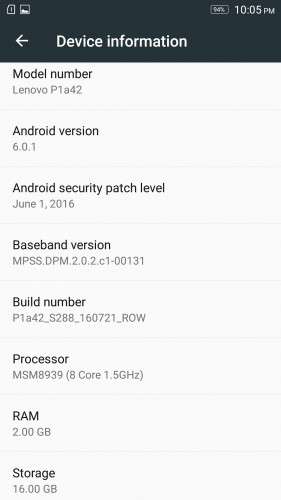
ROM designed for Lenovo P1a42 devices (EUROPE), but it works very well on Chinese edition – P1c58 (4G works in Bulgaria)
No Chinese bloatware.
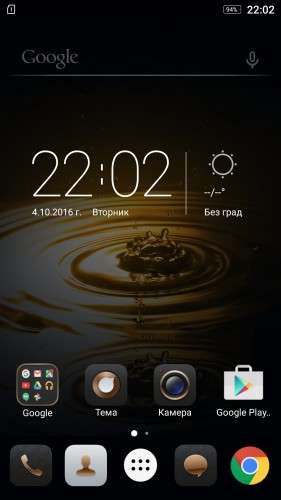
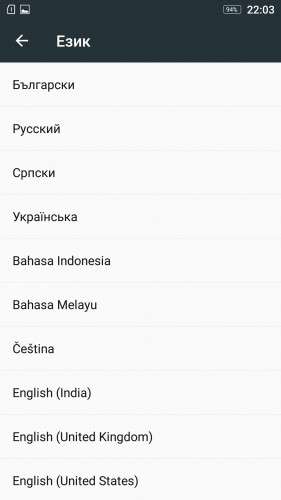
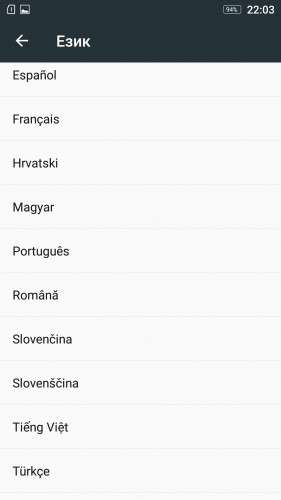
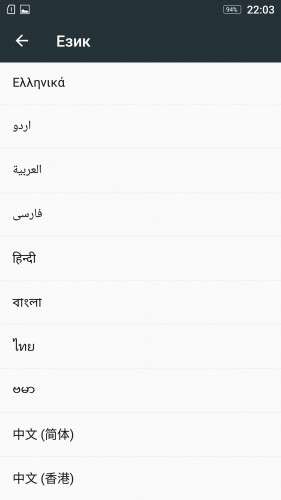
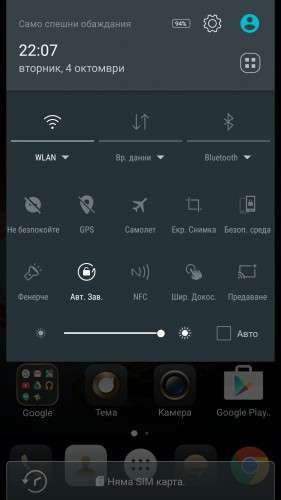
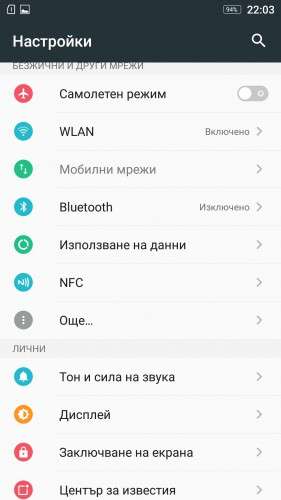
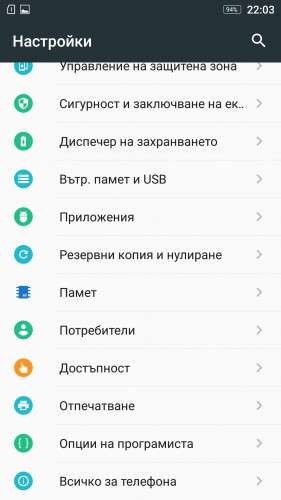
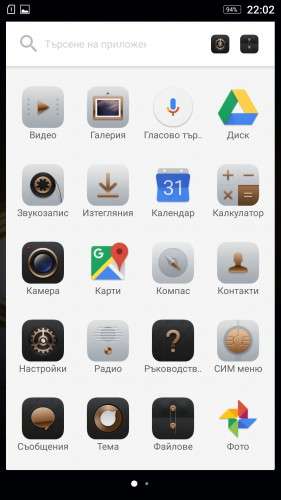
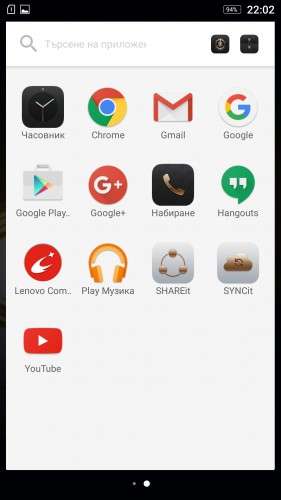
Multi Language ROM – see screenshots
No rooted [You can use unlocked aboot and TWRP recovery in the ROM folder, and after that you can install SuperSu]
NFC function will not work on Lenovo P1c58!
ROM INSTALL:
1. Install QPST (incl. vcredist_x86.exe) and Qualcomm driver
2. Open QFIL and load all necessary files (prog_emmc_firehose_8936.mbn, rawprogram0.xml and patch0.xml)
- How To Use QFIL -> http://bit.ly/2dP9OgD ; video -> http://bit.ly/2duM4uR
3. Turn OFF the phone, then press VOL+ button and connect it with USB cable to your PC
4. Click on 'Download' button (QFIL), and wait for the transfer to be completed.
TWRP and root:
Use QFIL to flash rawprogram0_aboot+twpr.xml.
Load rawprogram0_aboot+twpr.xml -> Turn OFF the phone, then press VOL+ button and connect it with USB cable to your PC -> Click on "Download" button(QFIL) and when flash begins press simultaneously VOL+ and VOL- buttons and hold it until the phone starts in TWRP Recovery mode!
Now you can install SuperSu.
Please, give me a 5 stars if you like my work.
S.S.L. 05.10.2016
※Please make a backup of your device before installing or updating ROM
No fingerprints ?
pobzoon , the phone have Touch ID function and it works.
NFC function will not work on Lenovo P1c58, because this model doesn't support it.
Thank you! Great job!
Hogyan lehet Lenovo P1c58-ra SD kártyáról telepítteni .
Nekem az a problémám a telefonnal , hogy ha újra indúl vagy újra kell indítani akkor az értesíttési felület hibával megáll .
Segítsetek !!! HELP !!
Please use QPST 2.7.422
probando en un p1c58
will i be able to change the region?
Use these drivers for those who are experiencing problems under windows 10
http://androidurdu.net/?wpfb_d.....l=652
I installed it on a vibe P1C58 works very well the NFC – RADIO – GPS everything is ok
thank you
Very Goood !
Nagyon jó a ROM !!
sokkal bonyolultabbnak tűnt de most boldog vagyok mert nagyon jó !!!
Hi
I have a problem with my phone and I am trying to instal this rom with steps provided on this page.
I have tryed to instal this rom 3-4 times with no luck — fail all the time
This is writen at end of flashing
Total download file size: 3857,72MB
Throughput: 11,55006M/s
Reset Phone
Waiting for reset done…
Download Fail:FireHose Fail Fail to find QDLoader port after switch
Finish Download
Please can somebody help me..
mikes123ALFA , maybe you may not have installed the drivers properly or you didn't follow the instructions correctly (for example – Point 3: Turn OFF the phone, then press VOL+ button and connect it with USB cable to your PC)
For drivers problem -> https://www.howtogeek.com/1677.....signed-drivers/
Use QFIL with Windows 7 compatibility mode, Or use Windows 7 (64-bit If possible)
You should see in Windows Device Manager and in QFIL this -> Qualcomm HS-USB QDLoader 9008.
Thanks for replay I have pass that problem and I have managed to flash rom but I have a problem that phone have no signal , Phone recognize sim card in slot but I have not signal.
I can conect on wifi , but phone signal I have just one cros. On phone works everething else but no signal for call and I dont know what to do
In other lenovo vibe p1 ( my brother have the same one p1c58 sim card works ok )