
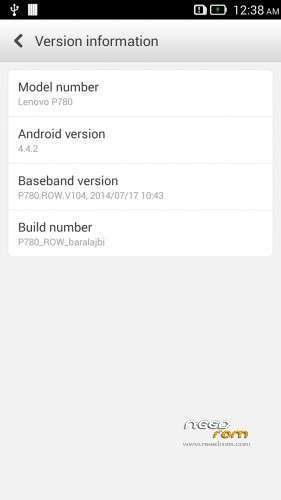
- Title: Lenovo P780 4.4.2 ROW
- Listed: July, 2014
- Last modified: 07/28/2014 11:20 pm
- Version: 4.4.2 ROW Multilang Root
You must be logged for ROM download.
40821 total views, 4 today
6 Total favorites


 Member Info
DESCRIPTION
Rom for Lenovo P780
base : 4.4.2_S220
Removed all unusable app
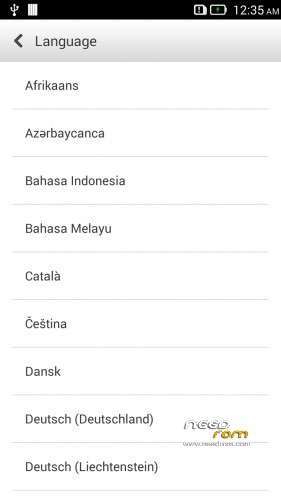
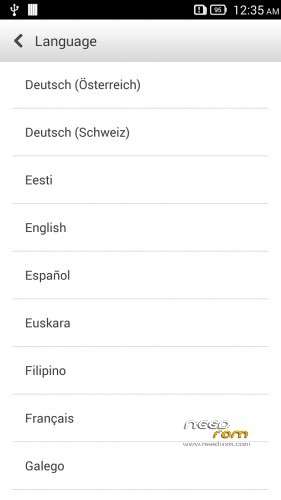
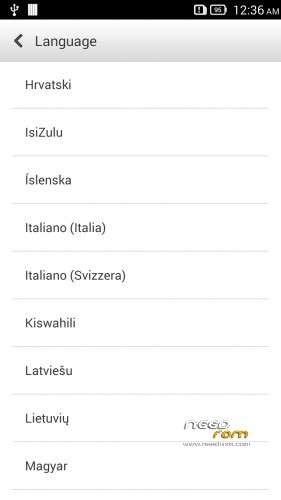
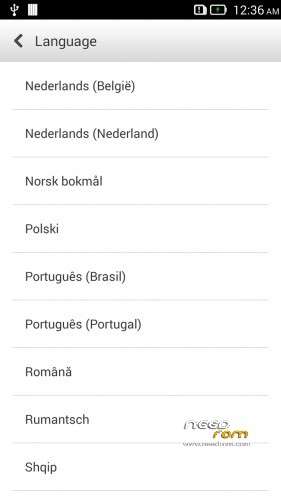
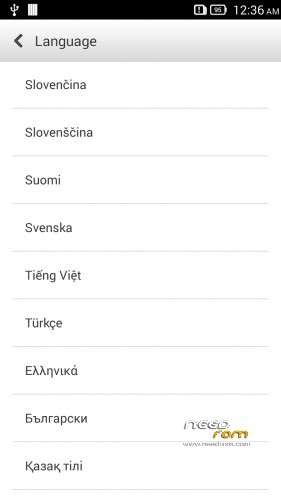
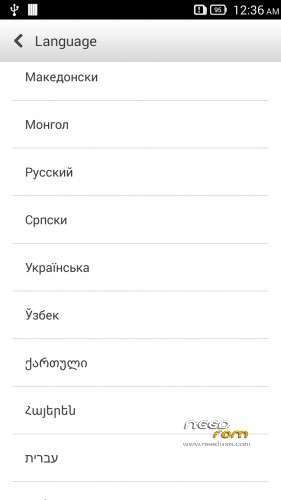
Added about 50 languages, so contain about 70 languages
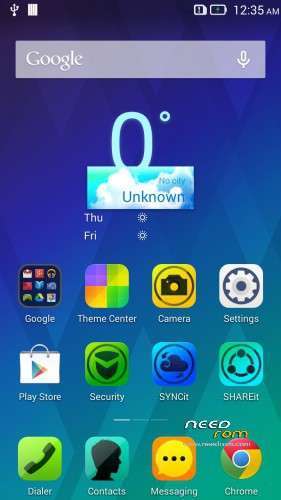
Possible to remove many system app, such as SecureIt, SyncIt, ShareIt, Theme Center, Power Manager, etc… Just put your fingers any place on desktop. 1-2 sec later appear some x. Where you see x, you can remove that app. By the way, do not give root privilege to SecureIt, because if have root privilege the SecureIt then this app copy oneself to /system/app folder!
Install ROM :

- Unpack FlashTools, and Click on Flash_tool.exe
- Select the MT6589_Android_scatter.txt in ROM
- Wait file to be added into Flash Tool
- browse the preload.img, because the flash tool do not load this
- choose Option->USB Model,click USB Model
–> Choose Option->DA DownLoad All->Speed->High Speed, click High Speed
- choose DA DL All With Check Sum
- Turn off your phone, (push the red reset button)
- "Press F9 (hit Download button)" OR " if upgrade ROM Firmware->Upgrade "
- and connect your phone into the computer via USB data cable.
- The process will start and a red progress bar will appear after color purple, yellow, if no, then have to install the driver
- And green circles display
- Finish !
- You can now safely disconnect your phone and turn it on.
If you like my job, do not forget donate me!
This ROM created by Android Lang Project http://www.androidlangproject.com/
※Please make a backup of your device before installing or updating ROM
Hi,
Can you please explain what you mean by "Bowse preload,img file"
Please note the file preload,img not preload.img
I have tried but cannot add it to the Scatter files. Please help.
- load scatter with flash tool
- after the load, you see an emty line , name is "PRELOAD"
- double click on this line
- browse the preload.img file
- if this ready, then click the firmware upgrade
Hello. The file for "PRELOAD" line is preload,img not preload.img. It has a comma in stead of a point. In this an error? can it fail? Because the rest of the rom files have the extension .img not ,img
Thanks
Thanks baralajbi, I did it
Hello.
Is there possibility to ROOT this rom?
BR.
This rom rooted!
No, definitely is not!
"camera not connected"
I tried this rom with 10 pcs P780, and I do not get this problem!
How can I replace the modem?
The procedure same than other P780 rom!
Hello can i install this update Form sdcard ? Thank you !
Can not do this, only with flaash tool!
Please help. I have flashed my phone 4GB version with P780_1423_Pure_GAPPS_ROOT and is running okish. I want to flash this one but keep getting error message as wrong ROM.??
How to connect phone as a storage device?
Dear baralajbi, please change the partition table like in VIBEUI_V1.5_1421_DE, then it will be good. Like this unusable.
This ROM consumes 7GB out of 8GB . ALL FEATURES OF THIS ROM IS GOOD BUT MAIN IS TO LOW INBUILT SPACE LEFT AFTER INSTALL IT AND LOW SIGNAL. HOW TO RESUME MEMORY AS LIKE IN ORIGINAL ROM ? S124 ROM CONSUMES 3 GB AND FREE 5 GB FOR DATA.
PLS GIVE ME A SOLUTION FORFOR MORE SPACE ASAP.