
- Title: Lenovo P780
- Listed: January, 2014
- Last modified: 01/15/2014 12:20 am
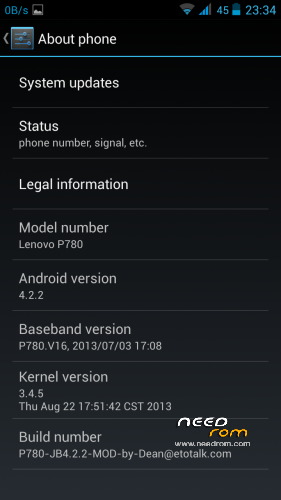
- Version: ROM Android 4.2.2
You must be logged for ROM download.
58716 total views, 2 today
7 Total favorites
 Member Info
DESCRIPTION
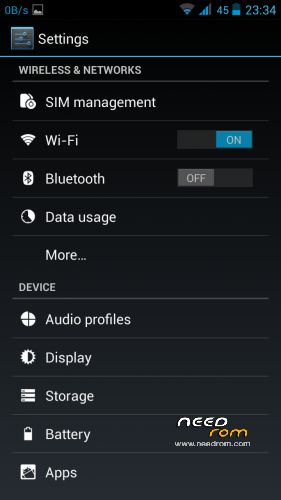
almost pure Android 4.2.2
multilanguage
In the ROM are not any of my personal information.
Working LED through light flow, you can set any notice (other than a sms and calls). LED lights only green.
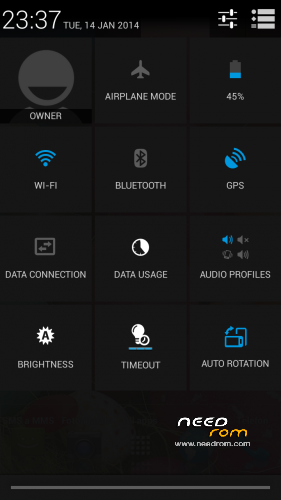
transparent status bar
If you are in system and press long power button, you can restart to recovery, normal restart or quick restart. IF you are on locked screen and press long power, you can only restart to system (due to thieves).
The phone can wake up by button volume up / down.
In lock screen, long hold home button swich on / off flashlight.
If you write something and press the Volume + or volume-to move the cursor.
menu button to get into the android settings
holding the menu you fit into the launcher settings
clicking on menu screens arranged
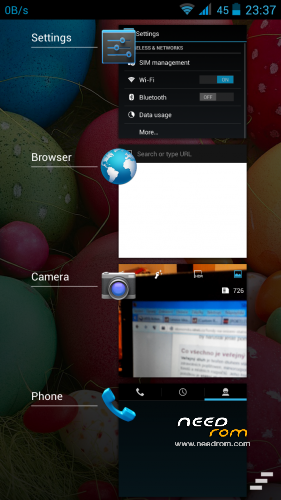
Long hold home starts recent apps .
Button back , doing back .
Pressing and holding the Back button closes the currently displayed (ie running ) applications.
Double-click on the back button turns on the flashlight.
drag two fingers to the left or to the right fit you to the next screen .
dragging two fingers down displays notifications
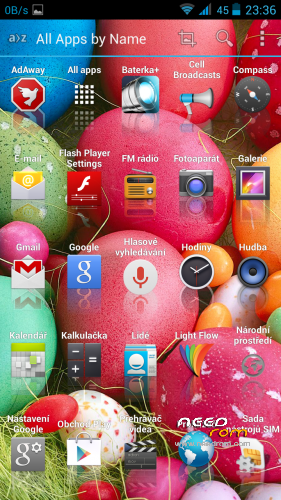
dragging two fingers up starts the application list (app drawer)
If you drag the icon over the top (app drawer ) , you will see a hidden folder hidden tools ) – a demonstration of how , for example, can be set opening folders as sidebar .
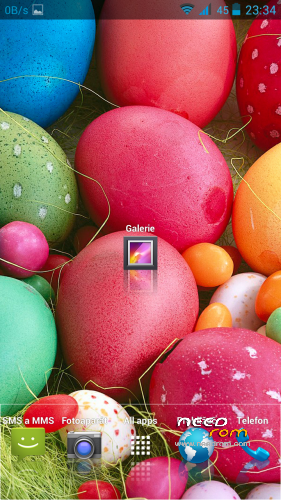
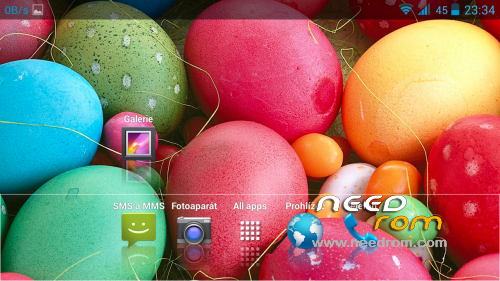
On the desktop I have done over the panel dockbar , and I added one stuck on the desktop icon (gallery) , and then several icons spread up, down , left, right , so that when the portrait display icons appear differently than in the landscape view ( to see how it behaves double placement of icons) .
In ROM is installed several hidden applications. Just open app drawer and in the top right corner click on the three dots give a visible display. You will then: busybox, gravitybox, master key fix, mobile uncle tools, root explorer (unfortunately it is needed to uninstall and reinstall it, he does not like the restoration of backups and immediately falls), SuperSU, Xposed installer. So that set different ringtones for two SIM is also loaded into the application DualSimRinger.apk which climbs through gravitybox.
Otherwise, I have not found yet the compass function for this Rom, honestly I was looking for so long, I've only tried copy miui compass and he always fell. So I copy lenovo compass of Viber rom (also 4.2.2), although the loads but does not rotate about missing drivers on the compass.
Install step:
You must have in phone some asia rom (as s125, s135, etotalk, etc.) and asia recovery TWRP 2440 in english.
Unpack my zip directly to the SD card (not already in a directory). In TWRP please doing all wipe (except SD Card) and restore my backup. After process is complete, restart to system.
Let my ROM like …
※Please make a backup of your device before installing or updating ROM
is this a custom rom or update?
Bugs (((( google play error, picture not save sd card
  ((((
((((
Please write me step by step what you are doing…
how to download this ROM?
here… https://www.needrom.com/wp-con.....on-by-rebas.zip
i'll try and i can't download backup
give another mirror
You can try this link http://d-h.st/yTs
can't acces this link. i'll try and nothyng
On this link http://d-h.st/5U4 is new version Carliv Touch Recovery 2.2 (ported from me), for asia and world base rom. Zip contains both version in script format – install from other recovery…
this work's. 10x man
Dear Rebas,
After trying the two versions of the factory ROM, I have just started to use this one, because I prefer pure google ROMs.
Just a few first things: every time I tap on the tima and date settings, the settings "unfortunately" stop.Either from the bar or from the settings menu. The clock app works fine though.
I would be very happy, if you found out how to use the compass
best regards
Does this rom keeps the ability to record the calls, like in the stock rom?
Can this be installed on S123_ROW stock worldwide ROM?
No, you must have first some asia rom. You can flash to phone for example S135 from my links… after you restore my backup.