
- Title: Lenovo S650 VibeUI 2.0
- Listed: August, 2014
- Last modified: 10/11/2014 12:18 am
- Version: Vibe UI 2.0
You must be logged for ROM download.
82082 total views, 7 today
22 Total favorites

 Member Info
DESCRIPTION
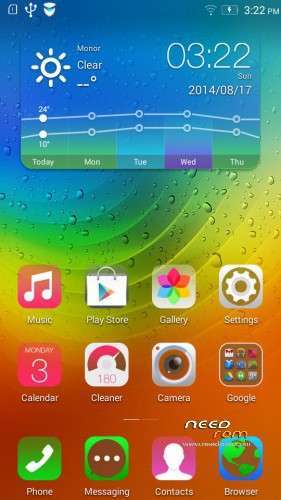
ROM for Lenovo S650– Android 4.4.2
————————————————————————————————————————————————–
Official Lenovo S650 VIBEUI_V2.0_1433
PLUS :
Gapps included
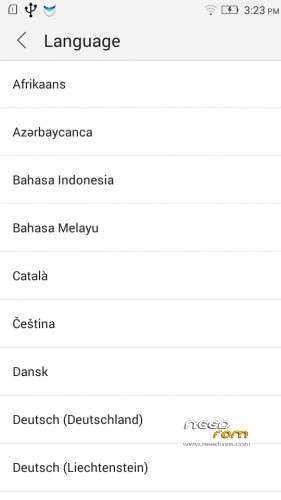
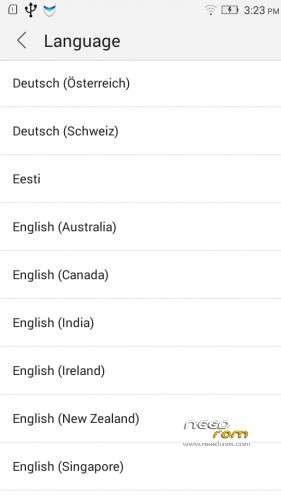
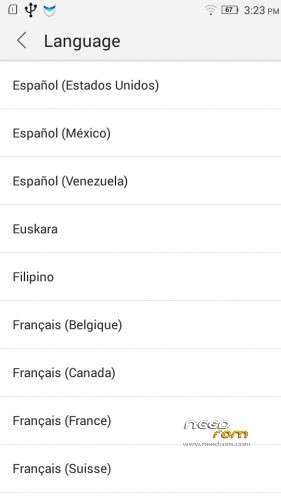
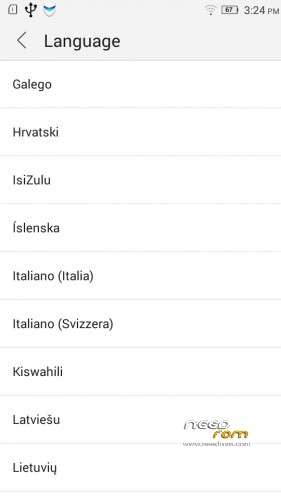
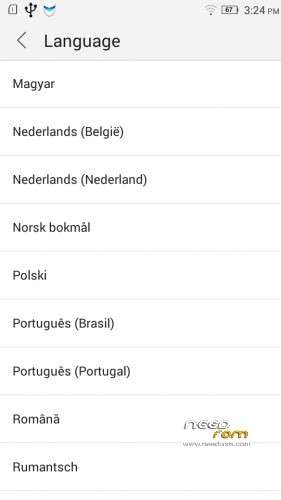
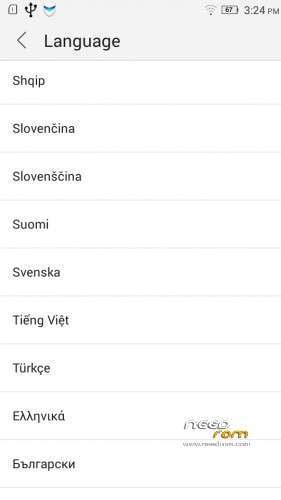
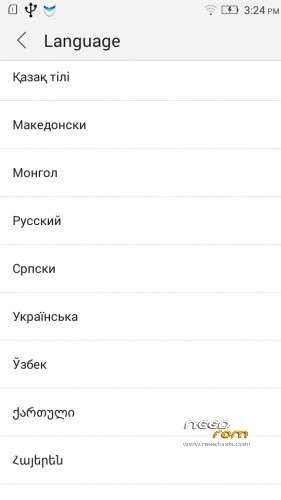
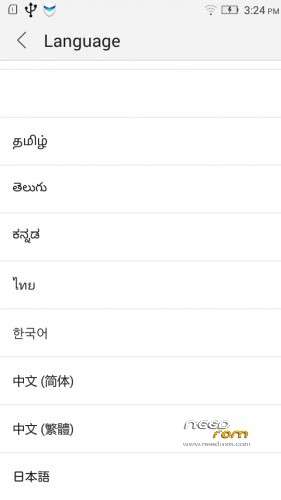
Language support: Multilang (about 70 languages)
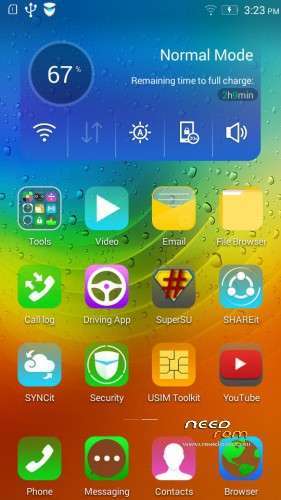
This rom is rooted
Removed all unusable app
V2 : base is VIBEUI_V2.0_1439_7.3.1_ST_S650_WC52
- fixed some languages
Install ROM :
- Download FlashTools MT_6592_SP_Flash_Tool_v5.1348.00.zip, and Click on Flash_tool.exe
- Select a the MT6582_Android_scatter.txt in ROM
- Wait file to be added into Flash Tool
- select DA DL All with Checksum
- Turn off your phone, remove the battery.
- "Press Firmware Upgrade"
- and connect your phone into the computer via USB data cable.
- install the vcom driver if you don't do this before
- The process will start and a red progress bar will appear after, yellow, grey and green circles display
- Finish !
- You can now safely disconnect your phone and turn it on.
This ROM created by Android Language Project (http://www.androidlangproject.com/)
If you like my job, please donate me!
※Please make a backup of your device before installing or updating ROM
Thanks Man!
does this rom come with built in storage ?coz i dont like it at all.
hey guys
I'd like to know this rom Do you support google service ?
Thanks in advance
Guys i have a little problem, this rom is incredible but i have some issues. For example i can not install .apk files and i have allowed applications to install from “unknown sources” but nothing… It stucks when the installation is running.
Also when i launch SuperSU it tells me that Su binary has to be updated, so i choose continue and then it tells that i have to do it with TWRP/CWM or regular/normal type. Whatever i choose the device can not do the update!
Any review for latest rom +
Hello. Thanks for a 1439 rom. Everything is ok. I have one problem. Titanium backup have root but no restore apk. WHY?
try another supersu
thank
hello,titaniumbackup not work???
when i restore any aplication via Titaniu Backup i have a message
I patch via Lucky Patcher android and instal modded google play
In gogle settings disable verification and is security settings allow instal non market aplication and not working…. why?
Download file TRY this SupeUser if u have some one glitches with Titanium Backup