
- Title: LENOVO S750 MIUI
- Listed: October, 2013
- Last modified: 10/02/2013 2:19 am
- Version: ROM Android 4.2.1 MIUI
You must be logged for ROM download.
30696 total views, 4 today
152 Total favorites
 Member Info
DESCRIPTION
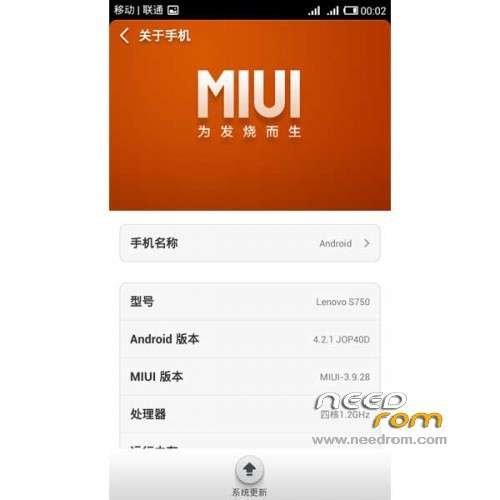
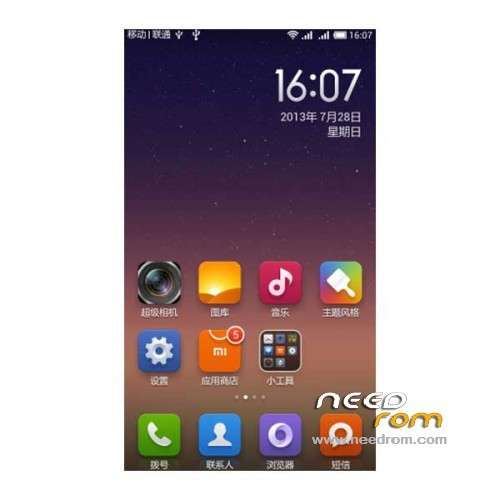
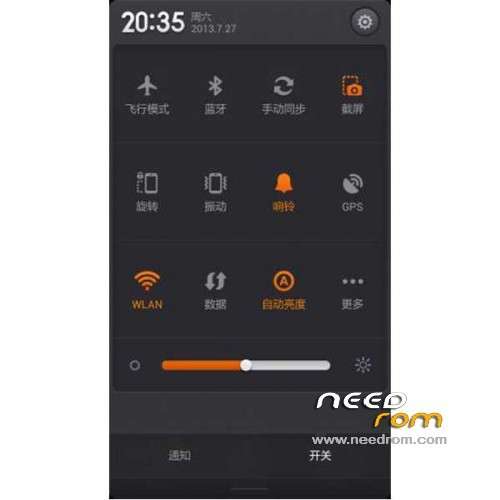
ROM Mobile LENOVO S750 – ROM Android 4.2.1 MIUI
Features ROM:
Ported A820 MIUI v5 – 3.9.28 – on S750 Beta1
Bug: voice assistant , of course, this is not a very important thing , if you have obsessive compulsive disorder so sorry this is not for you. .
Gapps not include – Rooted
Language support : EN/CN
Rom install :
CWM ( CN )
Step 1: Download the custom ROM copied to an external SD card root directory
Step 2: the shutdown state. While holding down:
– Power button + volume button up, to enter the recovery mode.
– Wipe Data / Factory Reset -> delete all user data
– Wipe Cache Partition -> Wipe cache
– Advanced -> Wipe Dalvik Cache
Step 3: Return to recovery main interface Install zip from sdcard -> choose zip from sdcard -> Select your ROM
Step 4: Brush complete, restart the phone Patience required – first boot takes a while
※Please make a backup of your device before installing or updating ROM
great job, but Spanish language support?
no Language support : EN/CN
Please tell me you fix the problem with contact with +4 ( incoming number without country code not recognized ) and the call register without chineze sign ?
Hi Emzy,
These city codes ( no country). If You want to remove these codes plz follow the next:
1. goin to "data/data/com.lenovo.ideafriend/files" with Total commander
2. delete "phone_city.bin" (don't worry…)
3. Set new Permissions for "files"" folder withthe Total commander (remove all write access… rwx:551)
3. reboot
No chinese characters:-)
Thanks "sotomi" for trik, i deleted 2 files phone_city.bin and phone_city_new.bin and now is clear !!! Without Chinese caracters ! Thank You Very Much!
But still I can't resolve problem with (country code not recognized)
Exemple:
If I have one contact in my phone memory like this +4012345678 = John, whend John call me just rite 12345678 call …but not recognized this number is John.
And if I modify all my contacts to be like this John=12345678 i have 2 problems:
1. if I go in other country I can call becouse I don't have country code.
2. When I recive message from john, is not recognize because message cames from +4012345678. Strange!
Please somebody help me ? This new rom fix this problem or not ? Or How can I fix this ?
900mzh compatibility ?
If I can be curious: What did you change in the A820 rom ?
(I also like to hack android roms
If the GApps not included, it means that need to download separetly from goo.im or it will brick my phone ?
?
It's avaiable through the miui forum everything works fine! Many thanks!
link please?
please somebody tell me if is call register all in english or still some china sign ? like in attasament
and the problem to recocnize number with country code ?
How to install recovery?
Hi, try to use their recovery: http://forum.xda-developers.co.....38724 and then follow steps from number 2. Wipe the cashes and stuff and then install ROM. I couldnt figure out how to install this recovery either. I dont have root folder at all.
How to install google apps?