
- Title: Lenovo S750 VIBE UI 2
- Listed: November, 2015
- Last modified: 12/11/2015 2:18 pm
- Version: 4.2.2
You must be logged for ROM download.
15124 total views, 1 today
4 Total favorites



 Member Info
DESCRIPTION
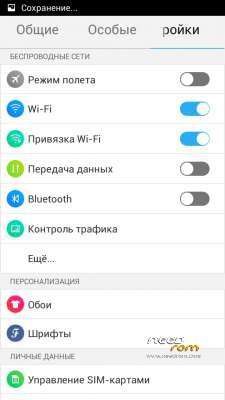
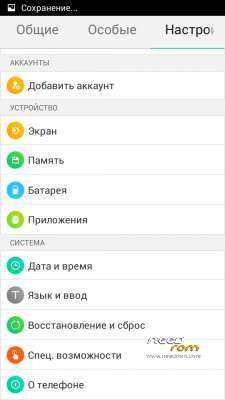
Language support : EN/CN/RU/UK
Step 1: Download the Partition path & custom ROM copied to an external SD card root directory
Step 2: the shutdown state. While holding down:
– Power button + volume button up, to enter the recovery mode.
– Install -> choose zip from sdcard -> Select your Partition path
Step 3: Return to recovery mode
– Power button + volume button up, to enter the recovery mode.
– Wipe / Advanced Wipe -> delete emmc, data, cache
Step 4: Return to recovery main interface Install -> Select your ROM
Step 5: Brush complete, restart the phone Patience required – first boot takes a while
※Please make a backup of your device before installing or updating ROM
Aroma instaler is russian and i cant install partition path please can fix it?????