
- Title: Lenovo S860 VIBE 2 – Inew V3 port
- Listed: December, 2014
- Last modified: 12/16/2014 10:26 pm
- Version: 4.4.2 Vibe 2 , 1.0
You must be logged for ROM download.
20566 total views, 2 today
134 Total favorites
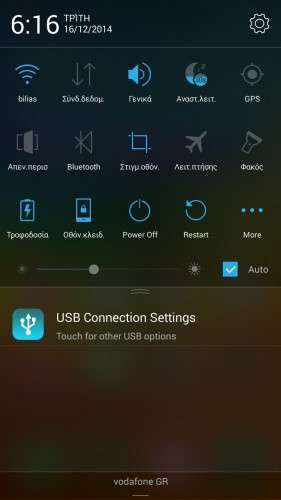
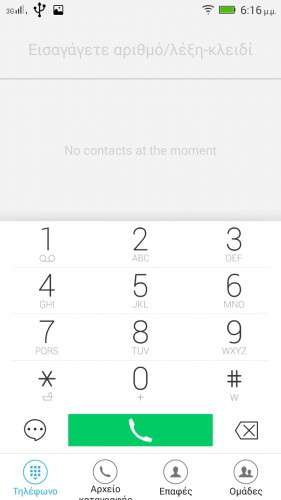
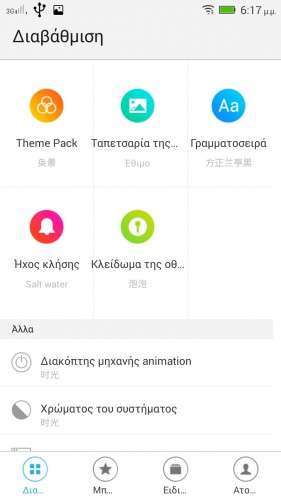
 Member Info
DESCRIPTION
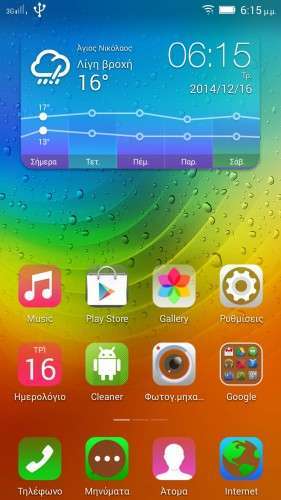
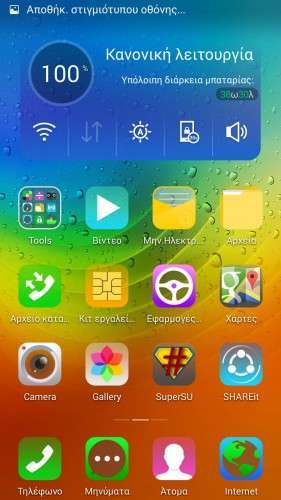
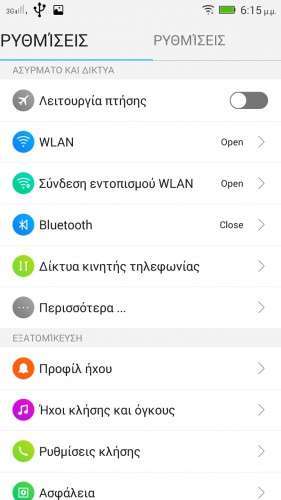
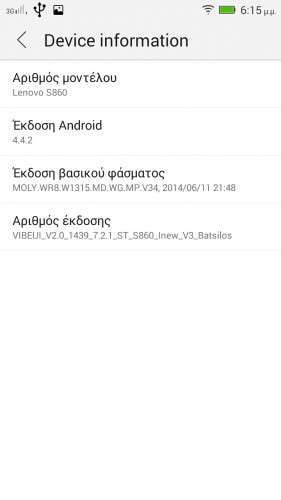
Here I present you my Lenovo S860 VIBE 2 Modded ota ROM for Inew V3.
Port 100% from Lenovo S860 VIBE 2. Prerooted and busybox installed. Google apps included. Everything tested working (NFC NOT working – Hope someone can help fix this)
Multilanguage. Kitkat 4.4.2.
————————————————————-
How to install.
1) Back up your phone with flash tools.
2) Unzip my pack.
3) Load flash tools , load MT6582_Android_scatter.txt from theunpacked folder and choose (format all and download) and press Download. ATTENTION this will totally wipe your phone!
4) Turn off your phone , remove battery. Keep it removed! Connect first usb to PC then to your Phone. It should start downloading the Rom.
5) Unplug USB , put battery back on , turn phone on by pressing volume up at the same time. This will take you in recovery. Now , goto wipe , do the basic wipe then wipe internal memory. If you get errors format DATA , choose yes and wipe then cache , data , then internal manually. Reboot.
ENJOY!
※Please make a backup of your device before installing or updating ROM
Thanks Batsilos for your great work
Welcome at last a guy who don't complain
You can't know how much work and time goes into porting roms unless you try it yourself (and fail )
)
HINT : Working on MIUI V5 Kitkat …….. Moslty finished but trying to activate multilanguage!
Please help me, Help! I flashed the ROM, all ok. With MobileUncle Tools when I try to enter the phone's IMEI (Sim1 or Sim2) will not let me write. How do I solve?
Help! I flashed the ROM, all ok. With MobileUncle Tools when I try to enter the phone's IMEI (Sim1 or Sim2) will not let me write. How do I solve?
You must be in SuperUser… try to use : SuperUser
Forget that application , will not work.
Get MTKDroidtools and do it from there , it will connect , show you Imei null or invalid.
If it is null just click the IMEI/NVRAM button , fill in your imeis (found inside the phone under the battery) in IMEI1 and IMEI2 empty space and press Replace IMEI , then reboot.
If it shows invalid press Restore and choose your backup (dev/nvram and data/nvram) and then reboot.
If it still doesn't work , you obviously flashed the rom with download only option and you need to restore your Nvram and Sec.ro with flash tools.
When you Format and download , the nvram goes black and is being re-writen by the actual rom and should work.
Very Well! Works great. Would you be kind enough to tell me how I can do to turn the sound off (annoying) when I turn on or turn off the phone? Or if you can change the boot image when I turn on the phone. Thanks again.
when sound comes on , press volume keys and sound stops
IS THIS 1GB OR 2GB
I FLASHED THE ROM MY PHONE BRICKED
MINE 1 GB CH VERSION
You must be the only one who did this! ALL Inew V3 have 1GB , only the new V3+ has 2GB and different processor.
Did you follow the instructions? Did the Flash tools finish flashing with green checkmark? You must FORMAT and download , everything on my pack , not only system etc!
allready did
i saw green circle so flash operation were succes but i try to open recovery as you said
there was no response by phone
it has only charge function no more even so nothing i thing the precessors burned
Hold on , you are flashing this on INEW V3 , not the actual Lenovo H30???????
This is for the Inew phone …. ported!
не ловит спутники gps