
- Title: S129 RusMod
- Listed: June, 2014
- Last modified: 07/11/2014 4:33 pm
- Version: S129
You must be logged for ROM download.
18027 total views, 1 today
2 Total favorites
CUSTOM



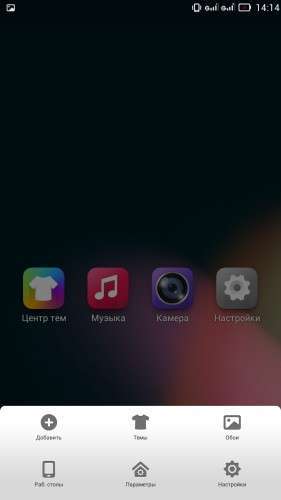
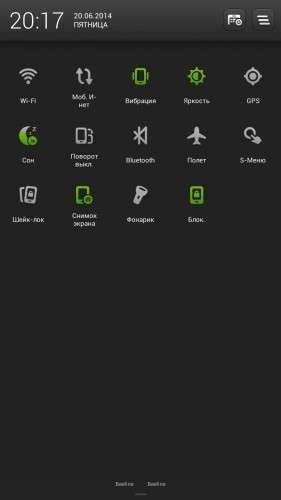
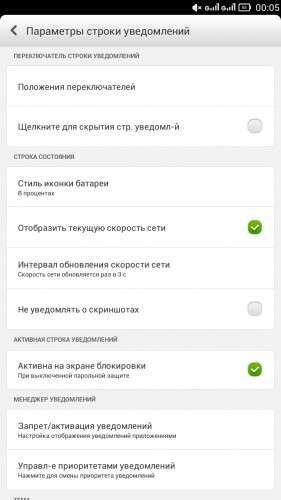
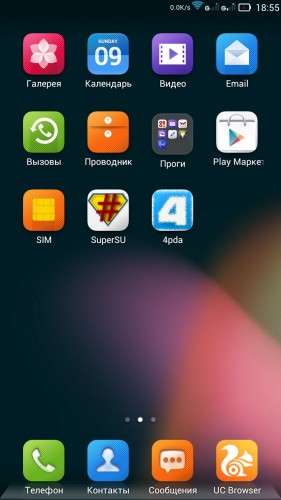
 Member Info
DESCRIPTION
Root
GAPPS
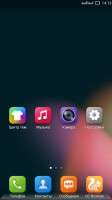
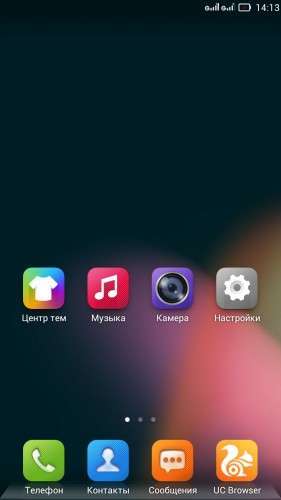
Removed all Chinese applications
Language-EN/CN/RU
Busybox
Installation of a custom recovery
Preferred for Russian-speaking users.
※Please make a backup of your device before installing or updating ROM
OT: Hi, OP! I have a question, is TWRP or CTR better for S939? Can you suggest the pros and cons? Cheers!
tell me how to install.
I can not say better or not one chooses to taste. TVRP more functional. Install as usual,from recovery.
hello….can i know how to flash the TVRP recovery..? TQ
u can use mobile uncle tool if ur rooted…
Sir..i can't found the boot img using mobile uncle tools…is there another way to flash it…? my phone already root it.
thanks….I'm already flash the recovery…by the way this recovery can be use in another rom..?
Yes, you can use it for regular TWRP for 939.I use it, it was created by the website user 4PDA.
sir…can i install lenovo super camera in this rom..?
In this rom super camera already installed.
For those on stock ROM without root first download Mobile Uncle Tool on your phone.(You cannot use MobileUncleTool on stock NOT rooted phone- so be patient)
Download the VROOT software on your PC and obtain TEMPORARY root for you to use MobileUncleTool.From MobileUncleTool choose update recovery, copy the TWRP-s9393.img it and copy the recovery.img onto the ROOT (not in a folder or else MobileUncleTool cannot find the file!) of the external sdcard together with Firmware. MobileUncle Tool will install the TWRP recovery and then it will reboot after the phone has reboot and stabile >>switch off phone >> then Press VOL+/- at the same time and then the Power butto and wait till the LENOVO logo appears and let go of all buttons. Then choose install find for the firmware.update.zip and let it do its job and then rebbot into system that is all. If thios you dont know then it is better that you leave you phone alone or else you might render your phone useless.
This is not for the faint of heart!
Thanks for the support and instruction!