
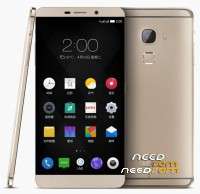
- Title: Letv max X900 firmware global multilanguages ROM unbrick firmware QFIL fastboot
- Listed: August, 2017
- Last modified: 03/19/2018 2:25 pm
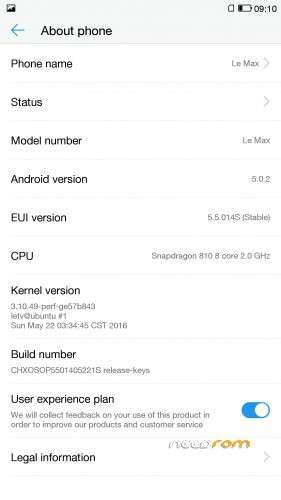
- Version: 5.5.014S & android 6
You must be logged for ROM download.
22293 total views, 4 today

 Member Info
DESCRIPTION
Notice : the rom unbrick your phone , and cost more times to edited the firmware , so i set password at the firmware ,if you need ,please you pay some money for donation!!! donate link https://www.paypal.me/hometownzhong
1.if you phone can entry fastboot model .you can run "run me flash.bat"
2,if you phone can not display anything , but the phone press volume up down and power , appear 9008 port , you can use QFIL method .
install tools at links qpst.win.2.7_installer_00460.3.zip
the computer OS need win7 win10
install Qcom driver
run the QFIL , set the configuration – download configuration- device type set to EMMC , other options don't change. press OK to confirm .
Select build type – flat build
select programmer choose "prog _emmc_firehose_8994_ddr.efl"
load XML- choose all ramprogXXXX —choose all pathXXX
press volume up down and power , connect the usb cable "Qualcomm HS-USB QDLoader 9008 "port appare the head
press download to flash , if flash failure to stop , you need press three key to power off your phone , and do up step again to flash , try more times.
2018/3/19 update android 6.0
X900_and6-lang_fastboot.zip
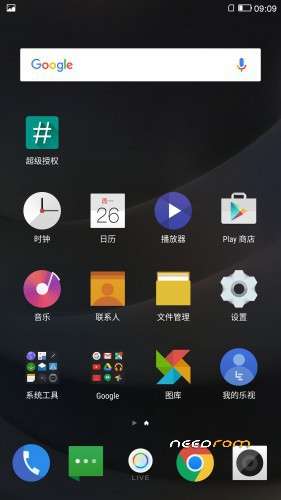
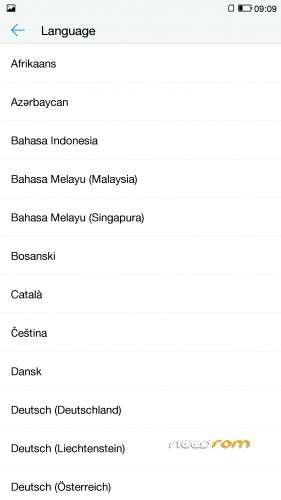
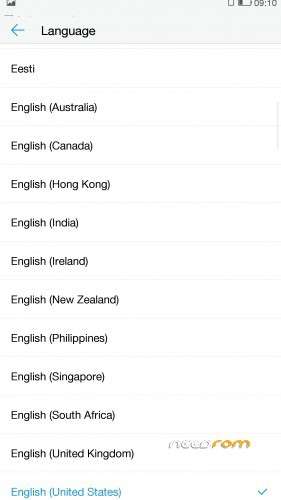
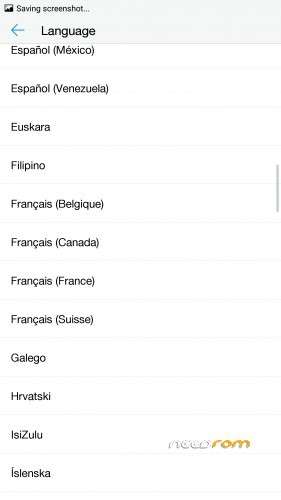
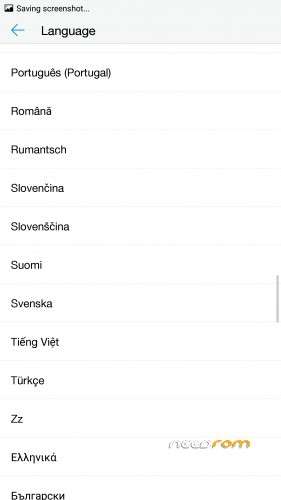
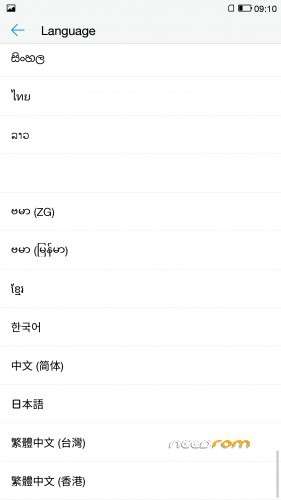
multilanguage menu
Gapps
fastboot mode to flash
run_flash_me.bat
!!! backup your phone data before flash the firmware.
thanks https://www.doeschance.com support sample phone to modify and make the firmware.
Access only to this ROM via donation to "zhong_ft".
※Please make a backup of your device before installing or updating ROM
?:
Sent to your email.
Donated pls help.
hi,please donate the link https://www.paypal.me/hometown.....zhong
Hi, Donated just now, plz send the password to my paypal email. Thanks
tell me your paypal account.
Hello! Do you still have the password? I can donate right away. Thank you!
hello i donate by paypal for you
hello thank you for the password but i need help to flash my x900 i tried to flash with the instructions on needrom but i failed at each time …
sahara erro or host file when i flash
beware don't donate not working for x900 the guy ask always money et don't help really
The firmware is eui 5.6 ,the version have not eui 6.0,if you flashed Chinese rom,it must brick again.
Good morning, I have a balance in paypal, but my account only sends payments to Brazil. My paypal: petrick07email.com@gmail.com
You can pay to anyone paypal.
How much do you need?