
- Title: LeWa HDC S4 GT-I9500
- Listed: January, 2015
- Last modified: 01/05/2015 6:36 pm
- Version: LeWa 5 13.10.25
You must be logged for ROM download.
17721 total views, N/A today
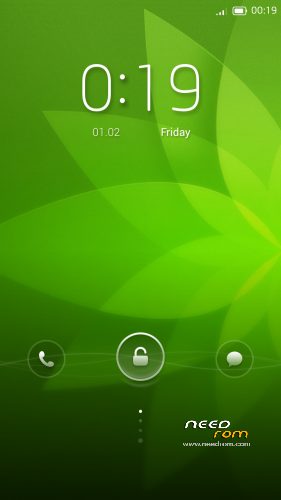
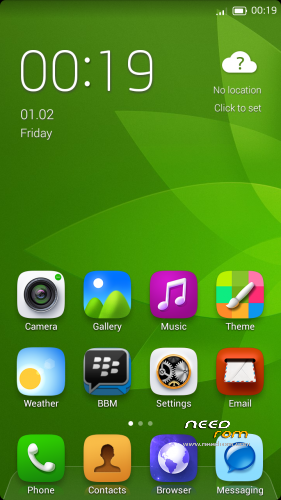
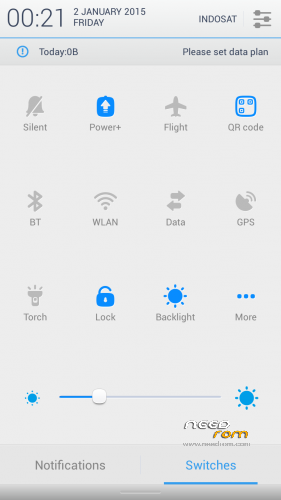
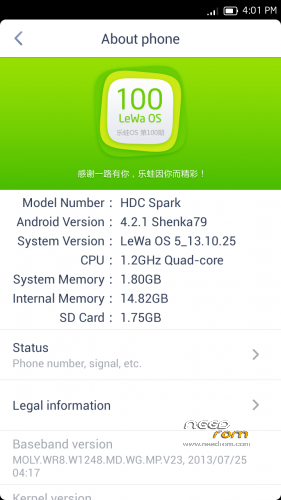
 Member Info
DESCRIPTION
ATTENTION : Read Carrefully
This rom only for HDC Galaxy S4 GT-I9500 Clone Not Tested On Other Devices !
-MTK6589 Quad Core 1.2GHz
-2GB RAM (fake) 1GB RAM (real), 4GB ROM
-5.0inch HD IPS Screen
Display resolution: 1280*720 pixel display, 320 dpi
GPU : PowerVR SGX 544MP
Build ID : JDQ39.I9500ZSUAMDF
Hardware : UNIVERSAL5410(exynos5) fake, MT6589
Model : GT-I9500
Build number : ALPS.JB2.MP.V1.26
Build date UTC : 20130904-125830
Android v : 4.2.2
Baseband v : MOLY.WR8.W1248.MD.WG.MP.V23.2013/07/25 04:17
Kernel v : 3.4.5 (zhanghongqiang@yaocong-desktop) (gcc version 4.6.x-google 20120106 (prerelease) (GCC))#1 SMP Wed Sep 4 20.55.23 CST 2013
LCD Driver IC : 1-nt35590_hd720_dsi_cmd_truly
WARNING!!! ALWAYS BACKUP YOUR CURRENT ROM FIRST BEFORE YOU FLASH THIS!
Please Read Before Install This ROM :
- I recommend to do a full backup of your ROM first. ( i don´t take any responsibility if u brick your phone, take it on your own risk )
This ROM has been tested and succesfully installed on my Device after has been modified.
Rom Installation Procedure :
This is a CWM based ROM not a SP Flash ROM
Step 1 : Download the custom ROM to your external SD Card
Step 2 : Shutdown your handheld.
Step 3 : Go to CWM Recovery mode ( Volume Up + Power )
Step 4 : Assuming that you already BACKED UP your ROM, then go Wipe Data/Factory Reset, Wipe Cache Partition, Wipe Dalvik Cache, Format System.
Step 5 : Install Zip from SD Card > choose ZIP from SD Card > select the ROM
Step 6: Brush complete, restart the phone Patience required – first boot takes a while
Step 7: Done, reboot your handheld & enjoy….
* Credits Thanks to Xtreme.Ornob xda developers for [GUIDE] [PORT] [ROM] All About Mediatek ROM Porting
※Please make a backup of your device before installing or updating ROM
Doesn't work for me, got stuck in bootloop.
Did all the steps above, don't know, what I've done wrong, can you help me to get this working on my HDC?
I have a HDC Galaxy S4 Legend II:
hdcmobile.com/hdc-galaxy-s4-legend-dual-simcard.html
For Spec: HDC S4 Legend II MTK6589 Quad Core 1.6GHz, not Quadcore 1.2GHz such as HDC S4 Spark. if you try to instal this rom. your device will bootlop. you can try to extract zip Lewa rom, change boot.img from your stock rom and zip again.
Thanx for the tipp, but doesn't work
I managed to port this Rom to HDC Galaxy S4 Legend II with MTK Firmware Adapter Tool, works, except the camera, GPs and some photos are not showing in the Gallery…
You know how to fix camera and GPS?
fix camera replace from stock rom :
\system\lib\libcamalgo.so \system\lib\libmhaldrv.so \system\lib\libcamera_client.so \system\lib\libcameracustom.so \system\lib\libcameraprofile.so \system\lib\libcameraservice.sofor GPS :
/system/xbin/libmnlpYou are the Master of porting
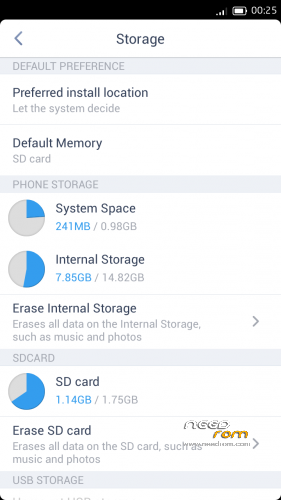
Will try this out later, facing some new problems: USB storage doesn't work and the Root App from lewa is in chinese only.
I have rooted the phone with Motochopper One Click Tool, got the failure Superuser.apk can't be installed, instead Lewa offered me his own Superuser app, which is in chinese only and I can't read a word, when an app ask for root permission.
Ah and one more thing, how can I get the Lewa Boot Animation? MTK Firmware Adapter Tool didn't port this one.
USB storage now works. The files for camera and GPS you are mentioned were already exchanged from stock Rom by MTK Firmware Adapter Tool. Defacto camera and GPS still doesn't work just by exchanging these files.