
- Title: LeWa OS 5 ROM
- Listed: January, 2014
- Last modified: 01/18/2014 5:49 pm
- Version: 14.01.06
You must be logged for ROM download.
23565 total views, 3 today
1 Total favorites
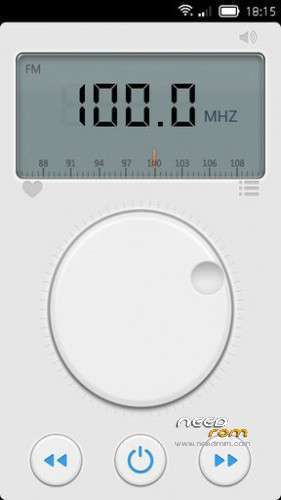
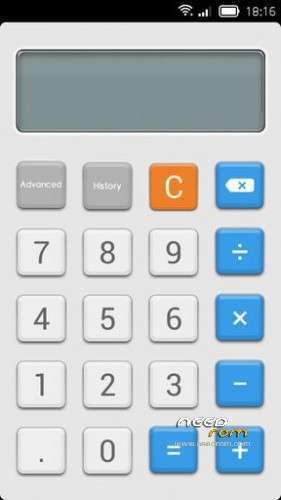
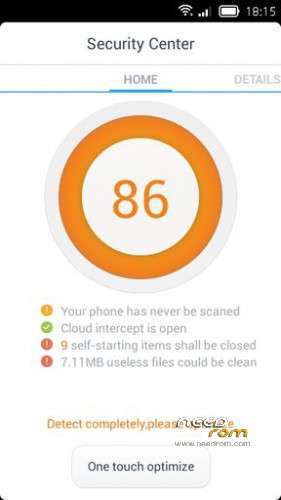
 Member Info
DESCRIPTION
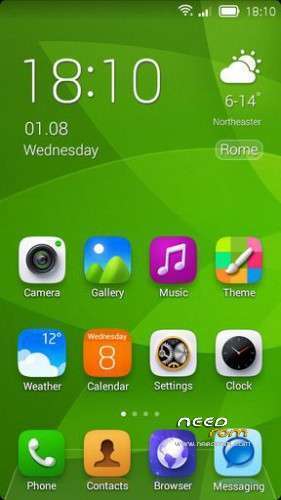
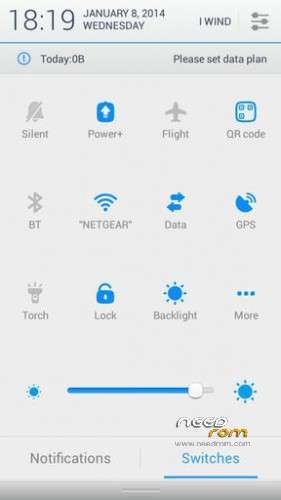
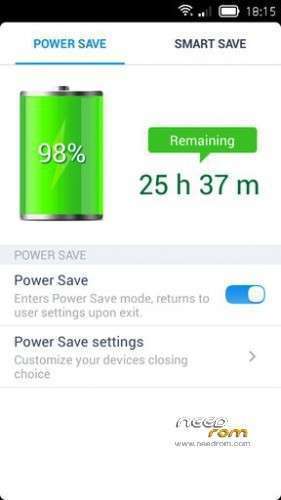
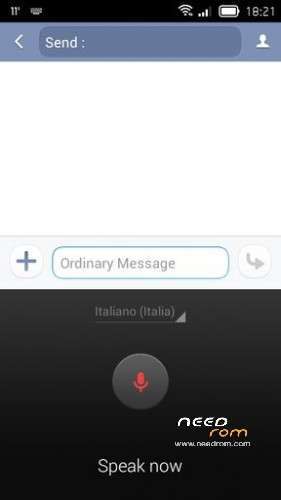
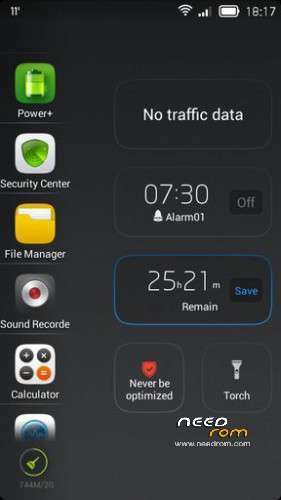
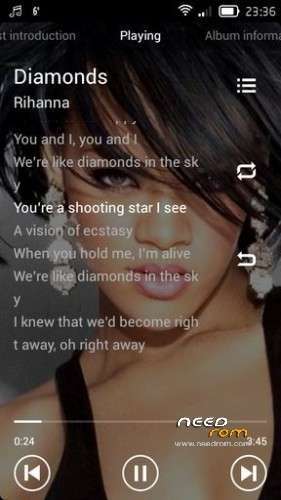
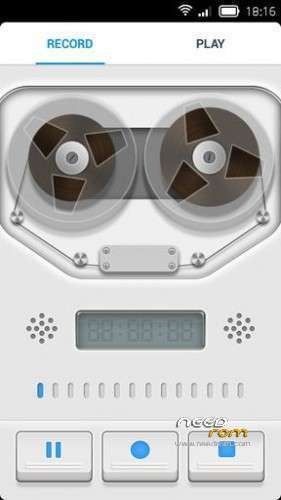
LeWa OS5 Rom
This is the version to install from CWM recovery
valid for all models of Star N9500 MTK6589
The problem with Lcd and Camera drivers will never be a problem.
First in the world I solved the problem.
You only need to know before installing what is the combination of Lcd driver – Camera of your mobile phone. Know that during the setup wizard, the installer will ask you what is your driver combination.
Links to everything that is required for proper installation can be found in the following paragraphs.
What is LeWa
LeWa OS, or sometime also called as Music Frogs or жабка, is a third-party Android ROM produced by a Chinese company Lewa Technology. It mainly focus on developing beautifuls ROMs. As of April 2013, they have more than 2 million users, and as of July 2012, they are the Top 3 custom Android ROM in China, together with MIUI and DianXin OS (or called as Tapas OS). Lewa is also the first-ever custom Android ROM in the world that supports dual-Sim standby feature.
Features of the LeWa Rom
This ROM is fast, stable and extremely fluid.
I have adopted the latest kernel available and changed the boot order to make the ROM even more powerful.
* Root
* Kernel (boot.img) of August modified with real support init.d
* Zipalign at every boot
* Sqlite optimization at every boot
* Smoother and faster
* Absolutely minimal app in the system
* Extremely stable
* Improved from stock in every aspect
* Optimized
* Ram power consumption of less than 35%
* Gapps already installed
* LeWa Boot Animation
* LeWa Logo.bin
* Build.prop optimized
* Gps.conf optimized
* Gps engaging the satellites in a few seconds
* Hosts file modified
* Scripts and Tweaks listed in the following section
Added the original xLoud Audio (Loudness Enhancement Engine)
Added the original Vipers4Android Audio Effects (see specifications below):
- NEW Speaker Optimization
- Differential Surround / Haas Effect
- ViPER Bass With different bass modes, you can have greater bass experience than before!
- ViPER Clarity With the latest Clarity mode selection, you can balance up heavy bass with high clarity audio that you can never imagine before!
- Headphone Surround+ (VHS+) With this VHS+, V4A made its way to achieve great surround technologies for Android
- Auditory System Protection (Cure Tech+)
- Convolver
- And many more
Scripts & Tweaks
After careful selection and long and patient work, in order to adapt to this device and delete all the conflicts I could insert different and will list only the main ones:
* Adrenaline Engine
* Loopy Smothness
* Geeky Engine
* Net-Fork
* Supremacy
* VelocityTweaks
* SlaidyBoost
* BeatsAudio
* CosmisTweak LightSpeed
Introduction to the installation of the LeWa Rom
Before installing the Rom you need to make a backup of your device in case something goes wrong. Do it with MTKDroidTools flashabile with FlashTool.
Those who have already installed the recovery Cwm they can make a second directly from recovery.
For the first, here is a guide to the procedure of backup, for the latest version of MTKDroidTools and drivers necessary for the proper use of the application Backup with MtkDroidTool
Just this already, but if you want here is the guide for the second procedure to install the modified recovery Cwm How to install Cwm recovery
Installing the LeWa Rom
Before installing the Rom is necessary that you know what version of drivers Lcd and Camera is on your device, because the installation with incompatible drivers would inevitably lead the phone to the brick. During the installation process, my Touch Installer you will propose different combinations of drivers Lcd and Camera. Simply indicate which is the your, and the installer will continue its task.
If you do not know what is the drivers combination of your device, you can check it through this easy steps:
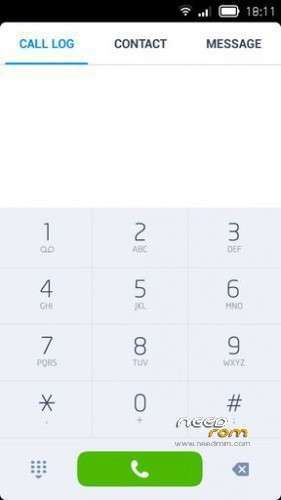
* Open the numeric keypad of the phone (as if you have to dial a phone number)
* Enter the combination * # * # 116 # * # *
* A window will open which among the many things listed, will also present the version of your Camera and Lcd drivers.
If this procedure does not work (does not work on all versions of this device) then you just enter in "Factory Mode":
* Turn off your phone
* Holding down the volume down button (be careful! Volume -), press the power
* As soon as the phone is starting, you can leave the power button whilst continuing to hold down the volume button -
* It will open a window with the words "factory mode" followed by one with various items
* You can leave the volume button
* Now the volume button will need for scroll through the menu items
* Go to "version" and enter by pressing the home button (middle bottom)
* Now between the various items that appear on the screen there will also be those of your Camera and LCD drivers (if you do not see scroll with the volume key that are below)
* Note the type of Lcd drivers and the type of Camera Subsense driver
Now we are ready to install the LeWa Rom
You may have already downloaded the zip file from the link above and copied the zip file in SD card.
Restart your device in Cwm recovery and make a backup of your device.
Then always from Cwm perform a full wipe:
-> Wipe data / factory reset
-> Wipe cache partition
-> Advanced -> Wipe Dalvik Cache
-> Advanced -> Wipe Battery Stats
-> Mounts and storage -> format system
-> Mounts and storage -> format EMMC
to make sure you have no problems!
You are ready to install the LeWa Rom from Cwm with the usual:
-> Install zip from sdcard.
Will start the installation process with the touch controls. Be guided by the Touch Installer and when will be asked what is yours drivers combination, simply indicate which is the your from those listed, and the installer will complete the installation.
At the end of this at the request of the installer confirm that you want to reboot into CWM recovery and from here again:
-> Wipe cache partition
-> Advanced -> Wipe Dalvik Cache
Reboot. Upon reboot follow the wizard to set up the language and the basic settings of the phone and then run a new reboot (there are some services that to start, needs a second reboot). And now enjoy!!
N.B. If after installation you notice that the signal of the sim is poor or absent it means that you have to put a different baseband. Simply install one of these patches, prepared by the user freedgt. They are. Zip file to install via cwm recovery. It is a procedure for a few seconds. It is not possible to know first what is the best for vs device, in the worst case you'll have to try them all, and take what will seem to respond better to the radio signal in your area, and your operator.
Here are the links:
- baseband del 19 aprile
- baseband del 14 maggio
- baseband del 17 maggio
- baseband del 21 giugno
- baseband di luglio usually for 8 gb device
Which author of this Rom decline any liability for whatever may happen to Vs device as a result of the flash itself.
If you are afraid, then don't install anything and you will sleep peacefully the night, otherwise you do it at your own risk!
In any case, just do a Nandroid backup before installing anything and every problem should be averted.
Resolution of any problems after the installation of the Rom
I invite everyone to make a backup.
Only if you have done the backup and you are able to restore the device then you can write me relatively few bugs in the rom or any other problem.
So ATTENTION! … You did not do a Nandroid backup? … You are not able to restore the device? … Well, do not write to me, because I will not answer to you!!
Conclusions
Enjoy my work. It's really powerful and optimized. Enjoy!!
I have put, too, the link to the CRT recovery version 2.1, which I made for this device. It 's a good recovery full touch. The features in this link https://www.needrom.com/mobile/carliv-recovery-touch-2-1/
P.S. I'm Italian and sorry if I have not written in good English
※Please make a backup of your device before installing or updating ROM
Nice ROM. I can’t copy text in some applications, when I tap and hold my finger on the screen, it says – unfortunantly app have closed. Do u have any idea? I have some chineese symbols, using English language.
The problem of Meteoaza, I have it to: apps closing. expl: gmail
Further, I can't use the phone with my carcit. Itv turns the radio of when a call comes in or when I make a phonecall, but there's no sound.
I can play music trouth my carcit……but no calling?
Is there a Lewa site, where I can see the updates, or a forum?
Ciao Olidan, ma che fine hai fatto?
Please rom in Russian
When I try this ROM i get no service on my sim cards.
I'm from Belgium
This phone is very unique … the different models feature different baseband but in the Rom I can put only one.
At this link http://www.androidworld.it/for.....75/#post1339555 at the end of the post are the various baseband of this phone. You need to install via CWM recovery and see which is fine for your device, one at a time until you find the right one.
Dany
An explanation for all
The Lewa is produced by Chinese developers only in Chinese and English languages.
If someone finds a translation into other languages tells me and I'll see if I can bring them into this ROM otherwise I do not have time to do the translation, I'm already working on other Rom
Sorry about that.
Dany
you would Russified would firmware
Hi. I’ve got another problem, I can’t make video call. Can receive, but can’t call. Any suggestions? Thanks.
Hi Olidan,
I tried this rom some days ago.
It's for me the most beautiful and faster rom I've ever tried, but unfortunately I had to remove that because any browser I installed crashed every time I clicked on the address bar.
Could you please investigate and resolve this issue?
Many thanks.
Hi, okay promise that look it
I followed what you wrote in your guide: factory reset, then clear cache and finally clear dalvik cache.
Currently I’m using your MIUI ROM, and all works, so I think it’s not due to some error on my side.
Hope you’ll resolve the issue soon. Thank you in advance
Incoming a version updated and multilanguage.