
- Title: Lewa OS 6
- Listed: December, 2014
- Last modified: 12/11/2014 2:10 pm
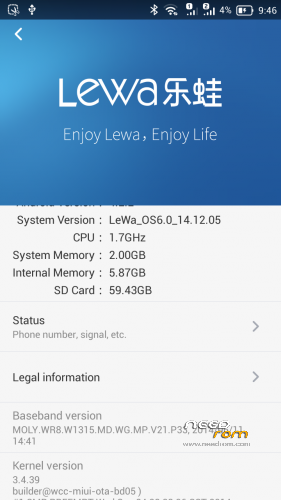
- Version: Lewa OS 6 based on Android 4.2.2
You must be logged for ROM download.
24160 total views, 2 today
 Member Info
DESCRIPTION
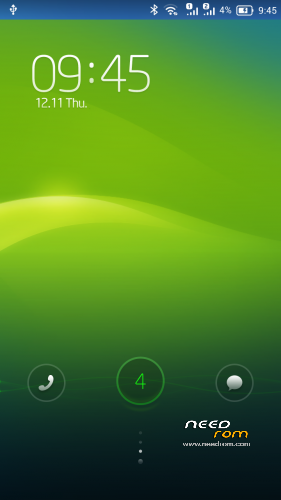
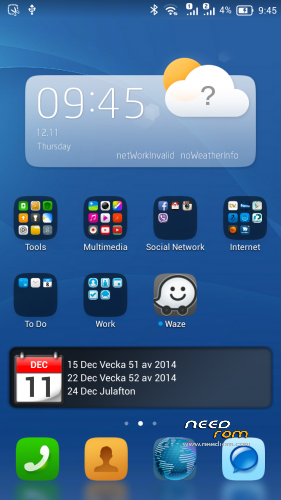
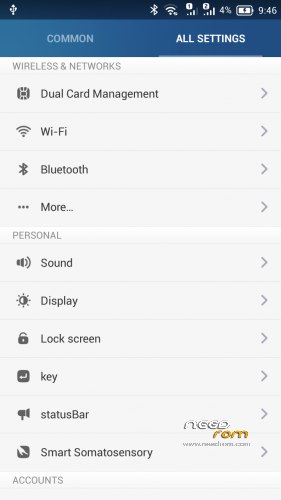
Here is Lewa OS 6 for our Redmi Note WCDMA
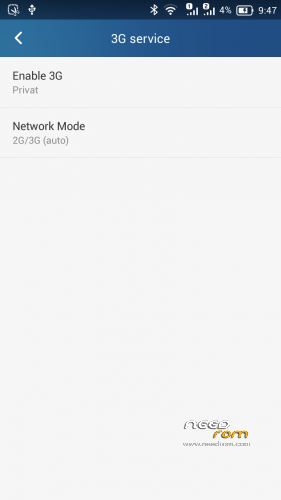
You can switch 3G card with this version 
Everything works… Flawless..
You need to flash it with custom Recovery. Boot is based on firmware Version 37
If you want you can donate something to my paypal
———————————————————————————–
HOW TO INSTALL LEWA OS 6
First boot takes a while. Get something to drink and eat 
No Gaps / Google Play Preinstalled
Download GAPPS here
http://media.celogeek.com/roms/android/miui/gapps/miuiandroid_gapps-4.2.2-small_signed-8012.zip
DO NOT FLASH ROM + GAPPS at the same time!
Install ROM :
CWM/TWRP
Step 1: Download the custom ROM copied to an external SD card root directory
Step 2: the shutdown state. While holding down:
– Power button + volume button up, to enter the recovery mode. (With USB cabel inserted to computer)
– Wipe Data / Factory Reset -> delete all user data
– Wipe Cache Partition -> Wipe cache
Step 3: Return to recovery main interface Install zip from sdcard -> choose zip from sdcard -> Select your ROM
Step 4: Flash complete, restart the phone Patience required – first boot takes a while
For Installing GAPPS
Step 1. Copy the Gapps zip file to sdcard
Step 2: the shutdown state. While holding down:
– Power button + volume button up, to enter the recovery mode
Step 3. Hold down powerbutton and choose reboot to recovery
Step 4. choose zip from sdcard -> Select the gapps zip file
Step 4: Flash complete and reboot
※Please make a backup of your device before installing or updating ROM
Plz make fast the scrooling file manager up and down it bothers me so much
It has a little lag and some times slow
The google play stor dose not works completly
No Sorry.
No one answer????
I cant update my rOm!!!why?
When i want to update in updater it gos tO recOvery but show a red alarm and error so does not happen any thing!
Plz hlp
It bothered me so m
U need to flash with custom recovery like twrp or cwm
this port room not official
u can't update that with updater
I know that but when i download the update for example v31 it completly downlowded and i choos the file to update it reboots to recovery mod and i choose install and find the package but when i tap packege it shows a red error and do nothing
Please do a favore for me
Chek that!
Unfortunately primary applications are crushing on my phone like Contacts (when i want to edit some) and SMS when i want to type a message. Pitty as this rom was pretty good for me…
Some times it happens when u did not full wipewipe all things and then flash your rom againeperhaps it solves u
Not able to flash gives error.. using custom recovery TWCR
I did it but shows a red error while im flashing update
Helloooooo
No one answer us?
What a bad support for rom:
That is strange I use Latest TWRP and I dont have any problems flashing between my roms. Are you sure your redmi note is 100 % real and not a copy and are you sure you dont have Redmi Note TD version? Sorry Iv been busy and very sick.
Unfortunately i did everything, but i can try it once again.
No prob bro
i hOpe being well soon bro
yes my redme note is WCD and is orginal
maby my TWRP wan not latest update so would you give a link for latest version?
i flash every rhing with this version except theas updates:((