
- Title: LeWa OS 4.1
- Listed: January, 2014
- Last modified: 01/02/2014 4:45 pm
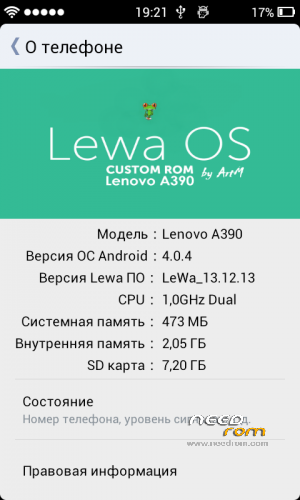
- Version: 4.0.4
You must be logged for ROM download.
58557 total views, 5 today
2 Total favorites
 Member Info
DESCRIPTION
Lewa OS for Lenovo A390.
Everything works perfectly! Camera and video work as the standard firmware )
Included languages : Chinese, English , Russian . Gapps included.
About found in firmware problems reported in the comments.
LeWa OS Update v4.1:
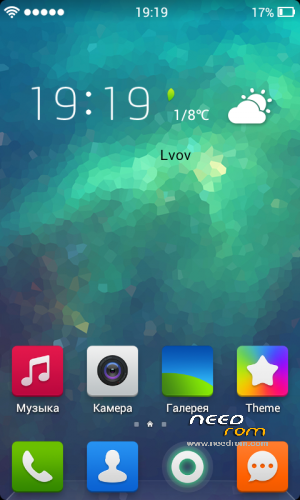
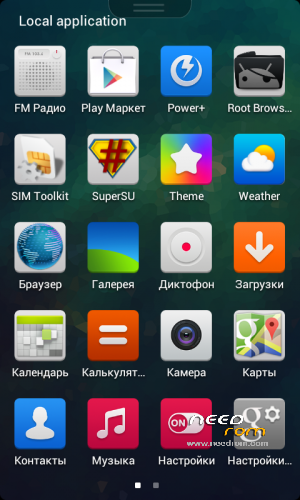
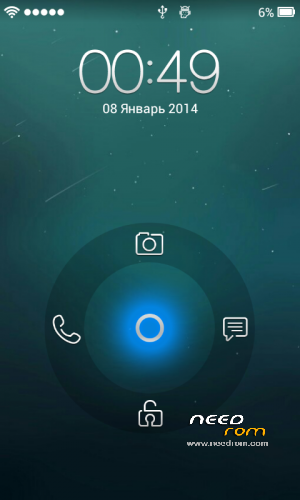
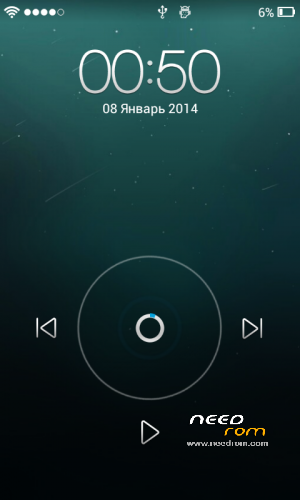
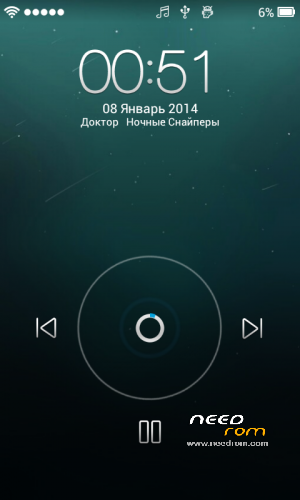
-1. Interface like LeWa OS 5 (see in screenshots).
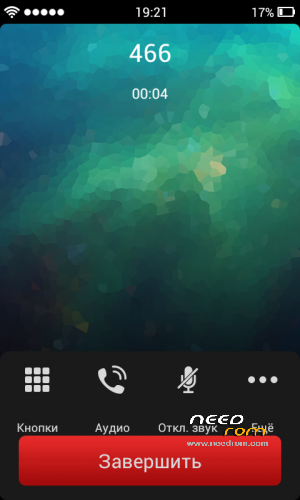
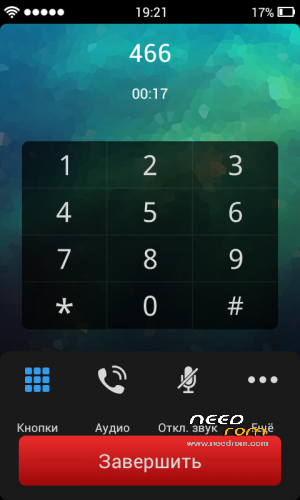
-2. New Phone interface (see in screenshots).
-3. FMRadio fix. Now it`s work perfect.
-4. More new ringtons and wallpaper.
-5. Theme Manager fix – now you can dowload all theme from internet. Also I add some in LEWA.zip.
-6. Also there is some script for beter charging and for beter total work speed.
LeWa OS Update v4.1.1:
-1. Fixed weak signal WIFi
-2. Better display interface elements. A full translation into Russian
-3. Fully Russification dialer with T9 and Russian line in contacts
-4. Added a few tweaks in the build.prop for the overall improvement of the system, but it's still at the testing stage, so if you will feel any problem or be too fast battery drain – give out, I'll fix.
Instructions for installation:
-1. Copy the downloaded firmware on the SD – card
-2. Come in recovery ( Instructions for installation recovery here http://lenovo-
forums.ru/topic/1017-v2500s316team-win-recovery-project-lenovo-a390/)
-3. Come in part Wipe => Advanced Wipe
-4. Choose next: Dalvik Cache, Cache, Data, System and dragging confirm .
-5. Come to Instal looking firmware click on it and dragging confirm .
-6. After you that click instal again and choose ArtM_FIX.zip (it`s for fmradio fix)
-7. After installing click Reboot and you're done.
-8. Also dowload LEWA.zip and unzip it to internal-sd immediately after installation.
Enjoy the best LeWa OS for Lenovo IdeaPhone A390!
※Please make a backup of your device before installing or updating ROM
Regarding LeWa OS v.4.1.1
1. In contacts, every contact has shows the last name and then the first name without any separation like space or anything. Please fix this. in v.4.1 I didn’t suffer through this problem.
2. The Russian alphabets at the side of the contact screen…… Please convert the alphabets back to the English ones.
3. PLEASE deodex this ROM.
4. And a request, please provide the update package for newer versions of the ROM, not the whole ROM instead.
Thank You.
Also, Please revert the status bar back to the previous one, with the iOS style. Again, thank you.
Well, I will respect it in the future. I will make two versions (for English-speaking and Russian-speaking people) of the firmware. Deodeks it is updated as possible. Work on the firmware carried out.
P.S. to shripal17: Sorry, but I will not return a status bar with IOS because it was just an experiment that I can not develop and it showed signal only from one sim card.
not save battery!!!!
battery drain faster .how to fix that??
I will try to fix it in the next version
Hi,
How can I install games with cache? In other devices I am only uploud it on folder Android/data but in your firmware this folder no exisist.
Здравствуйте!
Как мне залить с игры с кешом? Обычно заливаю в папку Andoid\data но в тут его нету.
Спасибо!
Все очень просто – создайте ее сами
good job! thanks very much
No root apps can even access root permission. Am I the only one or there's nobody else even notice this when using this rom?
Of course, I've enabled the "root access" option in developer option in setting. Nope that doesn't work at all. When there's any app that need root permission, you will be redirected to a chinese website, I dont know maybe prompting to install superuser app? Since that's what happened to me. And even after I've installed that superuser app, it is in Chinese and I cant understand anything, Also there's still no prompt for root access from apps. Yes, that means apps like Terminal Emulator, Root Browser still dont have root permission from this rom.
If, and only if you read this, can you please provide any solution or a fix update? Or maybe you can replace that Chinese superuser with SuperSU, because it is far more superior
Okay, got it. Be sure to do this in the next version
It was great rom, but where is widgets panel?
Hungarian language ???
Can you porting for Lenovo A390T ?
Ok teodor. I didn’t know about dual sim signal. Because I only use single sim…