
- Title: LEWA OSv5.1
- Listed: January, 2015
- Last modified: 01/14/2015 2:19 pm
- Version: 4.2.2
You must be logged for ROM download.
15213 total views, 1 today
3 Total favorites
CUSTOM


 Member Info
DESCRIPTION
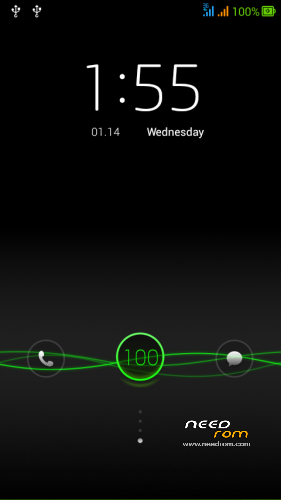
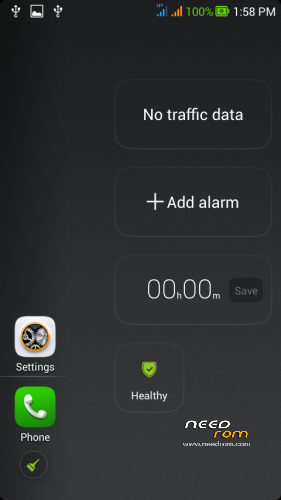
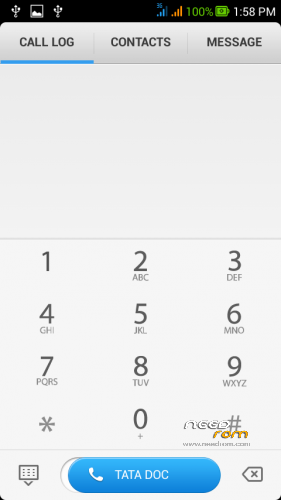
LEWA OS FOR CANVAS JUICE A177 and A77
UPDATEs for Sensors
1.Proximity patch try this if it works for you .
FOR MICROMAX A177
1] Download the Rom file from the link provided (Same for both A77 and A177)
2] Place it in the root of your SD card
3] Go to CWM or any other custom recovery (not stock one)
4] Wipe Data/Factory Reset
5] Wipe Dalvilk cache
6] Select "Install .zip from SD card" and select the file
7] Select "YES"
8] It will automatically REBOOT (It will take 2-3 minutes to boot so don't worry)
For MICROMAX A77
BOOT.IMG IS UPDATED TRY IT AT YOUR OWN I DNOT HAVE A77
but before that take backup of your woking rom
1] Download the Rom file from the link provided (Same for both A77 and A177)
2]Open the ROM file in winrar
3] Download boot.img and copy paste it in the ROM file. (replace). Select "Normal" compression and "32 kb" dictionary size.
4] Place it in the root of your SD card
5] Go to CWM or any other custom recovery (not stock one)
6] Wipe Data/Factory Reset
7] Select "Install .zip from SD card" and select the file
8] Select "YES"
9] It will automatically REBOOT (It will take 2-3 minutes to boot so don't worry)
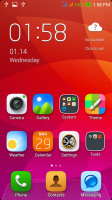
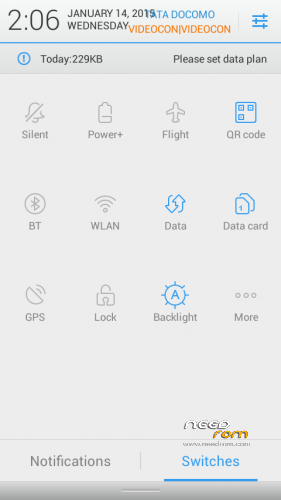
FOR HAVING THE NEW LOOK U HAVE TO RESTART THE PHONE ONCE AFTER YOUR COMPLETED STARTED
Rom Features
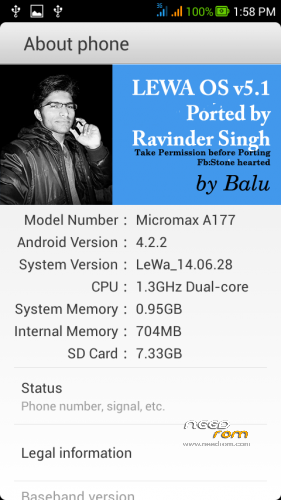
:ANDROID VERSION:4.2.2
LEWA 14.28
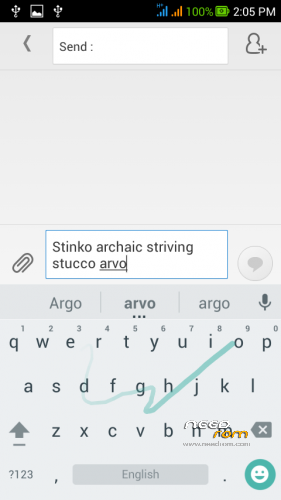
Android Lollipop Keyboard
Fully Stable
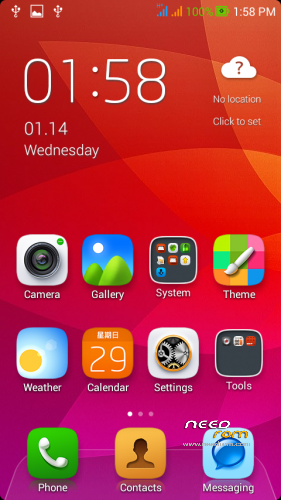
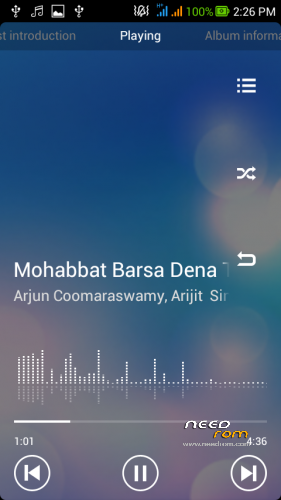
New look
ALL Chiness Apps removed
New icons
Smooth and fast
Tweaks added
Fully optimized
Prerooted without any super user if u want then can install supersu etc
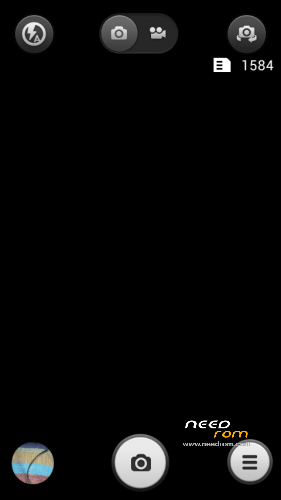
MIUI CAMERA PACTED IN lewa ROm
Good battery life
NEW logo AND BOOT ANIMATION SELF CREATED
GAPPS included
TESTED ROM
bugs: N bugs if u find tell me
Visit and like for future roms and thanx
https://www.facebook.com/customroid?ref=aymt_homepage_panel
follow my page and gets bugs rectified
*i will not be responsible if while installing your device is damaged ..
*so please give attention while changing BOOT.img for a77 and porting
take permissions for porting
※Please make a backup of your device before installing or updating ROM
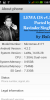
Nice …. plz tell me how remove your photo from setting and how to add my photo… thankx
i ported thgis bro this is my mark on rom .why should i tell u how to remove that …….hehehehehe after that anyone can copy this rom and say that this is ported by me..
Sensor is working or not
its working in my rom i have tested
Boot img for a177 please
a177 boot image in nexus rom by me
No bro………. m not a xda developer….. my just want to put my picture… for my use……. any oa thanks…. nice work
watsapp me 9653579131
Real,lewa v5.1????
Customised version
Hi ravinder
Can I use this rom my MMX 177
Without any boot.IMG file
Buz I have allredy download others site
But there are some bugs
Like alarms & icon
Plz replay
yeah this file is for a177 …you can directly download and install without any modification
I be founded a very danger bug when I power off it and after some time trying to power on it but after lewa logo my fone not boot up
have you edits some system file then it is obvious to happen dude its not possible otherwise ,i had tested it.is you are able to boot up successfully then it will not boot afterward untill and unless u played with system
I m not editing anything any file
I ve not editing anything any file