
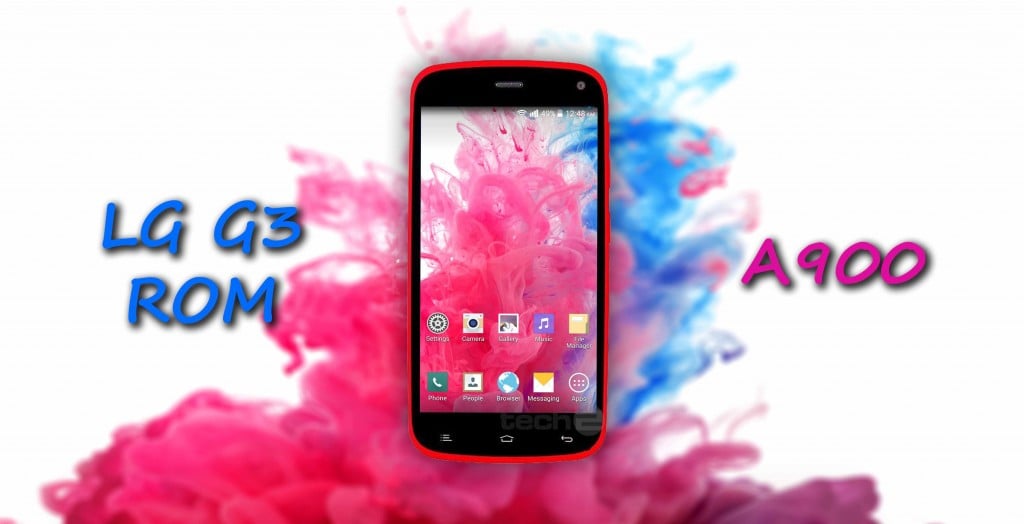
- Title: LG G3 KitKat
- Listed: January, 2015
- Last modified: 01/25/2015 8:27 pm
- Version: 4.4.2
You must be logged for ROM download.
17819 total views, N/A today
2 Total favorites
CUSTOM
 Member Info
DESCRIPTION
- Download the file from the given link
- Now place the downloaded files (Stock LG G3 Edition v1.0.zip & LG G3 Edition v1.9 Package.zip) in your sdcard
- Turn off your phone
- Go into recovery mode by pressing and holding Volume UP + Power key at the same time
- First make a BACKUP of your current ROM so if you mess up somewhere you can go back to your old ROM
- Select backup and restore and then select backup .Wait for few minutes untill it completes.
- Now go back and Select Wipe/Data Factory Reset
- Now Select Wipe Cache Partition
- Now go to Advanced and select Wipe Dalvik Cache
- Go back to the main menu of recovery mode
- Now select Install zip from SDCARD
- Choose the file “Stock LG G3 Edition v1.0.zip”
- Wait for 5-10 minutes for the ROM to flash completely.
- It will automatically reboot your Phone.
- Your new LG G3 KitKat ROM is ready to be used
-
※Please make a backup of your device before installing or updating ROM
hello can you tell me about this update pls everyone who are using gionee elife e3 pls install this rom its awesome love it mahesh for ur contribution im too happy but i need upgrade help me mahesh
Hey mahesh der is only one package 1.0 another link is not showing about version 1.9
THROWS ME TO DO THIS TEXT …..
– Install /sdcard …
Installation aborted.
HELP ME!!!!!!!!!!!!!!!!
stuck on bootloop after flashing rom
Viper fx not install driver install faild
Installed the rom and applied the patch for E3. Working great. The UI is smooth and looks good.
One drawback is that I am unable to choose my ringtone from my music file. Only the default ringtones are available. Please provide a patch to fix this
My data connection doesn't work, why?
Also, how to apply E3 update?
relink plz