
- Title: LG Pro Lite D680 Stock Rom KK (Telcel MX), KK G3 Software 4.4.2 (International Free Unlocked)
- Listed: March, 2016
- Last modified: 03/18/2017 11:00 pm
- Version: Android 4.4.2 Kitkat Stock or G3 Sofware (Single SIM or Dual SIM)
You must be logged for ROM download.
38491 total views, 2 today
45 Total favorites
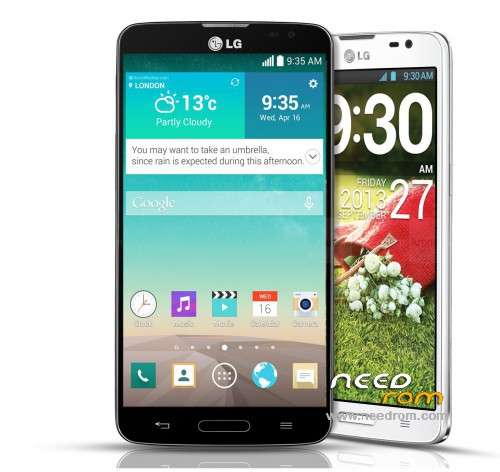
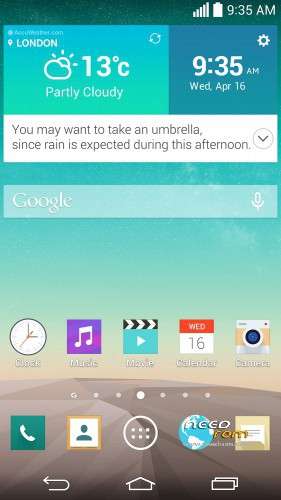
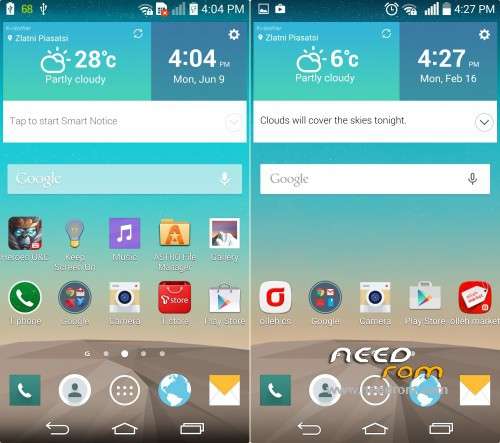
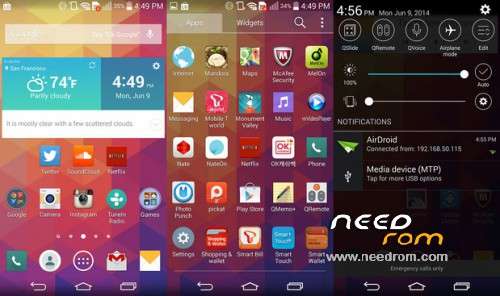
 Member Info
DESCRIPTION
First open and extract VRoot_Win_and_Android_APK.exe (is a autoextract file exe)
Root your smartphone with Vroot in your Windows version or Android apk
Install Rashr – Flash Tool (Download in my uploaded files)
Open Rashr and flash TWRP Recovery
Copy your prefered Backup TWRP to your MicroSD card or Intern Sdcard (Sdcard/TWRP or Sdcard0/TWRP or Sdcard1/TWRP or Sd-ext/TWRP)
Open Rashr and Reboot in to Recovery
Make a Wipe data factory or Advanced Wipe (Data, System, Cache) except Sdcard or Ex-Sdcard
Install Zip, or Restore Backup
Reboot System
Enjoy!
————————————–
FOR Hard Reset LG D680 G Pro Lite:
1. Turn Off your Phone.
2. Press and hold the Volume Down + Power key until appears LG logo.
3. Release Power button and press again power botton.
4. Now you should see the factory reset menu.
5. Confirm process by pressing Power button twice.
6. Now your phone should restart.
7. Success! The hard reset has just been completed.
FOR BOOT RECOVERY (STOCK).
1. Press and hold Vol Up + Home button + Power button, when Vibrate and LG logo appear, release Power button for 2 seconds and again press Power button.
2. Success!.
FOR BOOT RECOVERY (TWRP OR CWM).
1. Turn Off your Phone.
2. Press and hold the Volume Down + Power key until appears LG logo.
3. Release Power button and press again power botton.
4. Success!.
※Please make a backup of your device before installing or updating ROM
BUENAS TARDES, ALGUNA ROM CUSTOM PARA EL LG G PRO LITE D680
kakasksakkaskakkaskakas
donde puedo descargar el archivo scatter?
como descargo la rom para el flash tool
cual de todos es la rom ?
quiero instalar con flash tool, porque mi gl no entra a modo download y ni siquiera prende .
digame alguien ya le funsiono lgd680
oye como descargo la room
no encuentro la rom
Muchas gracias