
- Title: Liquid E2 XPERIA Z2
- Listed: May, 2014
- Last modified: 05/03/2014 5:00 pm
- Version: 4.01
You must be logged for ROM download.
18791 total views, N/A today
2 Total favorites




 Member Info
DESCRIPTION
"PORTED FROM XOLO Q800"
Features:
Multilang
-Based on Latest Xperia C 16.0.B.2.13 Base
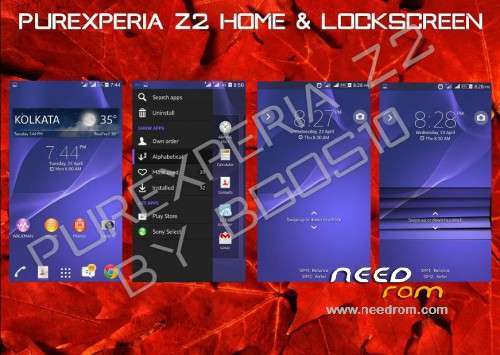
A.Xperia Z2 HOME & Simple Home
B.Xperia Z2 Themes
C.13MP Rear and 8MP Front Camera (via patch)
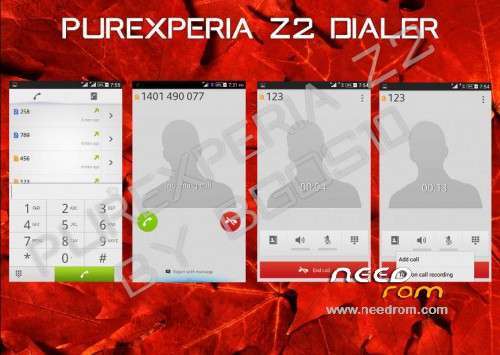
D.Xperia Z2 SystemUI
E.Xperia Z2 Framework
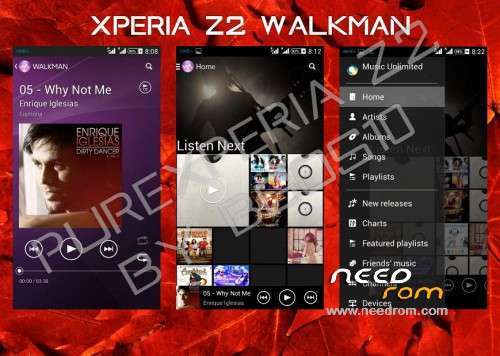
F.Xperia Z2 Media Apps (Album, Movies, Walkman, Movie Creator, Vid&Music Unlmtd)
G.Xperia Z2 Apps (Clock, Calculator, Notes, Sketch, Socialife, Select, Email, Calendar,Downloads, Sound Recorder)
H.Xperia Z2 Widgets (Camera, Clock, Walkman, Photo, Weather, World Clock, Top Contacts, recent, tools)
I.Latest Xperia Keyboard
J.Xperia Z2 Fonts
K.Xperia Z2 Smart Social Camera
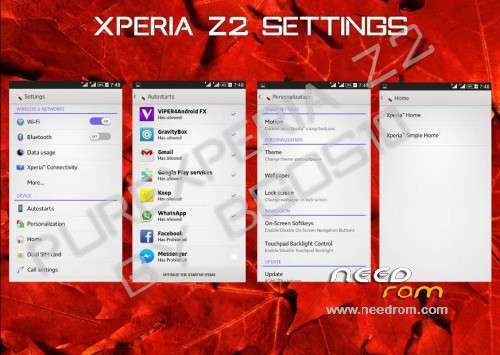
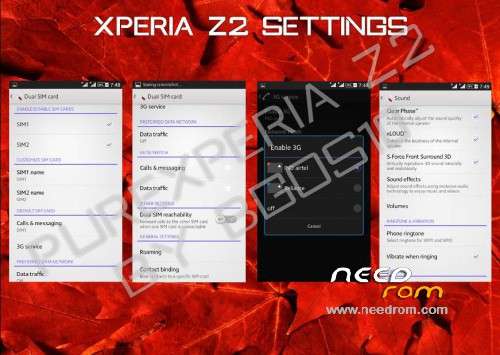
L.Xperia Z2 Style Settings
N.Xperia C Style Camera
O.Xperia Z2 Wallpapers
P.Xperia Z2 Sounds
Q.Xperia Z2 Bootanimation
R.True Viper4Android Integration
S.Xperia Z2 build.prop
T.No network/Wifi issues
U.3G SIM Switching
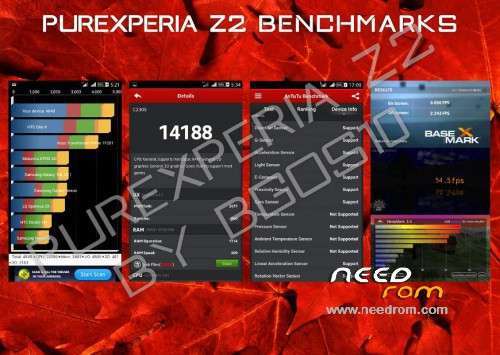
V.S-Force Surround Sound 3DW.RAM Saving
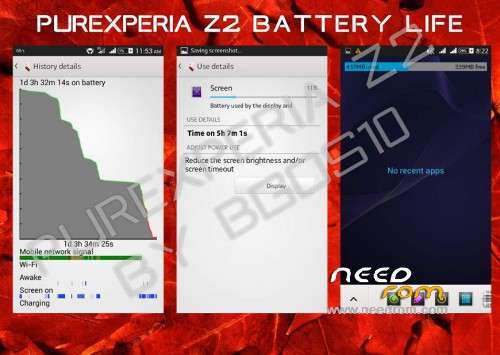
X.Battery Savings
Y.Advanced Reboot Menu
Z.No Xposed PreInsalled
Z1. Smart Gestures
Z2. No Bloatwares
Z3. Support Gravitybox and many more xposed modules
Z4. Real kitkat plat_logo
Instructions:
-Download the ROM zip and Place it in Your SDCard
-Goto your Recovery Mode (CWM/TWRP)
-Wipe Cache, Dalvik Cache , Factory Reset, System, Android Secure (FOR TWRP)
OR
Wipe Cache/Dalvik Cache, Data/Factory Reset (FOR CWM)
-Install the Zip and READ EVERYTHING carefully and Follow Instructions
-1st Boot Might take upto 3 Minutes So don't panic
-After 1st boot Read the Following Notes
NOTE:
1. After the install is complete, go to settings / storage, and change the preferred install location to "Let the System Decide"
"Don't forget to install camera patch, from the link below"
Credits:
bgos10 - Porting base, Modding, Making, Bug Fixing the whole ROM
Team PureXperia - Testing, Bug Reporting, fixing and providing Ideas
@RemZej - For the base Xperia C ROM, Camera Mod and 3G SIM Switching
@cmahendra - Camera, Sound & Performance Tweaks
@Back37- Helping with 3G SIM Switching
VianRa21 – porting to Acer Liquid E2
Special thanks to:
Viper520 & Zhuhang - Viper4Android and Integration
@rakz992 - Helping me with theming
@serajr - Helping me with theming
@niaboc79 - Amazing Guides
@Amarullz - Aroma InstallerXDA-DevelopersSony
Version Information
Status: Testing
Current Stable Version: v4.0.1
Stable Release Date: 2014-05-01
Current Beta Version: v4.0.0.25
Beta Release Date: 2014-04-25
Created 2014-04-24
Last Updated 2014-04-30
Update is available to 4.05 via OTA Updater.
※Please make a backup of your device before installing or updating ROM
Front Camera (via patch)please check file in to zip for modem no camera
So far it is stable, beautiful, and the GravityBox (Xposed Framework) is also working and everything is customizable just as I like! I love that ROM.
Alright, it keeps reseting the Keyboard and launcher set by me and the preinatalled ones show up again. And if I freeze the preinstalled launcher and keyboard, the UI crashes and you have to reinstall the whole ROM…a fact Reset doesn’t do it.
Sooo…..after all, it wasn’t that fine of a ROM and the OTA file doesnt get downloaded…..
The Lenovo got a new Update today! (18.08.14) We still can’t download the last one:((