
- Title: LOLLIFOX 1.9.1 BETA
- Listed: March, 2015
- Last modified: 03/30/2015 8:38 pm
- Version: 4.2.2 lollipop material desgin
You must be logged for ROM download.
17742 total views, N/A today
3 Total favorites
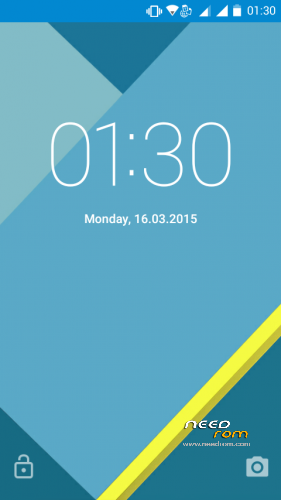

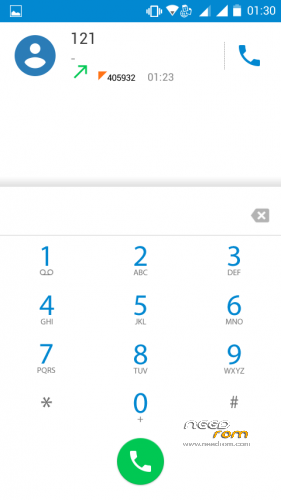
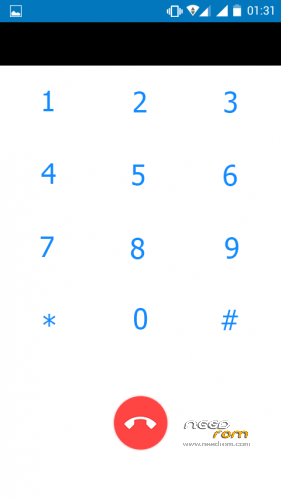
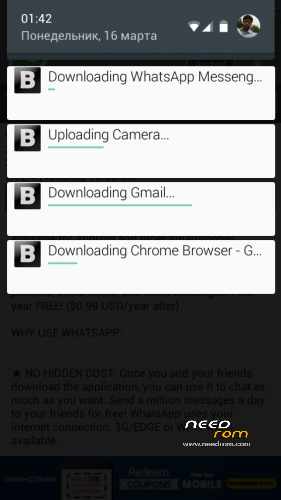

 Member Info
DESCRIPTION
LOLLIFOX 1.9.1Beta relesed
Changes in the new version:
* Materialization gallery
* Materialization calendar
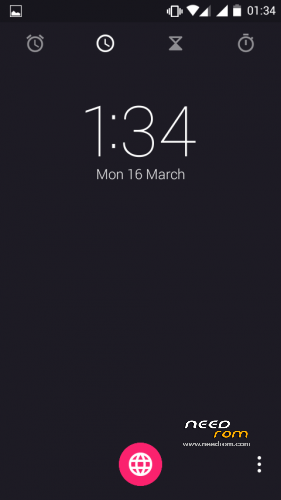
* Materialization hours
* List of changes in the settings
* Removed item “Security information” of settings – on the phone
* Correction of the navigation bar
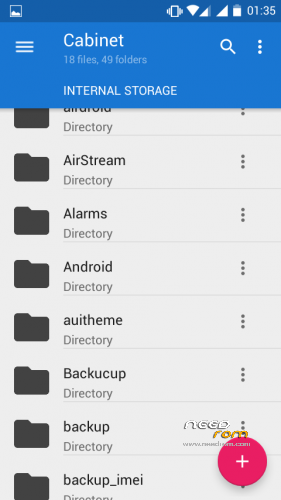
* Correction File Manager
* Fixed synchronization of contacts and calendar
* Minor fixes graphics system
* Small changes in the settings
* Minor changes in the application of hours
* Many small edits in mms.apk
-
To install patch just install it with custom recovery and install the zip
-
No need to wipe dat and cache or anything else ..
LOLLIFOX 1.8 BETA
Features
-
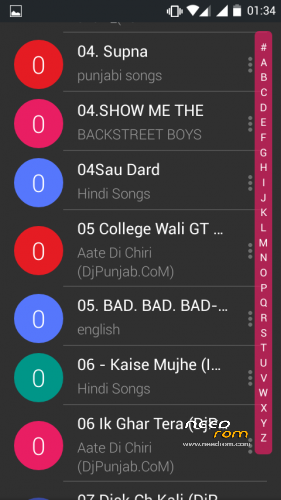
Materialization FM-Radio
-
Materialization Downloads
-
The materialization of the File Manager
-
Light engineering theme menu
-
BatteryMeterView with android 4.4
-
English version is back
-
Fixed VPN
-
Material Design Camera(installation manual)
-
Better Ram and smooth operations
-
and many more …
For Micromax A177 /A77
- Download the Rom file from the link provided (Same for both A77 and A177)
- Place it in the root of your SD card
-
Go to CWM or any other custom recovery (not stock one)
-
Select "Install .zip from SD card" and select the file
-
Select "YES"
-
Aroma Installer will apper
-
To select press power botton
-
select next
- now device will reboot atomatically no need to wipe data and Cache
-
Procedure for A177 end here
-
for a77 devices
-
as the device restart press volume + to boot into recovery Agiain
-
THIS Time you need to browse
-
FLASHABLE BOOT IMG.ZIP (link given ) dowload and place in root of sdcard
-
Click install the zip
- Wait for the Device Welcome screen to appear
- Wait for some time if you see boot animation will take some time to boot up
THanx for apperiacting my work
visit my Fb page for more Roms
https://www.facebook.com/customroid?ref=bookmarks
Like and share my page..
GOOGLE CAMERA AND DSPR PRO CAMERA ADDED UNPACK AND INSTALL LIKE A NORMAL APP THAT ZIP IS NOT FLASHABLE
※Please make a backup of your device before installing or updating ROM
how to change lock settings
Dear RS
this is very simple ROM
Working good on MMX 177
Can you add ringtone s
Default ring tone limited
how mtk65XX this rom ?
Plz provide other than mediafire link bcoz they cant be resume in mobile
1bug in this rom my own ringtone i cant set it cant save setting pls solv this bug thanks
google plus not shown in google play store how to install google plus
PLS HELP
HOW TO CHANGE THE LOCK SETTINGS
I WANT TO DISABLE IT BUT CANNOT FOUND IN THE SETTINGS MENU
REPLY FAST RAVINDER
use gravity Box with Xposed installer…
how to download this rom ?
Very nice rom thanks ravinder sir