
- Title: M2 (fake Xiaomi MI2)
- Listed: September, 2013
- Last modified: 09/29/2013 1:18 am
- Version: KW D9 H1.2 4X2 WVGA DX FL V1.3
You must be logged for ROM download.
19344 total views, 2 today
1 Total favorites
OFFICIAL





 Member Info
DESCRIPTION
A factory firmware .pac file is provided here.
This phone comes in a plain, light brown box with three different color back covers and orange batteries. Only this one ROM version is known.
Flasher software + driver is attached.
※Please make a backup of your device before installing or updating ROM
Hi. Can you explain how to flash it? I connect the phone but the flasher doesn't do nothing.
Hi,
You have to press and keep press vol up or down button (depending on your modell) while connecting your powered off phone to USB. First press the play button in the flasher then connect your phone.
hello,
I can't flashing rom.. when I connect the xiaomi mi2s MTK6577 the program didn't find the phone
why? wht is the problem?! how can Flash it?!
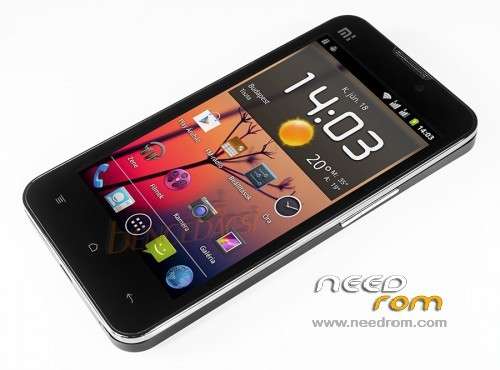
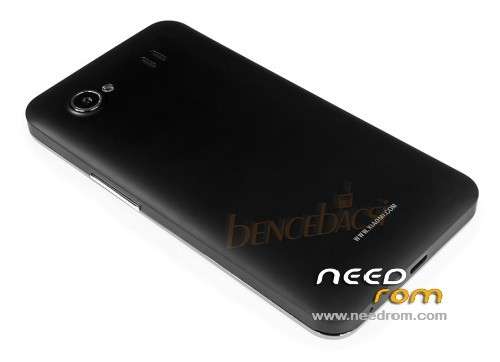
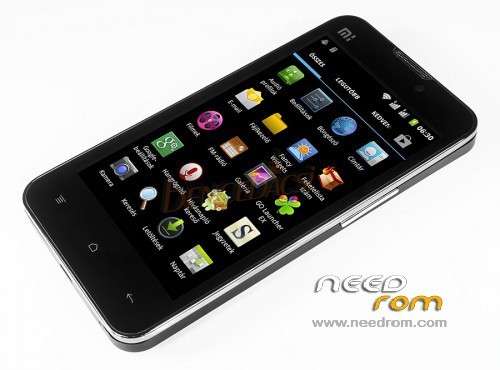
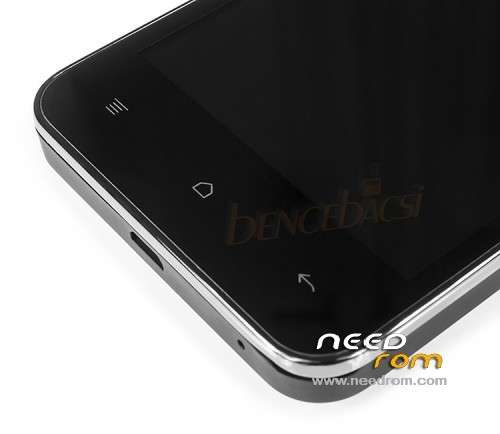
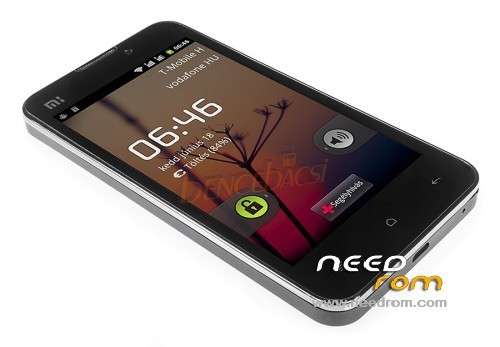
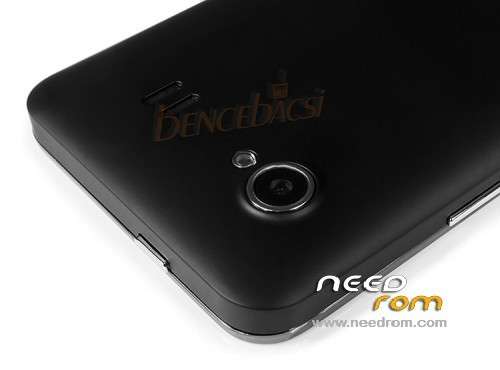
Do you know what the word 'fake' means? This is a firmware for a clone phone shown by the provided photos, not for the original Xiaomi Mi2.
Hi,
Thanks for the ROM.
I have a fake Xiaomi MI2s and tried to factory reset. After factory reset, everything is gone and I am getting a white screen, When connect the mobile to a PC, it will prompt for a USB storage. By using I have dowloaded these files into modile.
Then I am trying to flash this ROM by pressing vol up button. When I select this ROM, it shows "signature vefication failed". I am not able to flash the ROM at all.
Could you please help me.
Thanks & Regards,
Ramanujam
Hi,
This is not a recovery update. You have to unpack the zip file (you get a .pac file) and use the provided flasher application to update your phone via usb connection. After starting the flashing process, you have to connect your phone pressing vol up button.
Important! If you don't have the same modell with the same firmware version, than this update won't work but will brick your phone.
Hi,
Thanks for sharing the details.
I am new to Android. I am foooled by few people in Beijing and they sold fake Xiami phone to me.
All I am seeing in my mobile after factory reset, I am seeing a white screen. It allows only to turn on USB or not when I connect my mobile to PC and turn on the "USB storage".
I have follwed the process what is discussed here But flasher is not detecting any thing.
Could you please please help me on this.
Thanks & Regards,
Ramanjuam
Hi, i have problem with my Mi2 fake when i try to up android 4.0 to 4.2. Now my phone is bricked, i dowloaded and made follow your post but Researchdowload not run. It stand by Status " Waiting" for long time. How can i flash my Mi2. Do you have rom for mi2 . Maybe it work with SP Flash tool !
Can you prepare the rom for sp flash tools?? Or put here a scratter file? Thanks.
Can anyone give me backup rom of this devices, i realy need it because my Mi2 was bricked, I think I can use backup rom to unbrick. please help me
Fake mi2 2013012
needrom & Firmware not find
please needrom & Firmware find