
- Title: MI5 TWRP 3.0.2-1
- Listed: May, 2016
- Last modified: 05/04/2016 12:16 am
- Version: 3.0.2-1 for Andorid 6.0
You must be logged for ROM download.
13920 total views, 2 today
5 Total favorites
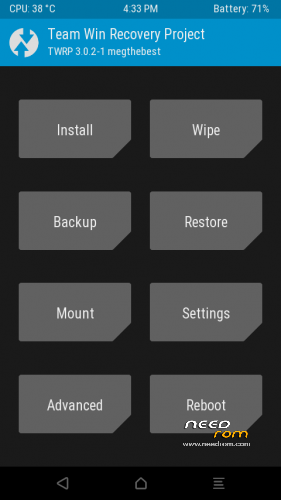
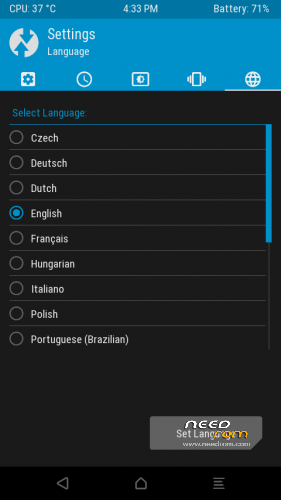
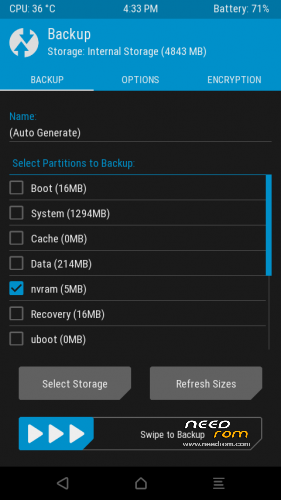
 Member Info
DESCRIPTION
Installation from Fastboot!
Unlock your Bootloader: http://en.miui.com/unlock/
Download TWRP Image here
In Fastboot Mode (powered OFF, press Power and VOL- until fastboot logo appear).
Connect to a pc with installed Fastboot/ADB tools : https://drive.google.com/file/d/0Bzh8QI54JEx0U2VjNW1KS0FpYTA/view?usp=sharing
fastboot flash recovery TWRP 3.0.2-1 megthebest MI5.img (or rename TWRP 3.0.2-1 megthebest MI5 to simply recovery.img before starting fastboot command)
Reboot to TWRP (volume up + power)
Latest Supersu availabl here: https://download.chainfire.eu/924/SuperSU/BETA-SuperSU-v2.68-20160228150503.zip
Thanks to jemmini and Cofface for their work on TWRP and modified Kernel, I only change something about theme and repack.
※Please make a backup of your device before installing or updating ROM
Still bug in touchscreen
please use it on Stable 7.2.13 multilanguage from Xiomi.eu .
It's necessary also to have boot.img patched included in thre rom above!
When Xiaomi Redmi note 4 release? according to igeekphone, it will come out dual camera with Huawei p9 supplier, real?
hello there! I'm having an issue to boot in recovery mode.
With vol up + power the MI5 stuck on mi logo.
A couple of times I boot in recovery by pressing vol up + vol down + power (I don't know why…) I was able to decrypt the data partition in twrp but after the reboot I was not able again to boot in recovery…..
I tried to reflash the recovery image but no luck…
Could you please help?
I resolved using MiFlash Procedure.
any touchscreen problem here?