
- Title: MicroCool v2 ROM
- Listed: May, 2014
- Last modified: 05/09/2014 1:16 pm
- Version: 4.2.1
You must be logged for ROM download.
15414 total views, 2 today
 Member Info
DESCRIPTION
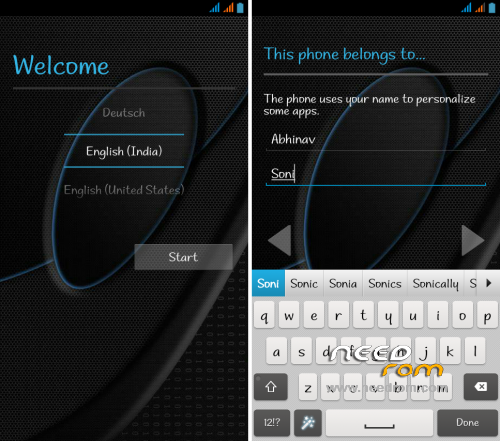
=> Based on Ultimate Nexus (Thanks @ Thunder_Droid)
=> Pure JB Experience
=> 200 DPI Fully Bug-less [No Distortion]
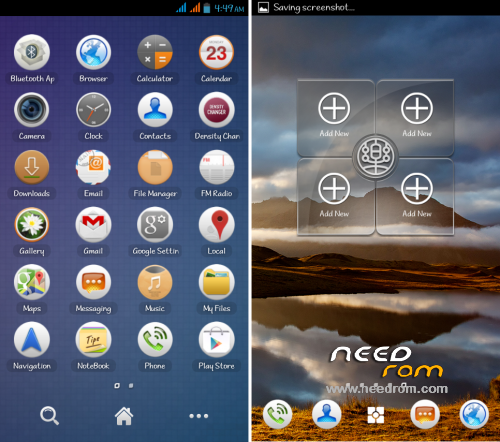
=> Nova Prime Launcher (Full)
=> In-build Xposed
=> In-build Gravity Box
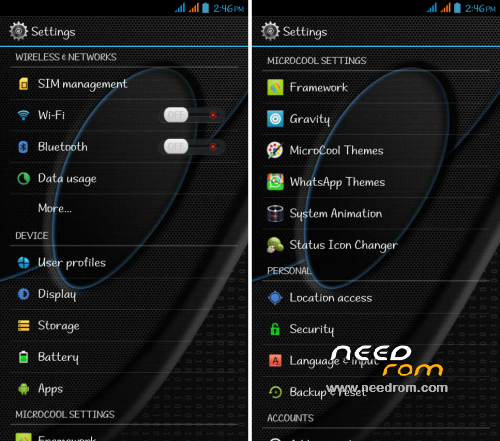
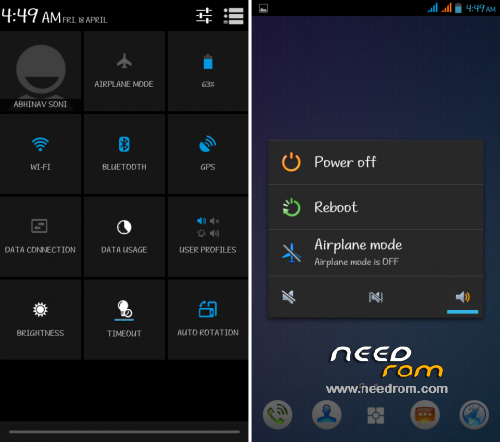
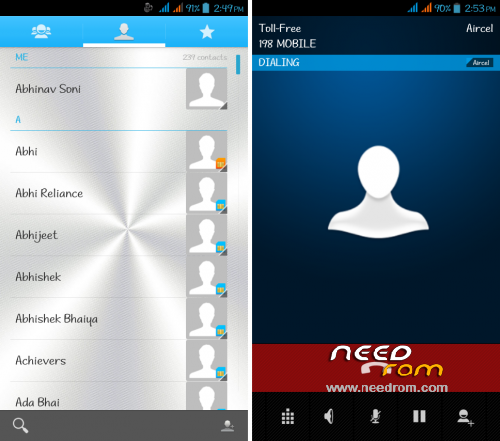
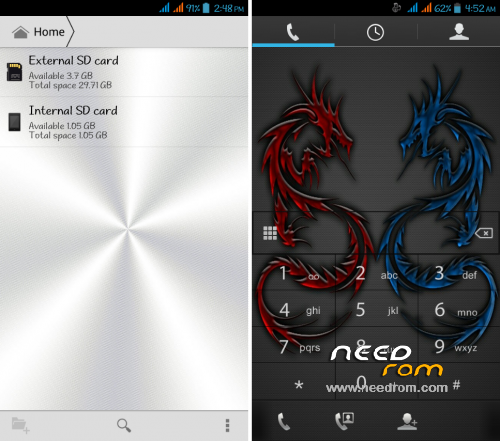
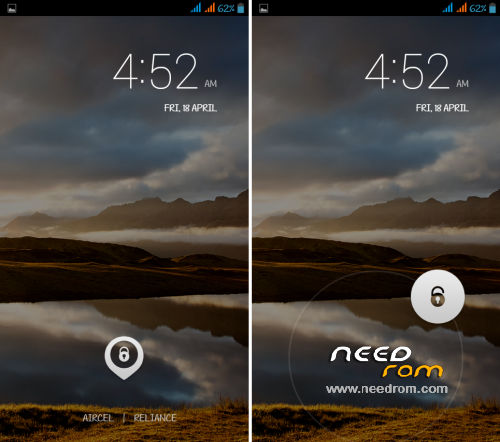
=> In-build MicroCool Themes
=> In-build WhatsApp Themes
=> In-build Keyboard Themes
=> In-build Setting Themes
=> In-build System Animation
=> Pre-Rooted
=> LED Notification Working [Green]
=> Disco Boot Animation
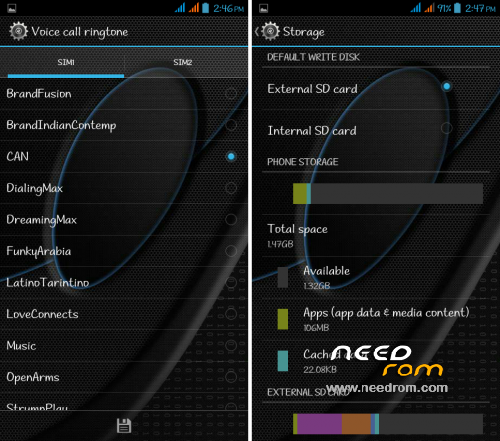
=> SD Card Tweaks
=> Camera Working
=> FM Working
=> Hindi Language Added
=> 4.4 Exclusive Fonts
=> Init.D support
=> Super Fast & Smooth + Light
=> Free RAM [Up to (250-220) MB]
=> GPS Working
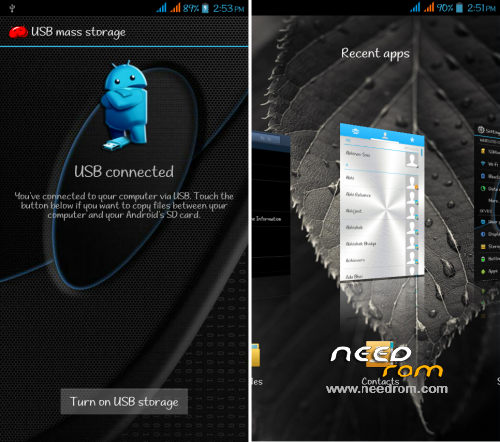
=> OTG Working (With Donate Ver. Include)
=> Ultimate Battery Backup
=> No Proximity Delay At All
=> Multi-User Support
=> And Much More..!!
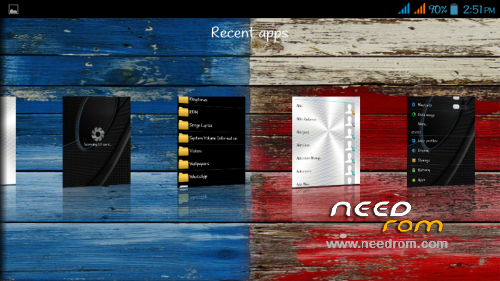
==> Sense 4 Style Recent App
==> Apex Launcher With Notifier
==> OTG working without OTG Helper
==> Xperia Keyboard
==> Dual Sim Ringtone In Setting
==> Background Changed (Dark/Light)
==> More Smoother
==> More Faster
==> Color Quality Improved
==> New Clock Widgets
==> In-build Battery Icons
==> In-build Signal Icons
==> In-build WiFi Icons
==> Bluetooth and WiFi Address Fixed
==> Music Player Notification FC Fixed
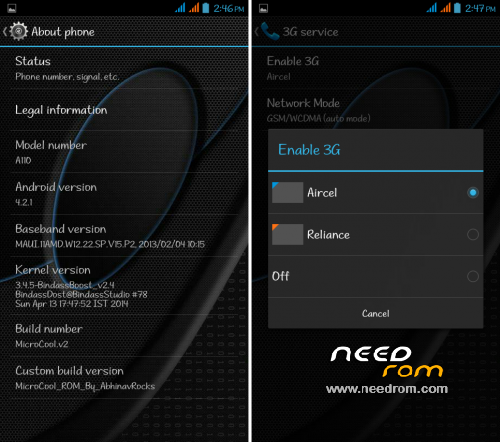
==> Dual Sim 3G Switching
==> New Font Introduced (For Old Font)
==> Some Old App Removed
==> Some Google Apps Added (Gmail, Map)
==> Some Other Apps Added Like-
*Bluetooth App Sender
*Density Changer
*Rebooter
*Torch
*Play Store Update (Latest)
*Google Service Update (Latest)
==> And Much More..
2. Flash Any 4.2 Kernal
3. Go To CWM
4. Wipe Data > Wipe Caches > Wipe Dalwik
5. Format Data > Format System > Format Caches
6. Install The Zip
7. Again Flash Any 4.2 Kernal
8. Reboot And Enjoy..!!
※Please make a backup of your device before installing or updating ROM
Good job…It seems taken from Lenovo launcher?
Hi,
There is no icon for camera…. fix it pls….