
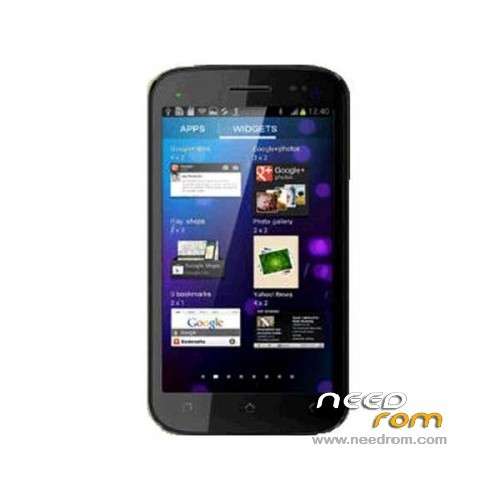
- Title: MICROMAX A92
- Listed: May, 2013
- Last modified: 10/17/2013 5:30 pm
- Version: ROM Android 4.1.2
You must be logged for ROM download.
23647 total views, 2 today
1 Total favorites
 Member Info
DESCRIPTION
ROM Mobile MICROMAX A92 – ROM Android 4.1.2
Update Official Micromax A92 Version: S8201_MP_F2F3F8_B1_IN_MMX_18_flasher_user_05162013
ROM Official Micromax A92 Version: S8201_MP_F2F3F8_B1_IN_MMX_16_flasher_user_04232013
Language support: Multilang
Install ROM:
Unpack FlashTools, and Click on Flash_tool.exe
Select a the MT6577_Android_scatter_emmc.txt in ROM
Turn off your phone, remove the battery.
Press F9 (or hit Download button) and connect your phone into the computer via USB data cable.
The process will start and a red progress bar will appear after color purple, yellow.
And green circles display
Finish !
You can now safely disconnect your phone and turn it on.
※Please make a backup of your device before installing or updating ROM
what select in download agent
What is new in the update?
Now i have installed the updated rom and i got ‘system software update’ named application powered by micromax.
does it require net connection or not ?
where is the link
send me the update link
thanx
cant understand this step "Select a the MT6577_Android_scatter_emmc.txt in ROM"
open tool select scatter option than open rom folder select 6577 scatter