
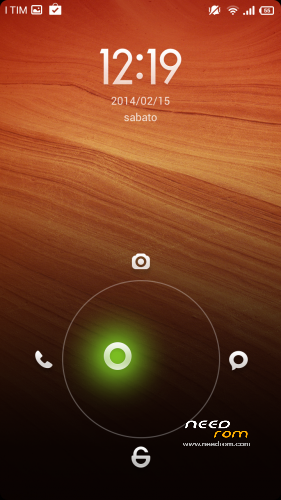
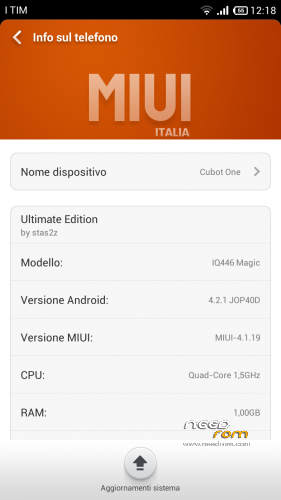
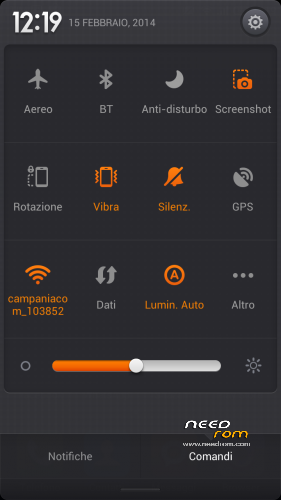
- Title: MIUI 4.1.19 by stas2z
- Listed: February, 2014
- Last modified: 02/16/2014 3:55 pm
- Version: 4.1.19
You must be logged for ROM download.
29455 total views, 3 today
3 Total favorites
CUSTOM




 Member Info
DESCRIPTION
Download from the second sites it is better
Multilanguage,(choose your own during the installation)
Procedure:(Need root and cwm version 5 or higher ) Put the zip file in the microSD,
Reboot in cwm,
triple wipe(wipe data,cache and in advanced wipe dalvik,
install from sd card the file zip,
waiting and reboot.
I do not take any responsibility. the rom is not mine I'm just posting. l I tried and it works fine, just fix the gps with mobilunlcle tools. taked by the site 4PDA
※Please make a backup of your device before installing or updating ROM
OK.
I've made a wipe after reinstall and now it works.
One advice, the sd and internal storage are swaped so you have to swap it back to keep your info (like whatsapp chats…)
Everything else looks fine.
please a backup for save my cubot one turbo build G800 CUBOT D1 V0.7 20140106 MJK
Just now appears an OTA update, is it safe to upgrade?
no it's not compatible if you update ota
it is better to not install updates (i have frozen the app upgrade)
when installation is finished in cwm i reboot phone and the phone freez and reboot on cubot logo ???
wtf ???
are you sure that your device is a cubot one? but the steps are very simple, you have made the root and installed the cwm wipe and then a tripple?
yes it cubot one turbo i buy on focalprice it’s rooted and cwm installed but all custom rom dont boot i see cubot logo and loop all…
i do anything but not work..
i found why i can't install miui because my uboot have problem with cwm i choos advanced restore after installing miui zip and i do backup of my original stock rom i do advanced restore and i chose only boot now it's installed miui but why it's like this i don't understand…