
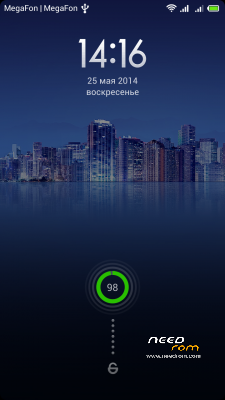
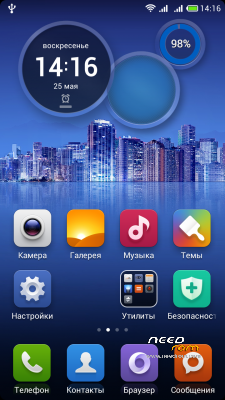
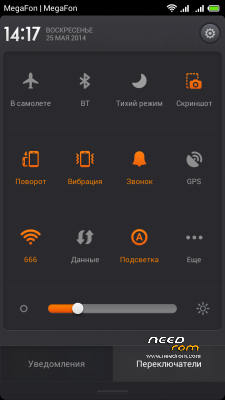
- Title: MIUI 4.6.6 by olegulas
- Listed: June, 2014
- Last modified: 06/25/2014 3:35 pm
- Version: 4.6.6 15.06.14
You must be logged for ROM download.
18484 total views, 1 today
 Member Info
DESCRIPTION
for W200S (MT6592) Only
Make a backup of your NVRAM/IMEI before flashing highly recommended.
Install ROM:
TWRP/CWM
Step 1: Download the custom ROM copied to an external SD card root directory
Step 2: the shutdown state. While holding down:
– Power button + volume button up, to enter the recovery mode.
– Wipe Data / Factory Reset -> delete all user data
– Wipe Cache Partition -> Wipe cache
– Advanced -> Wipe Dalvik Cache
Step 3: Return to recovery main interface Install zip from sdcard -> choose zip from sdcard -> Select your ROM
Step 4: Brush complete, restart the phone Patience required – first boot takes a while
2. Open WSM Tools, there will be the base modules (two numbers) and display their state (gray, red and dashes – databases are not installed!), Click install, after installation click reboot.
3. Open WSM Tools, make sure that the base modules are connected. Go to program settings and Select repository also put a checkbox in Xposed, click apply. On the Modules tab, activate switches modules you need and restart your phone.
4. Open Mi-Tools and you make the desired settings.
5. Gravity Box Open and make the desired settings you. To illuminate the keys along with the backlight of the screen go to Settings – Auto backlight and select "always include when lit screen." I also recommend to put a checkbox in "On. Screen when connecting USB / headphone." In the Settings menu, telephony – Vibrate call, you will also find very useful options.
6. After all modules settings, save a reboot!
At different stages of setting WSM Tools and modules will request superuser – definitely need to solve!
To avoid potential conflicts between modules, refer to the settings in the modules was not on mutually functions!
※Please make a backup of your device before installing or updating ROM
Excellent!
Languages? Please
Thx
Multilang
thx rgsi for fast reply. Will try it soon.
Hello sir……is your camera flash okay already?…i wanna try this on my thl w200s..
No.
I just decided to leave the denial fase….
Still hoping for a 'free' solution, however i'm begining to accept that the flash led may need to be replaced…
In a few days i'll be looking for a repair shop or store that might do it. Near my home, of course, cause i wont be sending it back to china… thats for sure!
I'm just out ideas… dont know what else to do…
hello my friend
i take my phone to a repair shop for the led light problem but doesn't fix it because in the led dont write the specs
https://dl.dropboxusercontent......680318111_n.jpg
i hope i help you with photo but dont know what else to do for the phone
Great Rome, this system Miui I like quite well, but unfortunately not available in German!
I wanted to add German with jBart, but unfortunately it does not work (
(
Can someone help me, that would be great.
Thank you
Thanks rsgi, very nice miui rom for w200s
Boot loop unfortunately…
can i update it ???