DESCRIPTION
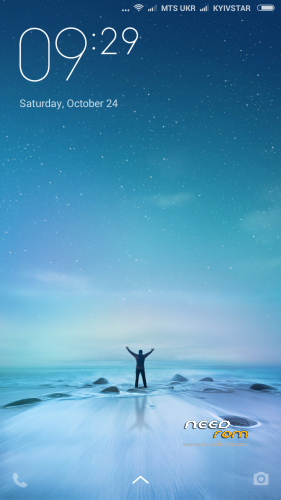
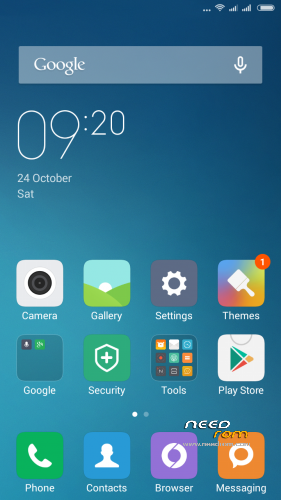
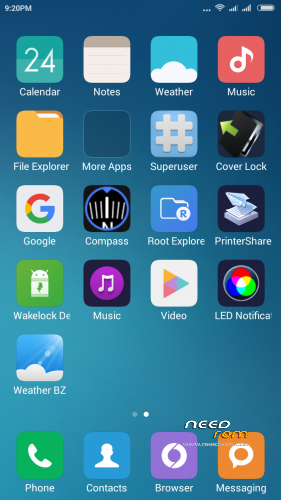
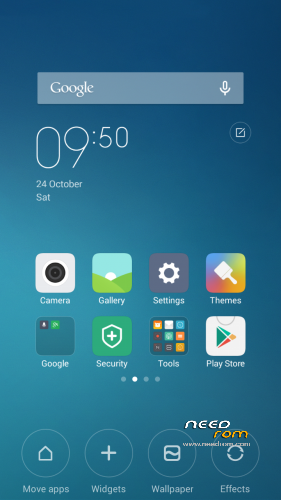
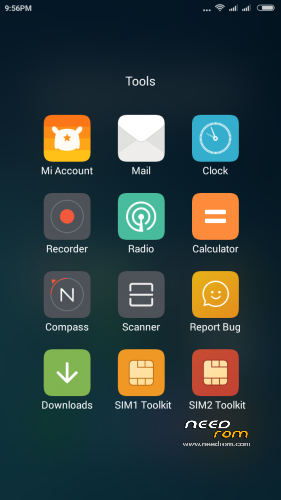
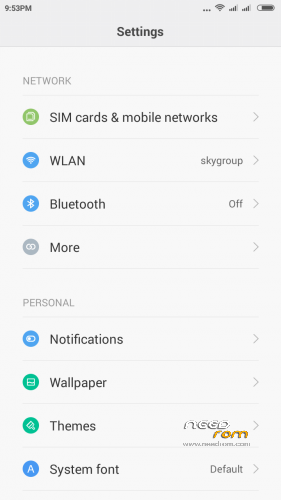
Full worked ROM for dayly using. Gapps are integrated, ROM is rooted.
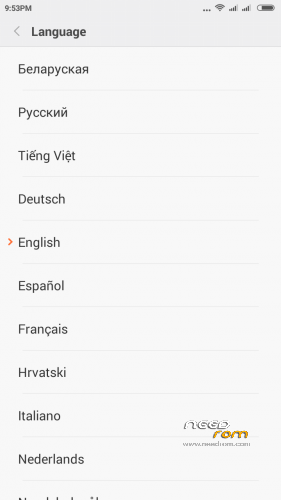
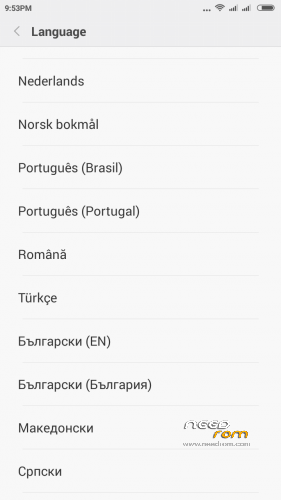
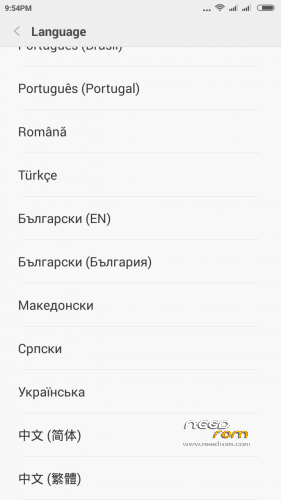
Multilanguage.
Do not download ROM to other sites without my permission!
========================================================
MIUI 7 5.11.12- update ROM
| "Changelog" |
SelectShow |
[Phone]
-
Fix – Sometimes Internet calls could not be made in 2G network
-
(11-10)
[Contacts]
-
Fix – Mi Cloud namecard contacts were not included in Mi
-
Account contacts (11-11)
[Lockscreen, Status Bar, Notification Bar]
-
Optimization – No service icon in status bar (11-06)
-
Optimization – Lockscreen camera shortcut is hidden in Child
-
mode (11-06)
-
Optimization – Support changing wallpaper from top right corner
-
in lockscreen when daily lockscreen is enabled (11-09)
[Home screen]
-
Optimization – Icons’ names shadow effect when using light
-
colored wallpapers (11-09)
[Gallery]
-
Fix – Random FC error when scanning shared albums (11-10)
[Music]
-
Optimization – ‘Discover’ page updates online music resources
-
more timely (11-10)
-
Optimization – Support choosing from several modes when playing
-
with car bluetooth (11-10)
[Backup]
-
New – Added Transfer feature to help move data from an old Mi
-
device to a new one (11-10)
[Market]
-
New – Similar searching key words will display in search result
-
page (11-10)
-
Fix – App language did not change with system language (11-10)
-
Fix – The prompt said ‘icon did not show’ when search result
-
was empty (11-10)
-
Fix – Home screen perfect icons did not update after updating
-
the app in third party app store(s) (11-10)
-
Fix – Start page tabs were misaligned in some devices (11-10)
[File Explorer]
-
New – Support adding folders to private folder (11-09)
-
New – Allow selecting restore path when disabling private
-
settings (11-09)
[Video]
|
========================================================
MIUI 7 5.11.5 – update ROM
| "Changelog" |
SelectShow |
[System]
Optimization – Reduced LCD flickers (Mi 4c) (11-05)
[Phone]
Fix – Volume could not be adjusted while making VoIP calls (11-05)
[Lockscreen, Status Bar, Notification Bar]
Optimization – Support setting lockscreen and floating notifications separately (11-02)
Optimization – App notifications page displays blocked apps first (11-02)
Optimization – Reduced status bar RAM usage (11-02)
Optimization – Support waking device with Volume buttons (Redmi Note 2) (11-03)
Fix – Pushing blank sides in a floating notification could not fold it in landscape mode (11-02)
Fix – Sometimes WiFi connection was recognized as portable hotspot (11-05)
[Home screen]
Optimization – Optimized background color of imperfect icons (incompletely ported icons) (10-31)
[Gallery]
Optimization – Album sync will stop when there is less than 20% power left (11-02)
[Music]
Optimization – It will not exit Select mode after batch operation (11-05)
Optimization – Unified sorting buttons' style in all categories under My music (11-05)
Optimization – The current playing music will be displayed in visible area when entering music list from playing now page (11-05)
Fix – Local music are not synced timely (11-05)
[File Explorer]
New – Support listing starred files by editing time (11-03)
Optimization – Optimized images display method (11-03)
Optimization – Progress status display method of compressing/decompressing etc. (11-03)
Optimization – Changed Mi Drop category page default ordering method to descending by time (11-03)
Fix – Thumbnails are not displayed in searching result (11-03)
[Downloads]
New – Support searching online resources (11-02)
[Calendar]
New – Added privacy policy/user agreement/Internet connection permission prompt (11-03)
|
========================================================
MIUI 7 5.10.29 – update ROM
| "Changelog" |
SelectShow |
MIUI 7 China Developer ROM 5.10.29 Full Changelog
Lockscreen, Status Bar, Notification Bar
Fix – WiFi and data icon displayed at the same time (10-26)
Fix – Combined password could not be entered when exiting Child mode/Private folder (10-29)
Home screen
New – New version of global search (10-29)
Calendar
Optimization – Card view style for displaying events (10-29)
Mi Drop
Optimization – Animated effects when scanning (10-28)
Fix – Sometimes device could not be detected (10-28)
Security
New – Added ''Connection' shortcut in security to view each app's realtime connection speed (10-26)
Optimization – Increased check process efficiency (10-27)
|
========================================================
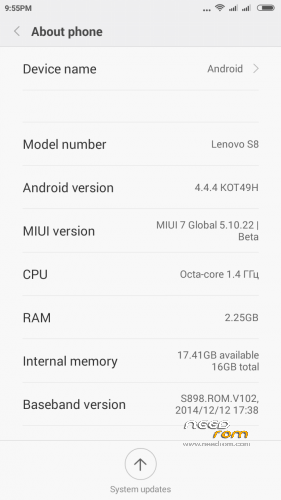
MIUI 7 5.10.22 – firmware ROM
========================================================
Install ROM using TWRP:
Step 1: Download the custom ROM copied to an external SD card root directory
Step 2: the shutdown state. While holding down:
– Power button + volume button down, to enter the recovery mode.
– Wipe / Advanced Wipe -> choose all blanks except "Ext.SDcard" -> Swipe to Wipe -> Reboot ->Recovery.
Step 3: Return to recovery main interface Install zip from sdcard -> Install -> Select your ROM ->Swipe to Install.
Step 4: Brush complete, restart the phone Patience required – first boot takes a while.
Some tips:
➣ Setting Indication LED – Always unplug "Event LED" in the settings of the system and do the following:
1. Run the program "LED notification";
2. "Feedback" – "Notifications" – to give the program access to the notices;
3. "Feedback" – "Notifications" – tick applications to be notified about events LED. "Messages" are also mentioned, despite the fact that a check mark in the "SMS / MMS" is already;
4. "Feedback" – "Timeout" – "Never"
➣ Integrated CoverLock, set up and use as a cover or lid cover with a magnet, but in this case using an optical sensor.
➣ Sound sliders set the choice of using the patches.
➣ To swap the existing desktops simply pinch the screen with three fingers, and will be taken to control screen desktops.
➣ In MIUI no speed dial function, do not look.
➣ If you want to download something from the Play Market through the mobile Internet, go to the application "Downloads" in the settings and disable the limit for loading applications via the mobile Internet.
➣ Updater is removed, will not operate.
All your actions with the firmware you are running on their own responsibility, the claim can not be accepted in the brick and should be written off either on the force majeure or the curvature of the hands.
Have a nice day!
※Please make a backup of your device before installing or updating ROM


 Member Info
I have MiCloud problem, anyone solved it yet?
Same here.
Hello, I have a big trouble to run after installing this rom. It tells me that the cloud has stopped. And it doesn’t let E configure in order to use the cellphone. Someone wit the same problem, and how to fix it?
Al principio de la instalación, cambia el idioma a inglés, luego te dejará hacer la instalación normal, ya que lo termines de configurar, vete a "settings" y cambialo a español.
At the begining, on the configuration, just put english lenguaje, then you wont have any micloud trouble, when you finished the configuration, just go to settings and change the languaje.
how to turn off the blinking display is annoying especially at night.
errores con el asistente durante el bienbenido llega hasta el my coud y da error y de alli no pasa no puedo hacer nada con el telefono
Thanks
This rom come's with Lock Bootloader, so i cant flash into a new ROM, anyone knows how to unlock the bootloader? im desespered right now
bueno la rom es muy fluida el unico detalle que hasta ahora le vi es que cuando estas descargando algo de play store no te indica si esta o no esta descargando pero muy buena esta bien desarrollada
ya es cuestion de configurar ya me aperecio el icono de descargar en la parte superior
Great ROM. greetings
Hey Sterras, I would like to congratulate you for this rom.
It just have some failures like when I enter de MTK Engineering Mode, and go the Telephony, then try to open the Data Service Preferred, the process android.phone stops and don't allow me to activate it.
For everything else, its perfect.
The GPS!! MYY GOOSSSHH!! The flippin gps! Before I changed the rom for this one, the gps took from 10 to 23 min to connect… Now it only take from 1 to 2 min.. EVEN IF I'M ON THE INSIDE.. This is something remarkable!