
- Title: MIUI 7
- Listed: November, 2015
- Last modified: 11/26/2015 2:14 pm
- Version: 5.11.19
You must be logged for ROM download.
14391 total views, 2 today
11 Total favorites
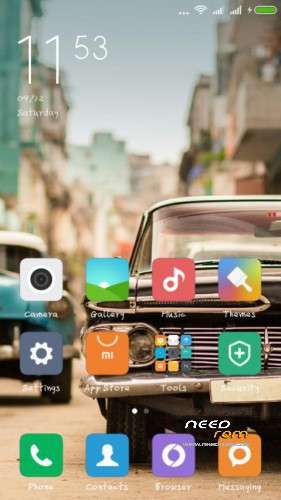
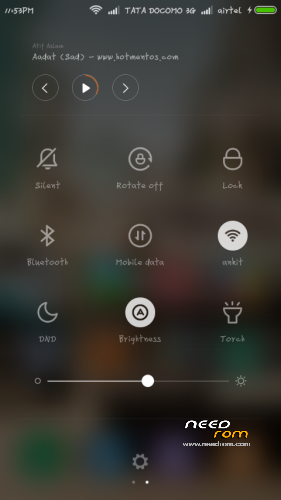
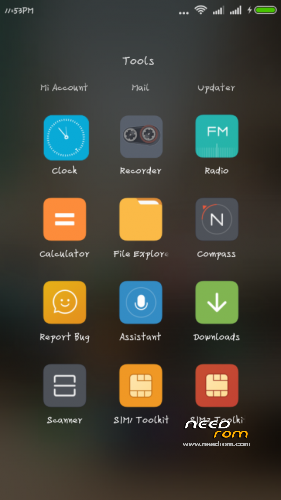
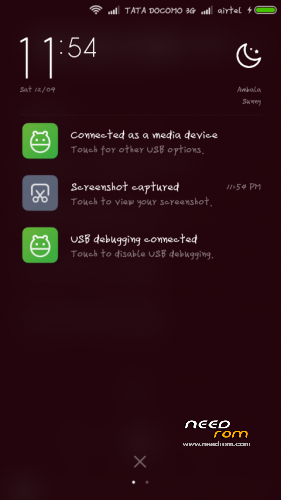
 Member Info
DESCRIPTION

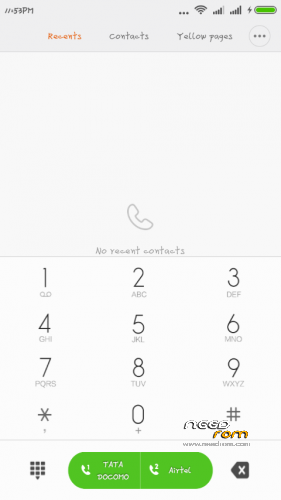
* Full Multilanguage
* Xperia keyboard
* Random Reboot Fixed
* After calls freeze Fixed
* Smoothness added
* Fast,stable and Fluid Ui
* Partitions Fixed
* GPS Tweks
* BT Tweks
* Pre-Rooted
* Brighter Flashlight
* Brighter Camera Flash
* Themes Supported
* Battery Tweaks Added
*Optimized speed and WiFi
*Global MIUI7 style theme
*Optimized GPS, speed up positioning speed
*Touch effect optimization
*Optimized CPU running
*Deodex
*Optimized memory management
*Optimized network
*Optimized battery power
*Zipaliagned*
*Improve picture quality and Camera quality
*Unlocked FPS, improving 2D / 3D performance
* Many More….
And Lots Of Stuff I Dont Remember Now
Installation
1. Place downloaaded rom zip into root of sd.
2. wipe data, cache , dalvik cache using custom recovery
3. select install zip from sd and select rom zip .
4. reboot and enjoy
- To Enable Root Acces go to "Security"(app), click Permission manager and check root permission
Credits
Ankit Saini (Me)
AND SPECIAL THANKS TO AMIT AND PINTO THAKUR
※Please make a backup of your device before installing or updating ROM
is system partition required
I think YES. Coz the ROM is large.
Thanks for the ROM. Installed successfully, but when I press power button screen does not off but remains on and goes black, and when again I press power button is brings lockscreen as regular.
How to solve this black screen problem??
Sorry for grammer mistakes.
camera quility is low as compare to original stock rom and flash light is not brighter then oppo v1.2 custom rom. can we fix this??
over all this rom is great.
hey can anyone please send me the zip file for 1gb partiton. I think the link is not working lately on dev host. Can spmeone email me the zip file(160kb)