
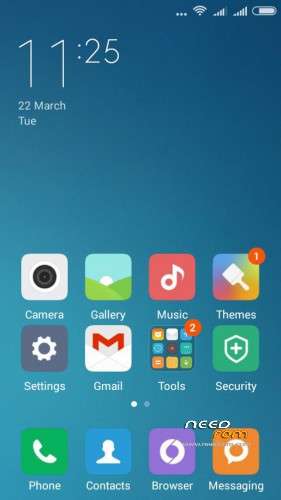
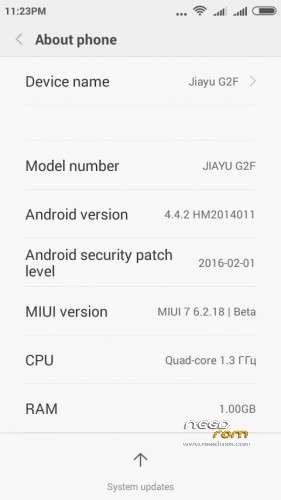
- Title: MIUI 7 v.6.2.18.Jiayu G2F
- Listed: March, 2016
- Last modified: 03/23/2016 9:11 pm
- Version: Miui 7 Kit Kat 4.4.2
You must be logged for ROM download.
16680 total views, 2 today
3 Total favorites
CUSTOM






 Member Info
DESCRIPTION
Installation Guide Full ROM Installation (strictly follow):
1. Copy ROM zip to SD-Card
2. Reboot to custom Recovery
3. Take Android backup (always recommended step)
4. Wipe System/Data/Cache
5. Now install Downloaded Rom SD-Card.
6. Reboot.
※Please make a backup of your device before installing or updating ROM
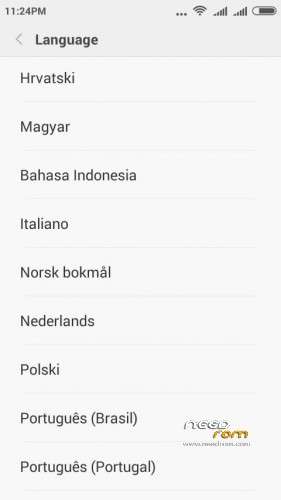
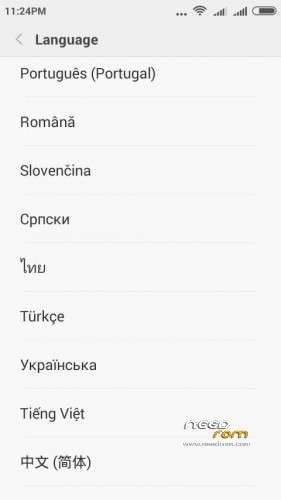
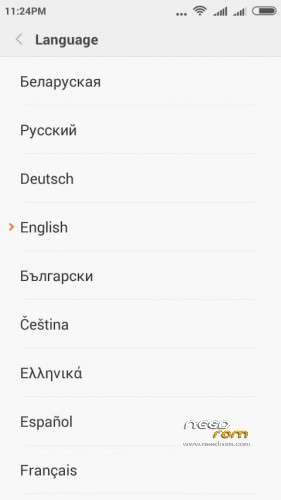
Leave the default language the first installation … and then you change
He had the same problem and was solved
OK, i will try but before erasing the system again (i've another rom now) i wishes to know if is the WIFI connection ok.
or other know bugs of the rom
Thanks
PS i have the 4gb version
Why do we need to request access to download the rom?
For the processing of statistical data in the region and the number of downloads
Cardmaster friend, there will be upgrade?
Thanks for your work
Yes, I'm working on a firmware update
G2F 8GB camera and file explorer dont work
security app cleaner and check dont work
Hi, thank you very much for this 4GB ROM, I installed it without wiping any data, this time network signal and wifi is working 100%. All other features are ok.
Hi bppjenil, what did you do for let the rom work? i mean the passages you should do with the 4gb firmware to have the rom without bugs
thanks
It's wcdma or td version?
It is wcdma version.
Is Mobile uncle working 4g rom?