
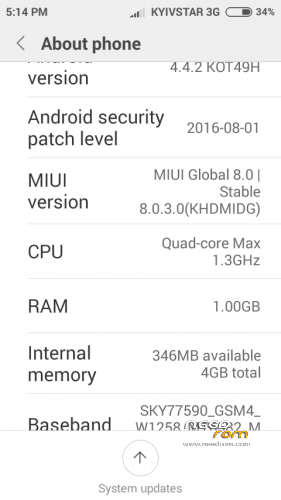
- Title: MIUI 8 STABLE v.0.3.0. for jiayu G2F 4GB
- Listed: November, 2016
- Last modified: 11/13/2016 6:43 pm
- Version: Miui 8 Kit Kat 4.4.2
You must be logged for ROM download.
14247 total views, 2 today
1 Total favorites
CUSTOM
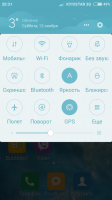


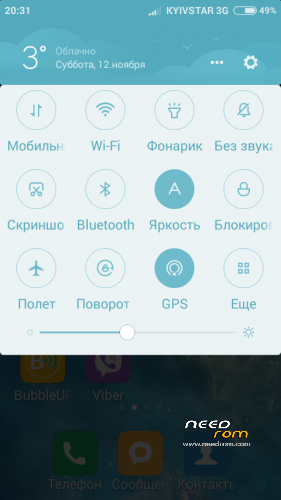
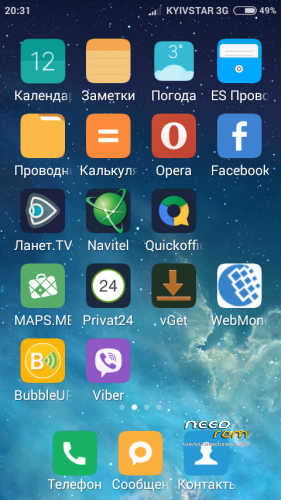
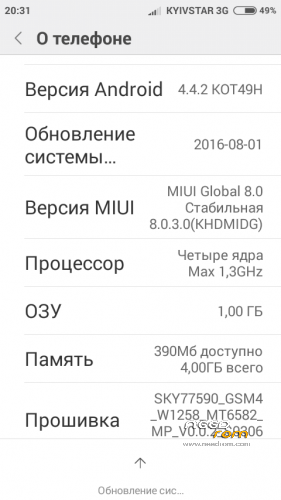
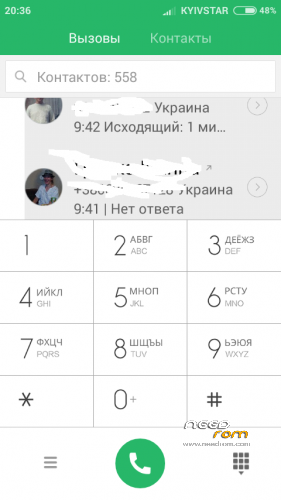
 Member Info
DESCRIPTION
Please note, the firmware is placed only on the increase in the system partition to 1GB
Choose SD-card on file with the firmware, install, turn on the phone. NOTE: When you first load the firmware necessary to connect to the internet via WI FI, while checking on your device in the MI account button on / off switch on the phone and Flight mode overload phone. To install google gapps same method sets through recovery gapps-arm-4.4-pico (without it will not work Google Market)
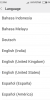
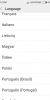
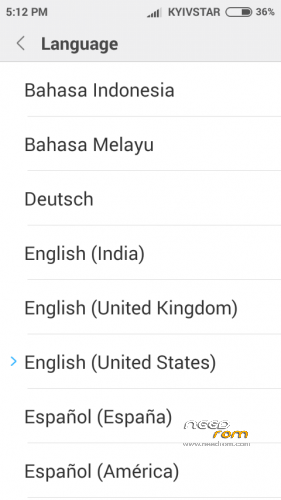
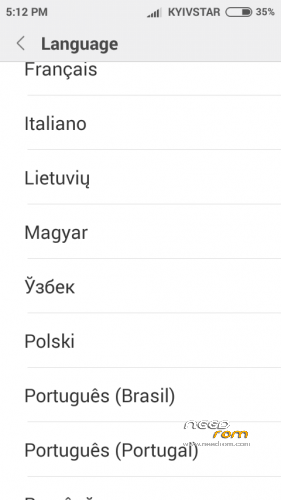
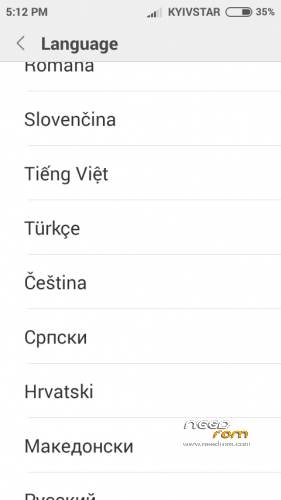
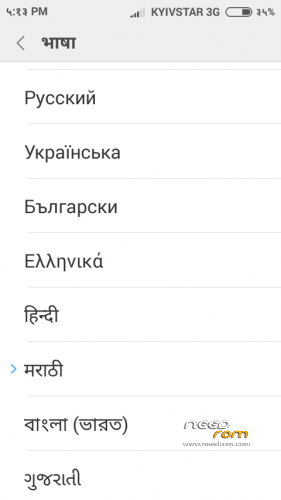
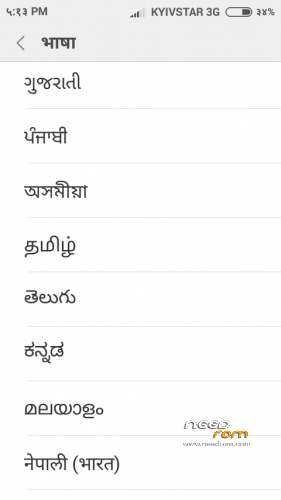
Multilingual.
※Please make a backup of your device before installing or updating ROM
Hi Pruymak,
many thanks for the rom, i'll test it soon.
One question: could i install the rom without expand the system partition?
Because the link you posted (increase the system section…) send me to a page with non working links (message 404 file not found)
thanks
Hello, increase system partition necessarily corrected link
Hello Pruymak!
I would like to intresting that can be solve somehow the "getting device security" problem (at MI account sing in)? I use the rom since a week, But i woild like to use Mi Fit for my MiBand2. When i start the MiFit app, this problem appears again.
The first time i faild with the flashing. Softbrick.
Than i unbrick. Solved the nvram issue (IMEI and WIFI MAC address).
But i cant use mobile data. I can make calls, messeges. I deleting, resetting the APN.
Is this two thing conneting each others somehow?
Thanks by the way! Nice work!