
- Title: MIUI for HDC Galaxy Note 3 Vitas
- Listed: July, 2014
- Last modified: 07/13/2014 6:36 pm
- Version: 4.6.13
You must be logged for ROM download.
22583 total views, 2 today
 Member Info
DESCRIPTION
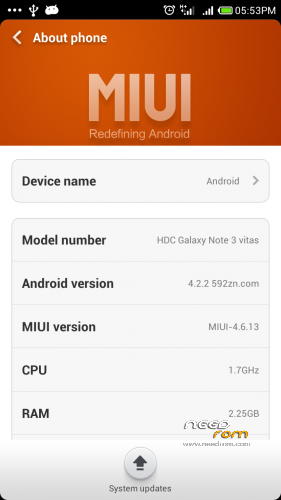
Dear HDC Galaxy Note 3 vitas owners. I was able to port MIUI rom for the mobile.
All thanks to helloansuman , I used the instructions here : http://en.miui.com/thread-20482-1-1.html
Again !! This is not a rom i made , I only ported it ! thank you helloansuman
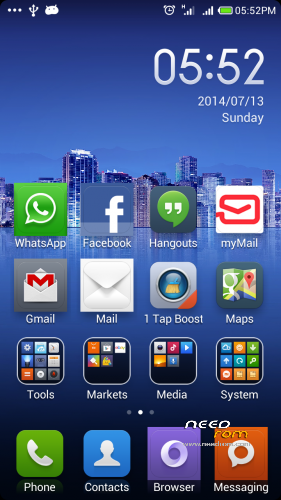
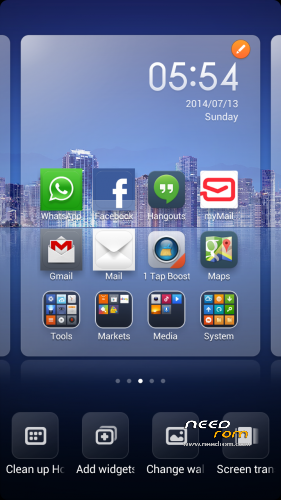
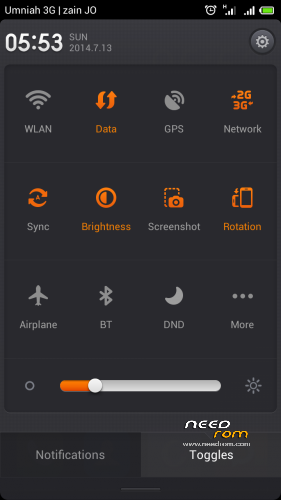
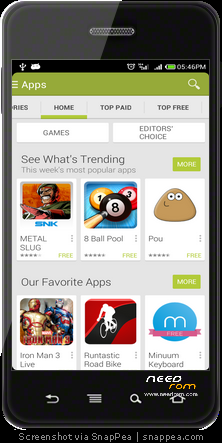
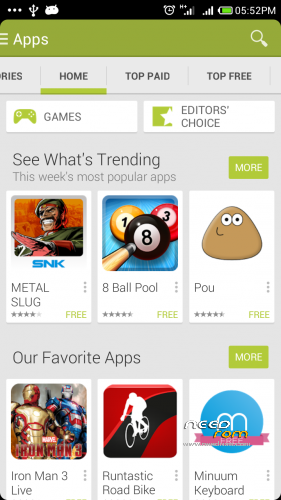
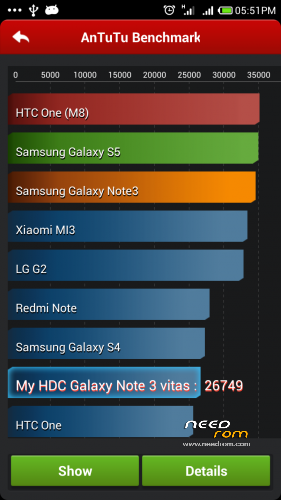
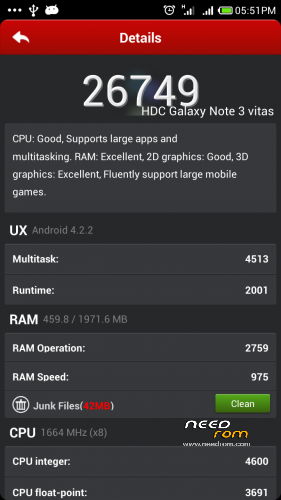
The images included been taken by Snapea , And after some customization for theme using MIUI free themes !
This rom need :
- Rooted mobie & install CMW recovery
- install ROM
This is NOT ported from original rom, so I am not responsible of any damage or bricking your mobile. Every step below is dangerous ! do it on your own risk. you could lose your mobile if any thing went wrong … Be careful !
- Rooting mobile & CMW install : ( You will lose warrantee doing this ! )
* Shut down the device
* Using volume down + power — >>> from the factory mode >>>> reset device ( You will lose all of your data and apps )
* Reboot
* Install in your PC SnapPea ( Google it !! )
* connect your mobile … wait to install drivers and connecting to SnapPea
* Uninstall the original super user using SnapPea uninstalling method, you need to give root access to SnapPea
* Unplug the mobile restart it
* download MTKdroidTools v2.5.3 and run it in your PC as an administrator (Google it !)
* connect the mobile to pc and wait till MTKdroidTools show you it
* from Root.Backup.recovery tab in MTKdroidTools, Root the mobile and Restart mobile
* from the Root.Backup.recovery tab chosse "To use boot from phone" then click "Recovery and boot
* restart the mobile
* from "Root.Backup.recovery" again, click super user — choose superuser,busybox,root explorer and mobile uncletools — ok
* using Volume UP + Power go to the new installed CWM … if its been loaded , SUCCESS !
If you could not load the CWM then, you did something wrong, Start all over!
2- Installing The new Rom
- Download MIUI rom and place it in SD card ( Here )
- Turn the mobile off , using Volume UP + Power go to the new installed CWM
- Make a full backup to your current rom , So if you need to get it back, You can using restore method from CWM
- do : complete factory reset in 3 steps : clear cash + factory reset + advanced – >clear davilk
- INSTALL ZIP FILE you downloade
- Restart and wait ~ 2 – 5 mints
- Done !!!
Rom problem : ( please Read this )
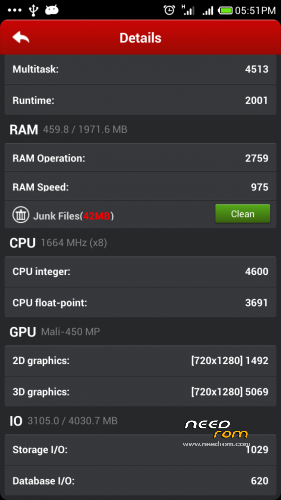
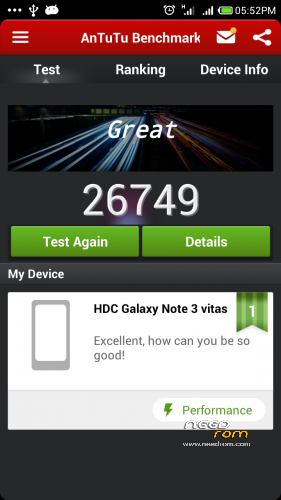
****Only 2GB/16GB RAM/ROM is available, I don’t know if HDC lies about the real ram and rom because I saw a cheating XML files to change the real size on the original rom ! however, The mobile is fine for me with 2GB/16GB . in fact, Its good mobile comparing price !
**** S-View now working (In fact it never worked fine, it always crash the mobile in the original rom so i needed to remove the battery to restart it)
**** Suspension window been removed. I dont need it !
**** when installing Whatsapp , The application will not detect the recived SMS. Please wait 5 min to manually write the code you recived
Working:
Google APPs (Yes !!!! Finally it’s been fixed ) :
Google play , Hangout , maps, GMail ….. etc
Everything else as far as I know, Please tell me if anything not !
Trying to :
Make better GPS connection, this mobile have poor GPS . I think it’s a hardware problem not software.
Extras :
I added many ring tunes , Arabic ( [AR] ) + English + India hope ypu like it. All of them is from Zedge !
I added some wallpapers !
Important :
Do not update rom !!! you will recieve a weekly update for the original mobile not for vitas. Never ever accept any update ! just ignore it or you will not be able to boot the device again ! you will need to re flash my zip file again .
I am very busy these days, I will not be able to regularly update the rom , So please do not ask for update …. when i update, I will let you know
※Please make a backup of your device before installing or updating ROM
mtk 6582 ?
MTK 6592
mtk 6582 You can collect?
Can you make also a version for MTK6582?
Sorry , I only have MTK 6592 mobile, I dont have MTK6582
You can try searching the website here, Many MIUI roms for MTK6582
Good work brother…
Multilanguage??
Yes Multilanguage
Hello, I can not download the rom, it shows me the message is still found no files …..what should I do?
Please try again, I checked the link it still working
may it work on my note 3 sm-1327??
Why this “rom” is only 700 KB ?
Please ignore my previous post – the file is actually 710 MB.
I’ve noticed some issues with permission to enable 3g data.
Some aps when wifi turned on, enable ‘data’ transmission – up to a point it sends no data via 3g, but if wifi gets lost it switches automatically to 3g.
And we don’t want 3g to enable itself without user’s permission.