
- Title: MIUI for HDC GALAXY S4 SPARK
- Listed: May, 2014
- Last modified: 05/30/2014 6:40 pm
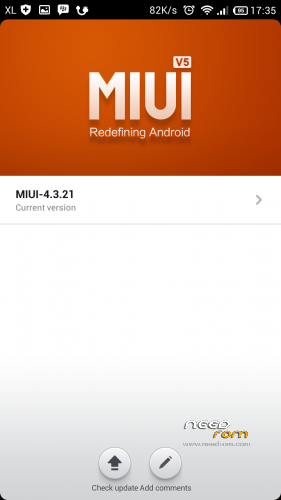
- Version: MIUI V5 4.3.2
You must be logged for ROM download.
20510 total views, N/A today
1 Total favorites
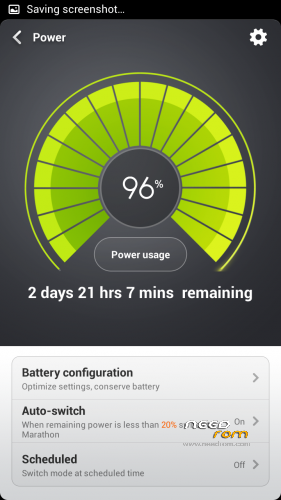
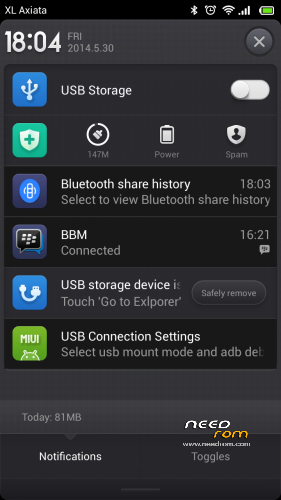
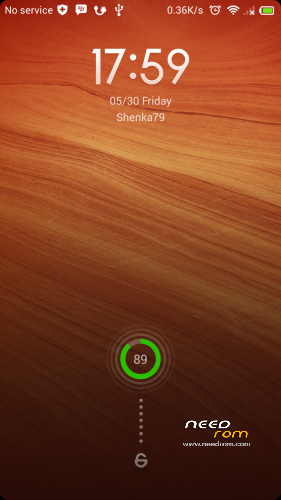
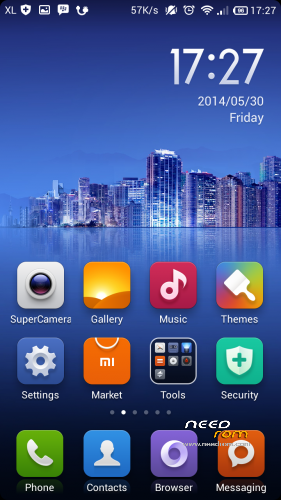
 Member Info
DESCRIPTION
ATTENTION : Read Carrefully
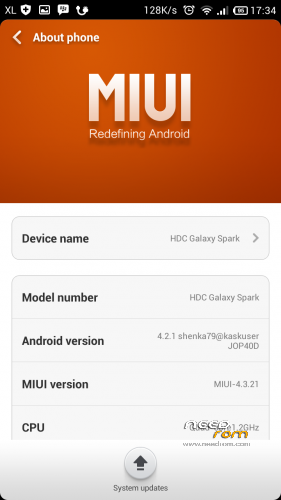
This rom only for HDC Galaxy S4 Spark Not Tested On Other Devices !
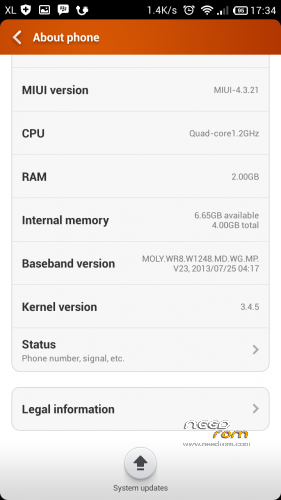
-MTK6589 Quad Core
-2GB RAM, 4GB ROM
-5.0inch HD IPS Screen
Display resulotion: 1280*720 pixel display
WARNING!!! ALWAYS BACKUP YOUR CURRENT ROM FIRST BEFORE YOU FLASH THIS!
Please Read Before Install This ROM :
- I recommend to do a full backup of your ROM first. ( i don´t take any reponsability if u brick your phone, take it on your own risk )
This ROM has been tested and succesfully installed on my Device after has been modified.
Rom Installation Procedure :
This is a CWM based ROM not a SP Flash ROM
Step 1 : Download the custom ROM and gapss to your external SD Card
Step 2 : Shutdown your handheld.
Step 3 : Go to CWM Recovery mode ( Volume Up + Power )
Step 4 : Assuming that you already BACKED UP your ROM, then go Wipe Data/Factory Reset, Wipe Cache Partition, Wipe Dalvik Cache.
Step 5 : Install Zip from SD Card > choose ZIP from SD Card > select the ROM
Step 6: Brush complete, restart the phone Patience required – first boot takes a while
Step 7: After finish you need instal gapps, Shutdown your handheld.
Step 8 : Go to CWM Recovery mode ( Volume Up + Power )
Step 9 : Install Zip from SD Card > choose ZIP from SD Card > select gapps-jb-20130301-signed.zip
Step 10 : Done, reboot your handheld & enjoyed….
* Thanks to helloansuman for great [ULTIMATE GUIDE FOR DUMMIES] PORT MIUI ROM TO MEDIATEK MT65XX and Xtreme.Ornob xda developers for [GUIDE] [PORT] [ROM] All About Mediatek ROM Porting.
※Please make a backup of your device before installing or updating ROM
Hi..
Can HDC S4 Legend use this rom?
TQ
No, this rom only for HDC S4 Spark.
keeps aborting please help
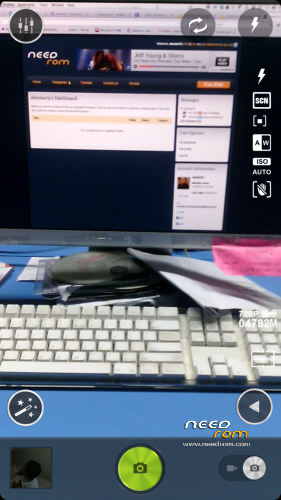
Bro, kamera-nya nyala normal? sblmnya gw nyoba miui yg laen kameranya gak ngangkat
ya back camera normal
hi, i have this version : JDQ39.I9500ZSUAMDE1
this rom will work on it?
front camera not work solution
Ya, front camera not work. I’m just finished ported new MIUI rom v6, all work perfectly with many features. I will uploaded soon, wait and see
thanks… it work for my spark
But the screen is always shaking.
Can i get the solution.
edit -> all done.
Thanks