
- Title: Miui Global 7.2.3.0_LHMMIDA Xiaomi Redmi note 2 port for P70
- Listed: April, 2016
- Last modified: 04/20/2016 1:50 pm
- Version: 5.0.2
You must be logged for ROM download.
15903 total views, 1 today
3 Total favorites
CUSTOM
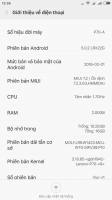




 Member Info
DESCRIPTION
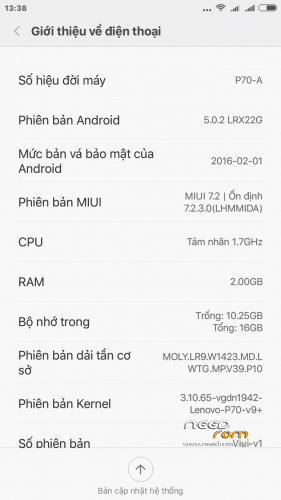
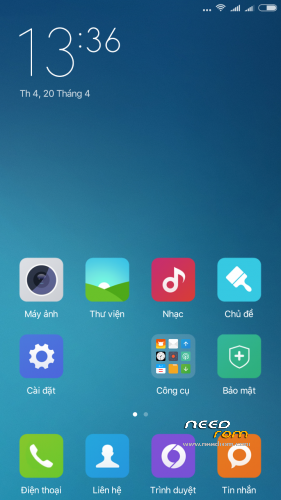
- Miui Global 7.2.3.0_LHMMIDA
- Based entirely on official firmware v7 for MIUI Xiaomi Redmi Note 2;
- Deodex firmware;
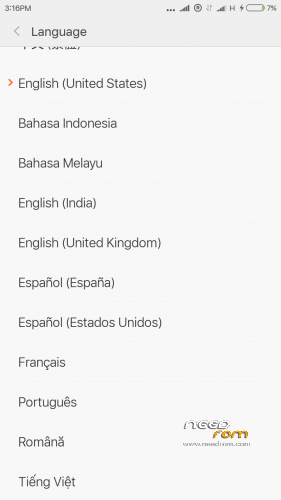
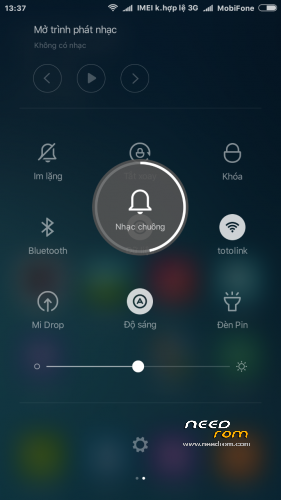
- Language: Multilangage, 30+ language
- Miui Stable 7.2.2.0 LHMCNDA
- Port by easyloy – edit & add language Vi/Th/In
- No lag, no bug
-
1. Download the. Zip file and dump the firmware to the memory card.
2. Loaded in Recovery
3. Making wipes:
1) Wipe Cache
2) Wipe Dalvik Cache
3) Wipe Factory Reset
4) Select Install / Instal zip from SD
5) Choose. Zip firmware file and wait for the end of the process.
6) Boot the system is ready.
※Please make a backup of your device before installing or updating ROM
This ROM is 64 or 32 bit?
64bit
With the initial settings, knocks a mistake in the application provider and the weather micloud error occurred, and it is impossible to continue to use the device, respectively!
With the initial settings, knocks a mistake in the application provider and the weather micloud error occurred, and it is impossible to continue to use the device, respectively!
Please add Arabic LanguageSorry. I do not know your language!
do i need to root my phone..??
miui globle after install boot loop.all wipe factory reset but but loop.running lenovo p70-a android 5.1.1
I tried to install on Aosp 5.1 32bit with twrp. In twrp, it says ” this ROM is for p70-A, your phone is A7000″ What should I do? Please help me
how to fix this problem " invalid imei " and cant activate sim card?
If your phone is rooted,
You can use https://play.google.com/store/.....phon&hl=en this app to set IMEI.
You can find IMEI numbers under the back cover.
if you have a nvram backup just reinstall it.
or
if you have no nvram backup but you have full backup, open twrp go restore deselect all except nvram and restore.