
- Title: MIUI-HUNGARY MSB V6_5.6.25
- Listed: February, 2015
- Last modified: 06/20/2015 2:22 pm
- Version: MIUI MSB V6 5.6.25
You must be logged for ROM download.
23486 total views, 4 today
5 Total favorites
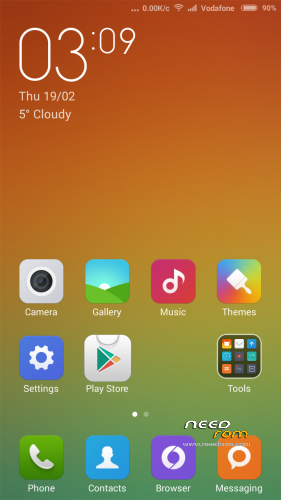
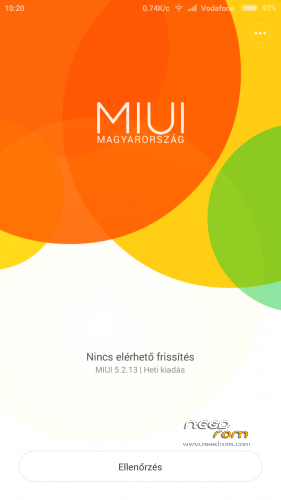
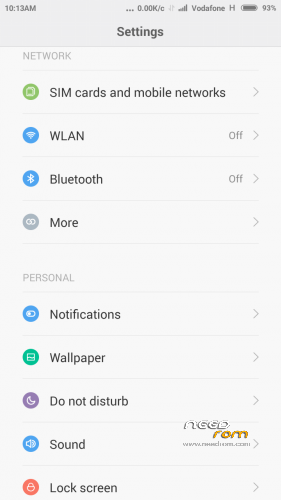
 Member Info
DESCRIPTION
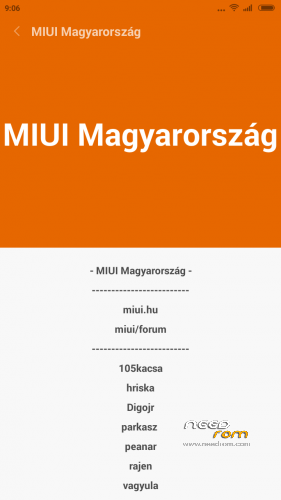
We have best MIUI support over the World, so this ROM not big deal.
I implemented some improvements into ROM to myself and I share with you.
If you like it, use it.
ROM from Hungary
*Weekly update
Test ! Please take a look here: https://www.needrom.com/download/thl-t11-5/
If you are happy for my work, remember to donate on paypal
If you want me to post monthly updates regularly please remember to donate. Even 1$ is appreciated.
When porting to other phones, indicate the source: 105kacsa MSB Thanks!
base built: HM NOTE 1W JH3CN0.0-d45ec9a852c7c0ef556f066c01eeab7eaa6f8b0c
Android version 4.4.2 KOT49HMIUI Multilang: MULTI 5.2.13
MULTI 5.3.4
Base: 5.3.4 Full Official ROM Xiaomi Redmi Note
http://bigota.d.miui.com/5.3.4/miui_HMNoteW_5.3.4_c28cde0fa5_4.4.zip
- No service bug remove fix
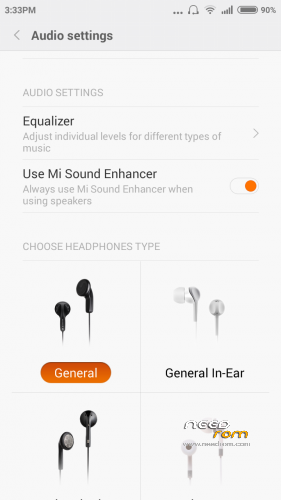
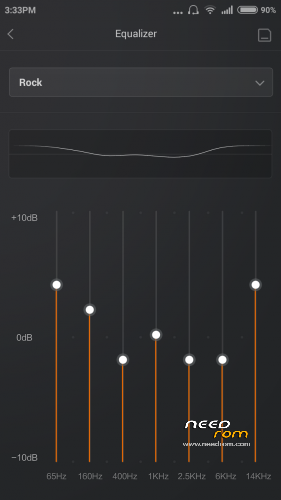
- Add Auido settings (Equalizer)
MULTI 5.3.27
Changelog: http://en.miui.com/thread-96650-1-1.html
MULTI 5.4.17
Changelog: http://en.miui.com/thread-103826-1-1.html
MULTI 5.5.22 Changelog: http://xiaomi.eu/community/threads/5-5-22.27610/
5.4.17 – 5-5.22 Update – Wipe Data / Factory Reset -> delete all user data !!!
MULTI 5.6.18 Changelog: http://en.miui.com/thread-123846-1-1.html
MULTI 5.6.25 Changelog: http://xiaomi.eu/community/threads/5-6-25.27738/
Unofficial International MIUI / Xiaomi Phone Support
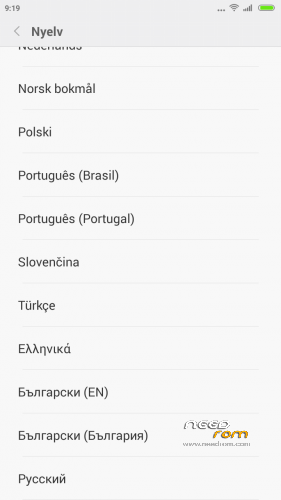
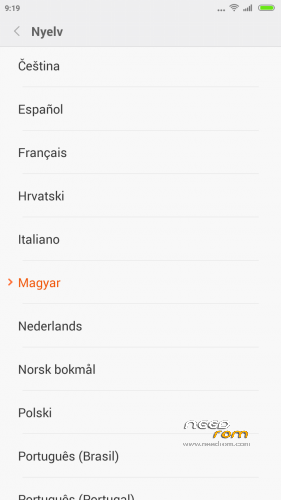
- multilanguage support: 20 languages
- Gapps include
Make a backup of your NVRAM/IMEI before flashing highly recommended !
Install ROM:
CWM
Step 1: Download the custom ROM copied to an external SD card root directory
Step 2: the shutdown state. While holding down:
– Power button + volume button up, to enter the recovery mode.
– Wipe Data / Factory Reset -> delete all user data
– Wipe Cache Partition -> Wipe cache
– Advanced -> Wipe Dalvik Cache
Step 3: Return to recovery main interface Install zip from sdcard -> choose zip from sdcard -> Select your ROM
Step 4: Brush complete, restart the phone Patience required – first boot takes a while.
If you liked this project, you can donate
※Please make a backup of your device before installing or updating ROM
Sorry, i have bad version.
three times per day restart after locking the screen without rebooting it would be best rom
Same… 5 reboots in 3 hours this morning. Please fix that!
please update … thanks^^
please update to 5.7.23 thanks ^_^
??? where can I find this version ???
All working well except the NFC
Update error: this package is for "lcsh92_wet_jb9" devices: this is a "t100s"
Update PLEASE!!!
Update https://www.needrom.com/downlo.....-msb-v7_5-9-17/