
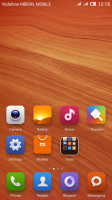
- Title: MIUI rom for Canvas Fun
- Listed: June, 2014
- Last modified: 06/13/2014 4:01 am
- Version: v5
You must be logged for ROM download.
16368 total views, 3 today
3 Total favorites
CUSTOM






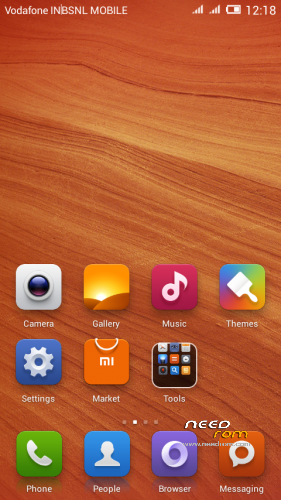
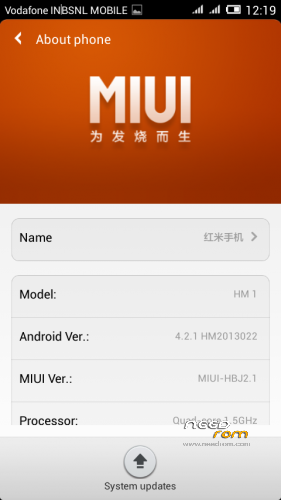
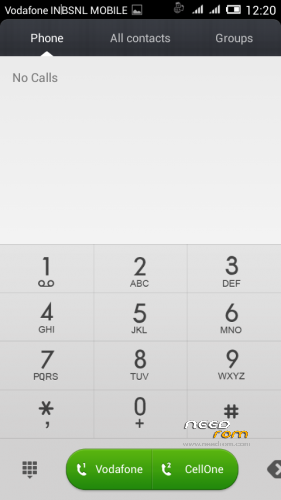
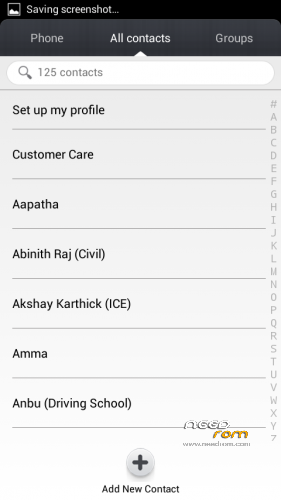
 Member Info
DESCRIPTION
Procedure to flash the ROM :-
1. Download the rom and place it in your root of SD card.
2. Backup all your data (Apps,Contacts,Nandroid).
3. Reboot into recovery (CWM or TWRP – But tested only in CWM)
4. Wipe cache partition, Wipe user data and Dalvik Cache.
5. Choose zip from sd card and select the downloaded ROM
6. Reboot, Done
1. Download the rom and place it in your root of SD card.
2. Backup all your data (Apps,Contacts,Nandroid).
3. Reboot into recovery (CWM or TWRP – But tested only in CWM)
4. Wipe cache partition, Wipe user data and Dalvik Cache.
5. Choose zip from sd card and select the downloaded ROM
6. Reboot, Done
Features :
Pre-rooted
Deodexed
Zipaligned
Build.prop tweaks
init.d tweaks
inbuilt cleaner
permission manager
gapps included
Deodexed
Zipaligned
Build.prop tweaks
init.d tweaks
inbuilt cleaner
permission manager
gapps included
Bugs:
Wrong RAM/CPU information on about phone (Fixed. flash the bug fix file via cwm after flashing ROM)
※Please make a backup of your device before installing or updating ROM
Bugs found A74, USSD not working, front camera not working
problem in ussd code .. dialer pad problem, what to do?
Hi,
Bugs identified:
1. USSD not working
2. Battery percentage falling down rapidly after it reaches ~35%.. (i fully charged my phone and then wondering at the enhanced battery backup and the battery % reaches 35% and the rapid fall begins.. in 2 mins, my phone got switched off).
As others pointed out, front camera and dialer pad is working totally fine.
So far, no other issues identified.. performance is awesome and you'll totally love the MIUI..
Thanks a lot Developer..
Can you help me with the proximity sensor
because since i do wipe System And Flash new fresh stock rom, proximity doesn't work