
- Title: MIUI ROM for Doogee DG850 Hitman
- Listed: July, 2016
- Last modified: 07/30/2016 1:46 pm
- Version: 4.4.2
You must be logged for ROM download.
12332 total views, 1 today
2 Total favorites
CUSTOM




 Member Info
DESCRIPTION
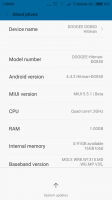
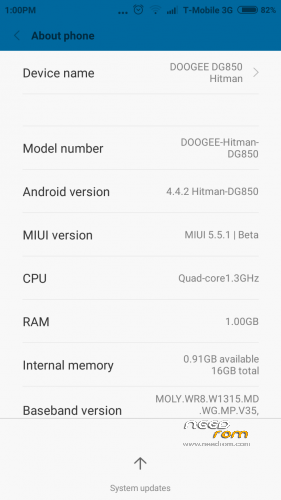
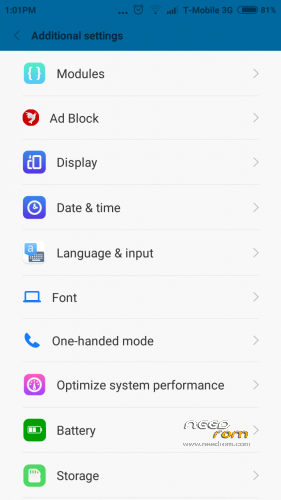
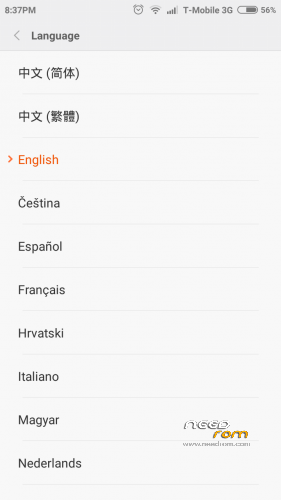
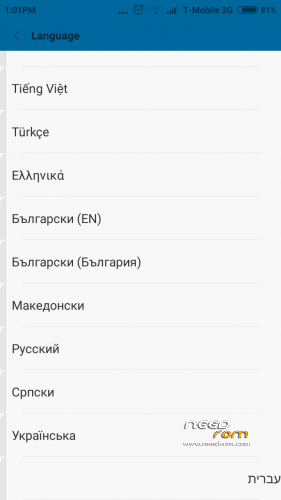
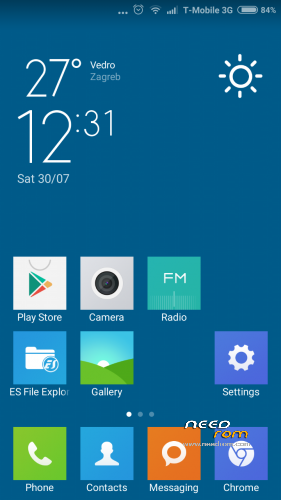
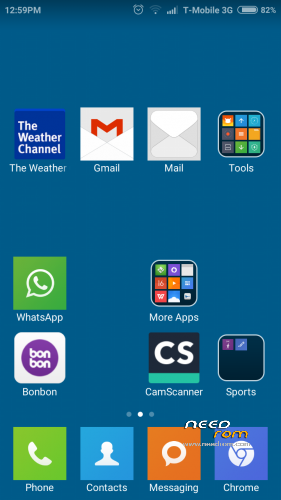
Custom MIUI ROM for DG850 Hitman: Works flawlessly except 2 functions that do not work at the moment:
IR transmitter and TouchLetters;
How to install:
0.) ATTENTION! First backup your current ROM. I am not responsible for eventual bricks.
1.) Copy .zip ('MIUI v6_Doogee_DG850_HITMAN') to ROOT folder of your phone
2.) Go to Recovery (TWRP reccomended)
3.) Wipe Factory Reset
4.) Wipe Dakvik Cache + System
5.) Install provided .zip file
6.) Wait until the installation finishes
7.) Reboot phone and wait for a few minutes
Rom is rooted.
Translate with Jbart
※Please make a backup of your device before installing or updating ROM
how install TWRP on this phone (not found on official site TWRP for dg850) ? if u have manual and required files, write me
http://forum.xda-developers.co.....=4758#downloads
Phone must be rooted and USB debuging cheked.
Hi Zpoljak,
Thanks for the tip for the recovery but for me it is not working. I looks like it is okay, the recovery tool finishes the install but then I cannot reboot to recovery. It just reboots to normal mode. Would it be possible to convert your rom into a rom that can be installed via the SP Flash tool?
Thank you
Peter