
- Title: (ZOPO ZP700) MIUI V5 4.2.14
- Listed: January, 2014
- Last modified: 02/24/2014 2:47 pm
- Version: 4.2.2
You must be logged for ROM download.
32405 total views, 2 today


 Member Info
DESCRIPTION
************
Update 24/2/2014
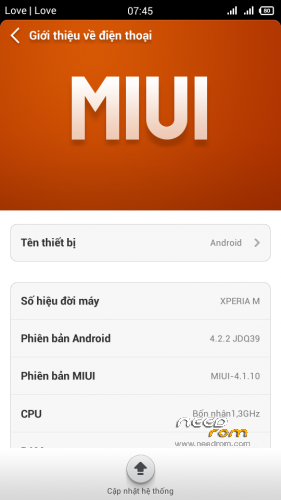
Fix bug miui rom 4.1.10
Viper4android
Settings/Titanium backup
Root full
Source miui v5 4.2.14
*************
Gapps FULL
Root full
Language support: Multi Lang ( Normally )
Install ROM :
CWM
Step 1: Download the custom ROM copied to an external SD card root directory
Step 2: the shutdown state. While holding down:
– Power button + volume button up, to enter the recovery mode.
– Wipe Data / Factory Reset -> delete all user data
– Wipe Cache Partition -> Wipe cache
– Advanced -> Wipe Dalvik Cache
Step 3: Return to recovery main interface Install zip from sdcard -> choose zip from sdcard -> Select your ROM
Step 4: Brush complete, restart the phone Patience required – first boot takes a while
※Please make a backup of your device before installing or updating ROM
Please add language Poland!
Setting / backup and restore / titanium backup pro
@Panagiotizzz
@Hardkorak comingsoon update
the phone apk and contact apk does not work.
any solution..?
Do I need root for installing this rom ? Or just :
1. install CWM (mentioned) via Rom manager
2. Install Rom from CWM
Tengo problemas al instalar, no pasa de la pantalla de zopo cómo si no tuviera nada que cargar ni instalar. No he tenido buena acogida de la rom
The phone.apk’s FC I solved with exDialer from the play store.
CMW install ok, but phone and contacts don't work. I use this with english lang.
Version 4.1.10 or 4.2.24 phone and contacts dont work.
@Feriman
I installed V5 4.2.14 update 24/2/14 and now I have bootloop on my phone I dont know what to do, i can't get to the recovery menu etc.