
- Title: MIUI V5 (4.8.29)
- Listed: April, 2015
- Last modified: 04/25/2015 6:36 pm
- Version: 4.2.2
You must be logged for ROM download.
15792 total views, 1 today
4 Total favorites
CUSTOM


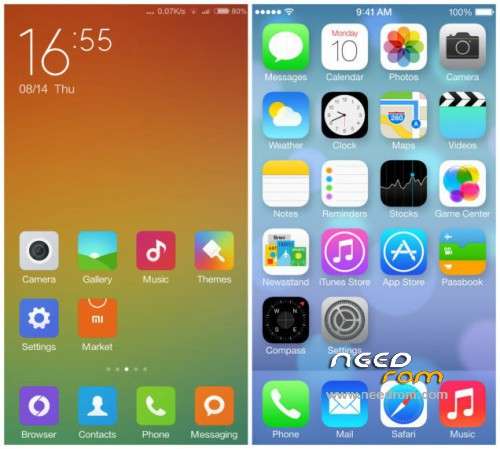
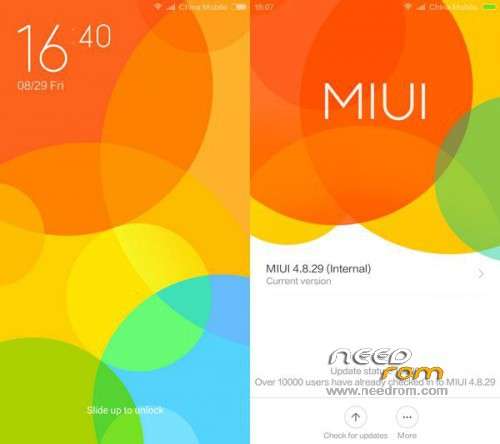
 Member Info
DESCRIPTION
MIUI v5 (MIUI5_4.8.29) Cubot S222
Flashing Guide:
- Root your device.
- Install recovery.
- Backup your current ROM using cwm and MTK droid tools before making any changes to your mobile. (Important)
- Download the ROM zip file
- Put the zip file in the sdcard.
- In CWM Recovery.
- wipe cache, data, dalvik cache, system.
- Select Install Zip From SDCard and Flash MIUI Zip File.
- Reboot. Njoy !!!
※Please make a backup of your device before installing or updating ROM
How to put CWM Recovery
this rom is amazing, fast adn complete, but I still wait for android 4.4 or 5.0 porting…
does this ROM allow you to change the EBR to gie more space on the phone. I've seen another S222 4.2 ROM here that allows 4 – 6GB free up after flashing and wondered if u can do the same with your version.
When I lock the phone, the screen stops working
the camera is a 13MP but play at 8MP and video recorder is a shit. Did you correct this problem? I search in google but do not find enything
I heave x2soul. Not working Freeze after install.