
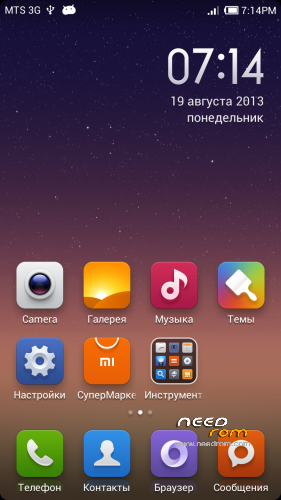
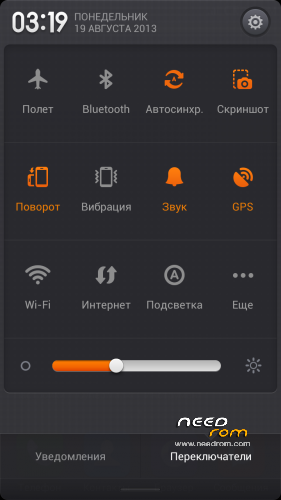
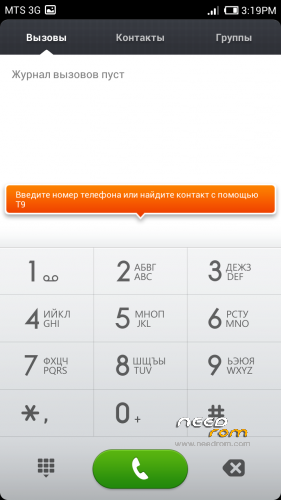
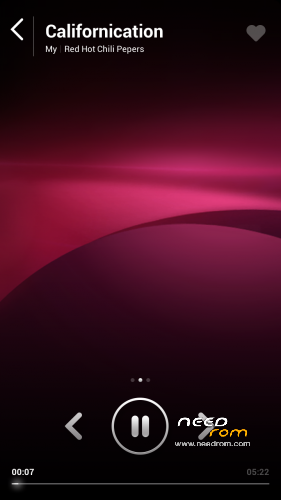
- Title: MIUIv5 S7589
- Listed: August, 2013
- Last modified: 03/15/2014 2:22 pm
- Version: 4.3.7
You must be logged for ROM download.
61888 total views, 16 today
1 Total favorites

 Member Info
DESCRIPTION
Install only from Recovery!!!
Best smart phones and other equipment at low prices on GearBest.com
Features ROM:
Updated 15.03.2014: added version 4.3.7
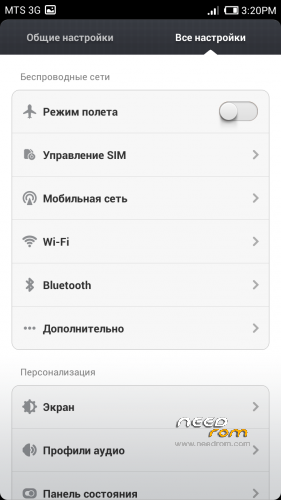
Model name: Star S7589 4G or 8G
ROM Author: greeshan
Link to 4PDA === Description and features of VERISON 4.3.7
Features:
- Multilanguage (available in 27 languages: English, Chinese, Polish, Russian, Ukrainian, Slovak, Czech, French, Hungarian, Danish, Dutch, German, Greek, Spanish, Italian, Arabic, Norwegian, Hebrew, Vietnamese, Korean, Indonesian, Brazilian-Portuguese, Turkish, Thai, Bulgarian, Finnish, Portuguese.
Will be added later: Swedish, Romanian, Kurdish)
- Full operation and management of two SIM cards
- Switch between 3G sim cards
- Tweaks, scripts, and optimization of the firmware
- SD memory card as the default
FULL WORKS!!!
Attention! When connecting MiCloud be sent paid SMS. Carefully read the information on the screen when you connect. And who have problems with updates from GooglePlay – make Wipe Cache from Recovery or wipe cache from settings in GooglePlay Market, Google Services Framework, Services Google Play. Who have problems with 3G, try different modem for our device! (MODEMS.zip)
Label operator delete from Settings!!!
IF YOU LIKE MY WORK PLEASE DONATE . EVEN 1 $ IS APRECIATED.
Instructions for CWM or TWRP:
Step 1: Download the custom ROM copied to an external SD card root directory
Step 2: the shutdown state. While holding down:
– Power button + volume button up, to enter the recovery mode.
– Wipe Data / Factory Reset -> delete all user data
– Wipe Cache Partition -> Wipe cache
– Advanced -> Wipe Dalvik Cache
Step 3: Return to recovery main interface Install zip from sdcard -> choose zip from sdcard -> Select your ROM
Step 4: Complete, restart the phone. Patience required – first boot takes a while.
※Please make a backup of your device before installing or updating ROM
you firstneeds the ORIGINAL ROM first https://www.needrom.com/downlo...../star-s7589-10/ and then put https://www.needrom.com/downlo.....-v5-star-s7589/
error when installing this! what do I have root access still does not complete the installation