
- Title: Update MiUi V6 5.4.17..
- Listed: March, 2015
- Last modified: 03/10/2015 2:12 pm
- Version: MIUIV6 5.4.17
You must be logged for ROM download.
33490 total views, 2 today
10 Total favorites
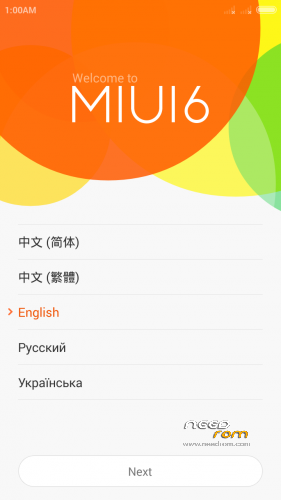
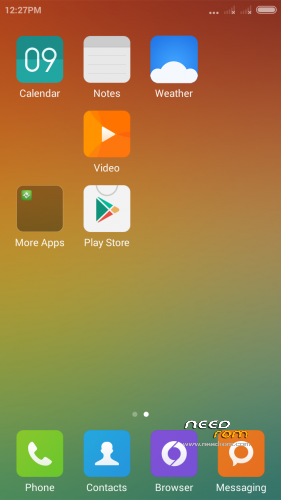
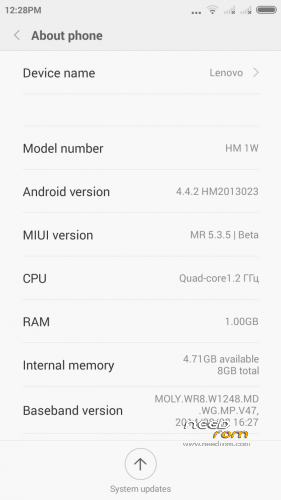
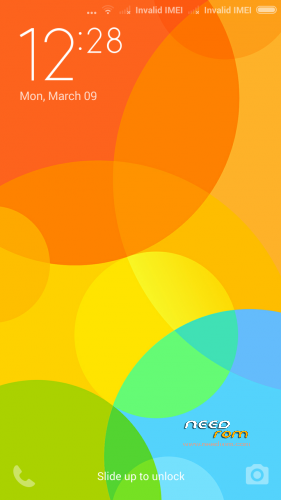
 Member Info
DESCRIPTION
UPDATE to MIUI V6 5.4.17
Installation process remains same
All credit to the developers and 4pda… i am just posting here
Original link from 4pda.ru
http://4pda.ru/forum/index.php?showtopic=647777&st=1800#entry39541576
————————————————————————————————————————————–
Finally MIUI 6 for P780
Very beautiful and elegant !!!
Optimized battery performance…
Note :- Xposed framework or WSM tools may not work as expected
Make a backup of your phone before you peform the install !
Wipe Data/Cache/dalvik And install from CWM
Only for Chinese firmaware and recoveries … DO NOT try to put on ROW firmware
How to Install
CWM
Step 1: Copy the ROM on External SD card
Step 2: Restart the phone in recovery mode
> Power button + volume button down, to enter the recovery mode.
> Wipe Data / Factory Reset -> delete all user data
> Wipe Cache Partition -> Wipe cache
> Advanced -> Wipe Dalvik Cache
Step 3: Return to recovery main interface Install zip from sdcard -> choose zip from sdcard -> Select the ROM
Step 4: You may see an error, just ignore and proceed with reboot.
More info about the Rom can be found at http://4pda.ru/forum/index.php?showtopic=647777&st=20#entry38457803
All the credit goes to developers, i dont own this ROM …. i am just posting here.
Have fun
※Please make a backup of your device before installing or updating ROM
flashed it today.
seems gud.
transition seems bit slow but overall beautiful
tnx for sharing the link with us
Is there a way to add other languages?
http://forum.xda-developers.co.....d.php?t=1564694 visit here to know more about it….
Thank you very much.
yw
How to flash the Lenovo P780 with SP flash tool as through this process I am not able to change my ROM as when I clear everything then install it I get a fail message.
You need to install the custom recoveryy like TWRP or CWM using flash tools first.. and follow the process written above
After installing it is not loading…The first scrren is there…….it is not starting up. please help to overcome this error. Thanks in advance
it might be because you are on ROW recovery… get the Chinese recovery installed via flash tools and try again
it should work
To add other languages look for jBart software. When you download it there is quite simple way to add other languages
In XDA there is a discussion saying that google play and contacts do not work? Is it true or this comes with gapps?
Everything works fine for me….
Ok I install this rom. It's little slow but:
plus:
+MIUI V6
+Android 4.4.2
+GAAPS included
minus:
-a little bit slow transition
- When yoy try to set buttons in phone setting app crash
-NO multilanguage – of course you can use jBart to add other languages but still not everything will be translated
using this ROM since two weeks…..only a little laggy transitions….overall best ROM featureswise…MIUI v6 <3
also i recieved an OTA update 5.4.3 (means it was relased on 3/4/2015) today though i am not able to install it …it shows some errors in updater script saying "this ROM is for HMW and this is p780"
I guess i have to change something in the updater binary script
the browser don't go to setting and don't respond .